2 - 6
USER’S GUIDE Triton Wireless Hand-held Terminal
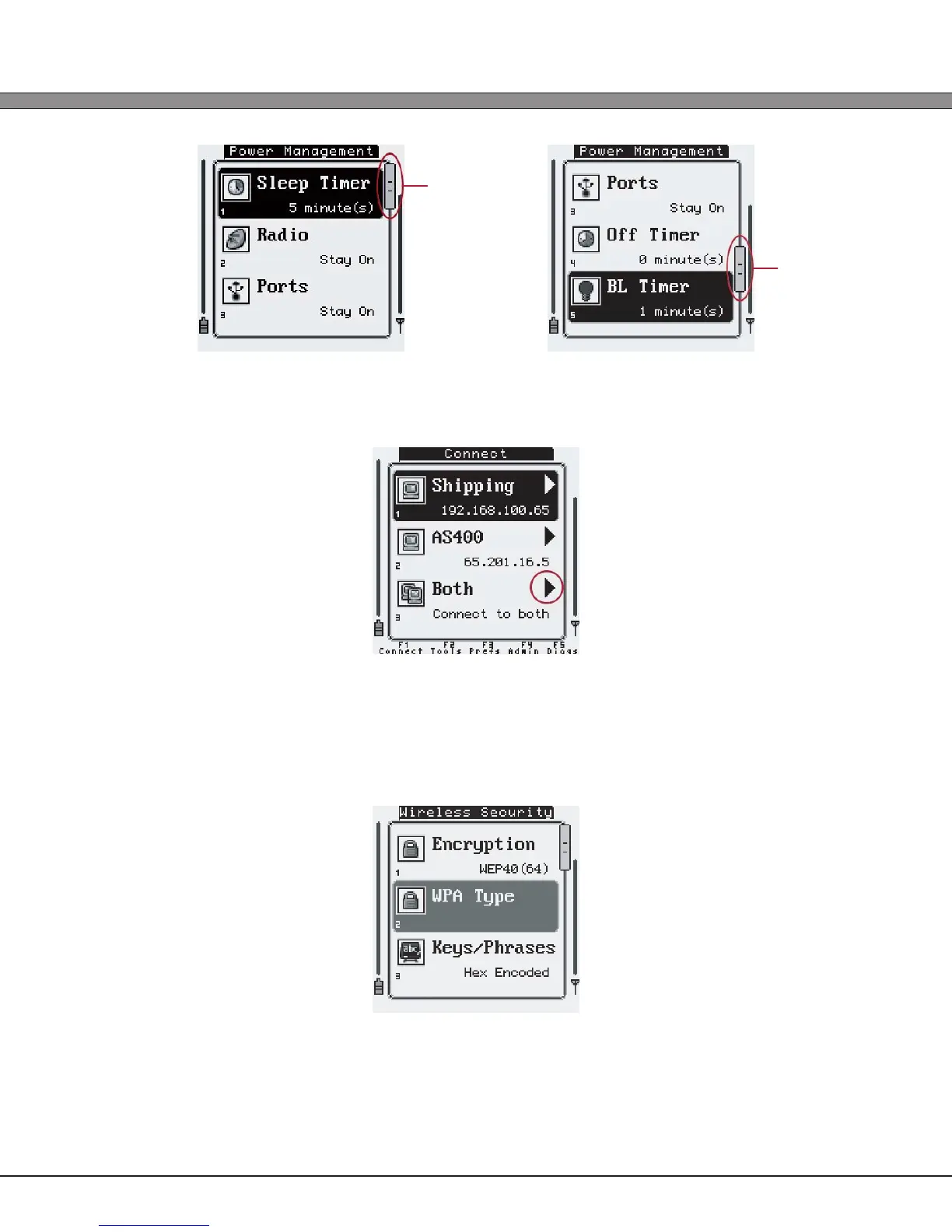
If the option activates a function (as from the “Connect / Reconnect” menu) or enters a
deeper menu (as from the “Host Servers” menu), a small arrow will be displayed to the right
of the option name.
Some settings options depend on other settings’ values. When these “dependencies” are
not fullled for an option will be displayed in a lighter color and will not be available to be
modied or activated. For example, within the “Wireless Security” settings, if the Encryption
option is not set to “WPA/WPA2”, the WPA Type option will be grayed out, as it is not relevant
in this case.
Scrollbar
Scrollbar



 To Next Page