2 - 36
USER’S GUIDE Triton Wireless Hand-held Terminal
Networking Options - cont’d
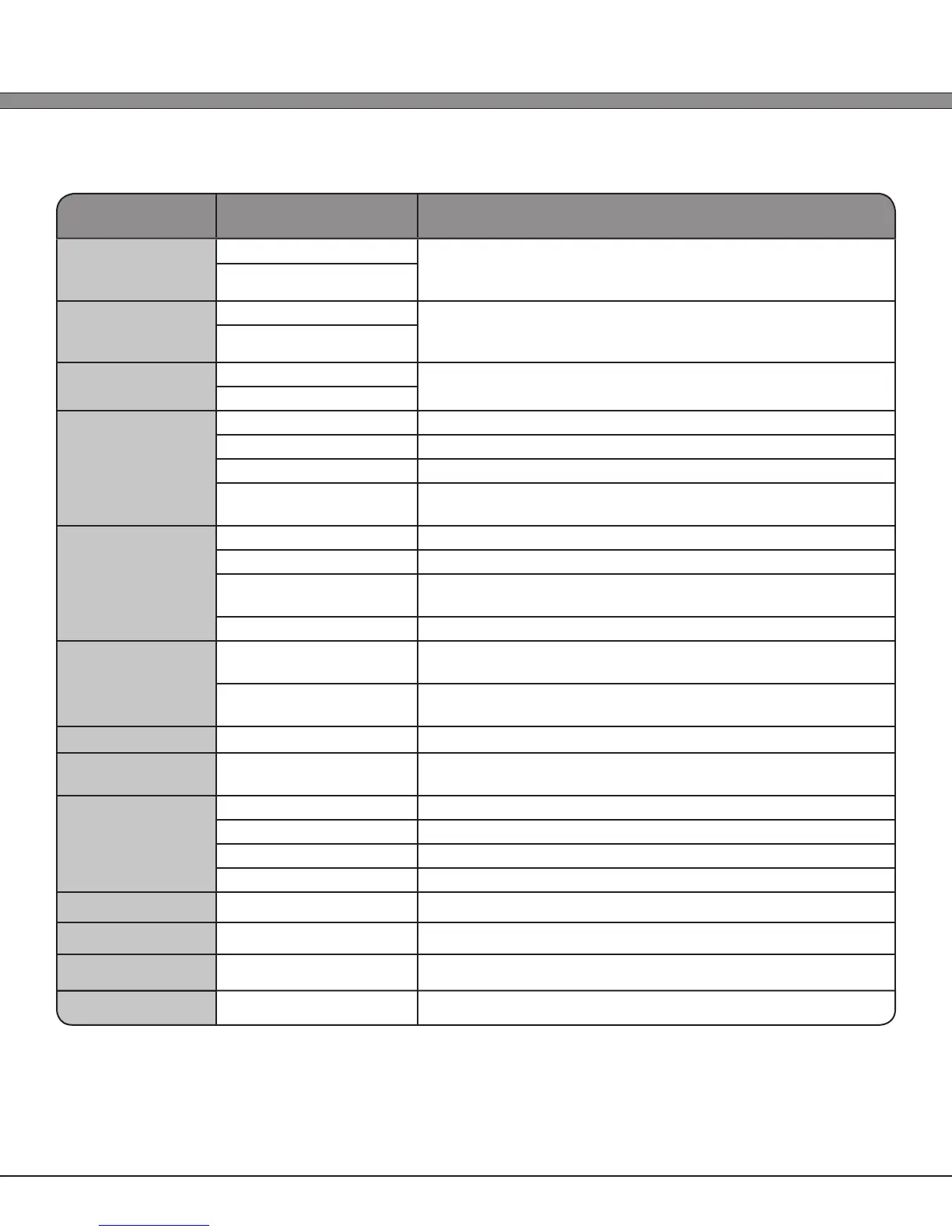
Setting Paremeter Available Options Option Description
Roam Thshld
Min: -80 dBm Threshold level in absolute dBm that the Triton 802.11b/g radio
should not allow roaming if above (-80 dBm is approximately
5% Signal Level, -60 dBm is approximately 80% Signal Level)
Max: -60 dBm
Rescan Time
Min: 5 seconds When the Triton Signal Level is below the Roam Threshold,
Rescan Time is the amount of time between scans while
searching for better APs
Max: 60 seconds
Channel
Min: 1 Channel to use for 802.11 network connection in Ad-hoc /
Peer-to-Peer mode
Max: 11 (US) 13 (EU)
Encryption
1.) None No encryption or authorization is used (NOT RECOMMENDED)
2.) WEP 40 (64) 40 bit WEP (commonly called 64 bit) encryption
2.) WEP 104 (128) 104 bit WEP (commonly called 128 bit) encryption
3.) WPA / WPA2 WPA or WPA2 encryption and authorization (auto-negotiating
between WPA and WPA2 on association)
WPA Type
1.) PSK Pre-Shared Key
2.) EAP-PEAP Protected Extensible Authentication Protocol
3.) EAP-TLS EAP Transport Layer Security (NOTE: requires valid certicate
les placed in /mnt/certs)
4.) EAP-TTLS Tunneled Transport Layer Security
Keys/Phrases
1.) Hex Encoded Keys and passphrases should be interpreted as a hexadecimal
encoded string
2.) ASCII Phrases Keys and passphrases should be interpreted as normal ASCII
text
WPA Identity
(Text Entry) Username / Identity to use for WPA/WPA2 Authorization
Passkey
(Text Entry) Passkey to use as the WPA/WPA2 Password, Passphrase, or
Pre-Shared key
Tx WEP Key
1.) 1 Use WEP Key 1 (IEEE key 0)
2.) 2 Use WEP Key 2 (IEEE key 1)
3.) 3 Use WEP Key 3 (IEEE key 2)
4.) 4 Use WEP Key 4 (IEEE key 3)
WEP Key 1
(Text Entry) WEP Key 1 (IEEE key 0)
WEP Key 2
(Text Entry) WEP Key 2 (IEEE key 1)
WEP Key 3
(Text Entry) WEP Key 3 (IEEE key 2)
WEP Key 4
(Text Entry) WEP Key 4 (IEEE key 3)



 To Next Page