11
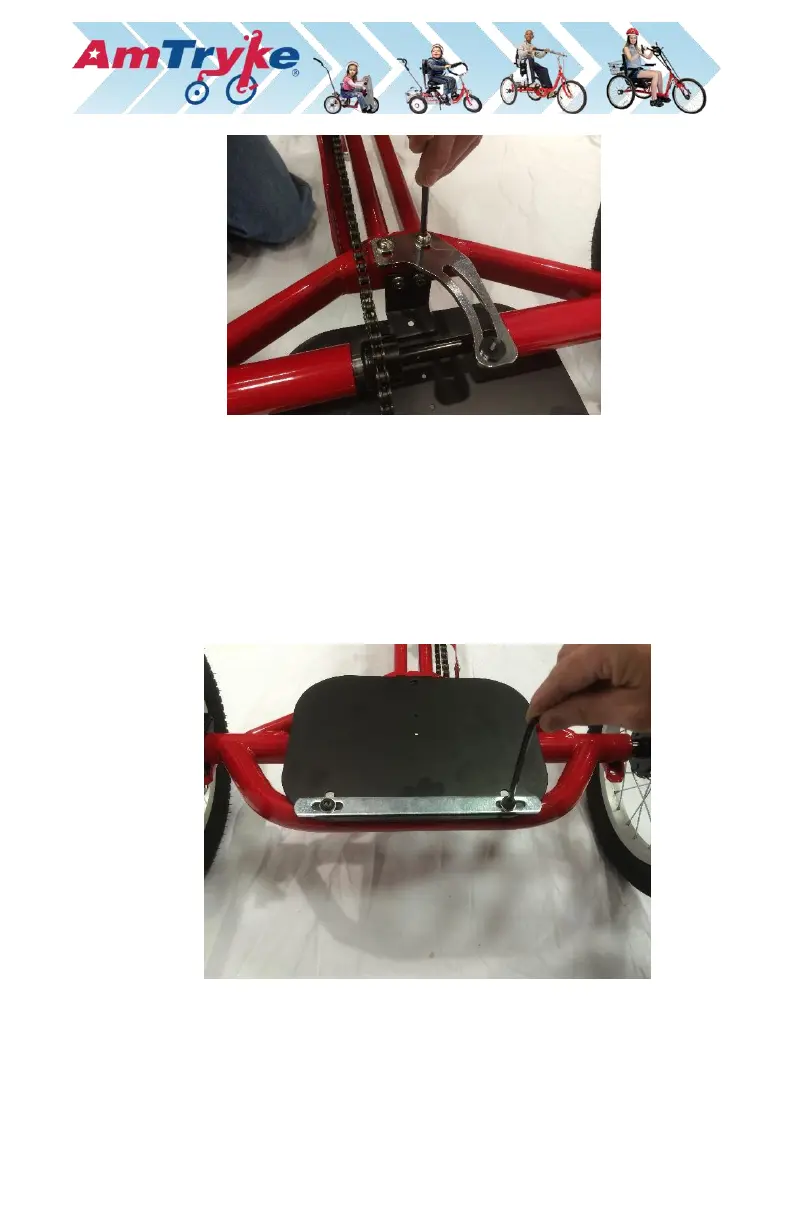
7. Install Red Rear Steering Assembly.
a.) Loosen the two (2) screws holding the black basket plate to the bottom
rear of the main frame first. Just loosen, do not remove.
b.) It is important that all the screws and bolts be loosely installed at first.
This will allow you to line up all the holes and get the screws started
easily. The final step is to tighten all bolts and screws.
c.) Flip tryke right side up.
d.) Remove silver basket bracket, 25mm screws and washers from the
black basket plate and save them for later.
e.) Flip tryke upside down again.
f.) Slide on red rear steering bracket until the holes line up. The silver push
bar brackets should be below and the black steering linkage should be
on top (when tryke is upside down) for easy installation. The bottom


 To Next Page