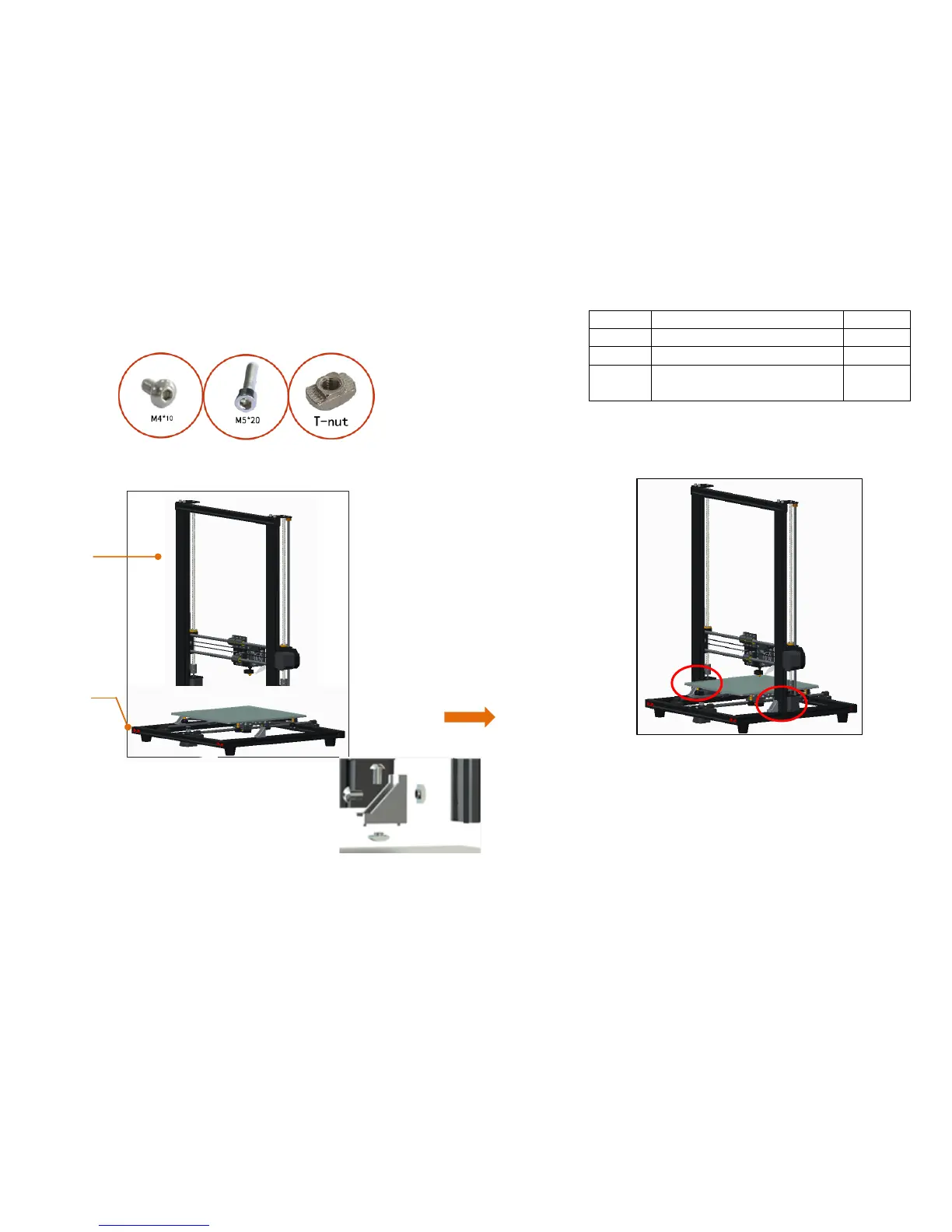
Attention: Put the vertical frame on the chassis, align it with the
holes on the aluminum profile of the chassis
, and fix to on the chassis with 4 M5 * 20 screws.
Corner bracket installation: Make the screws
through the corner bracket, screw on the T - nut
( 2 - 3 thread tooth ), put it into the profile
slot ( inside ), tighten the screws with a wrench,
and the T - nut will rotate 90 degrees and the
corner bracket will be fixed.



 To Next Page