7.2.4 Remove Model
Please remove the model by hand after printing .
7.2.5 Unload Filament
Automatic unload filament (taking PLA as an example)
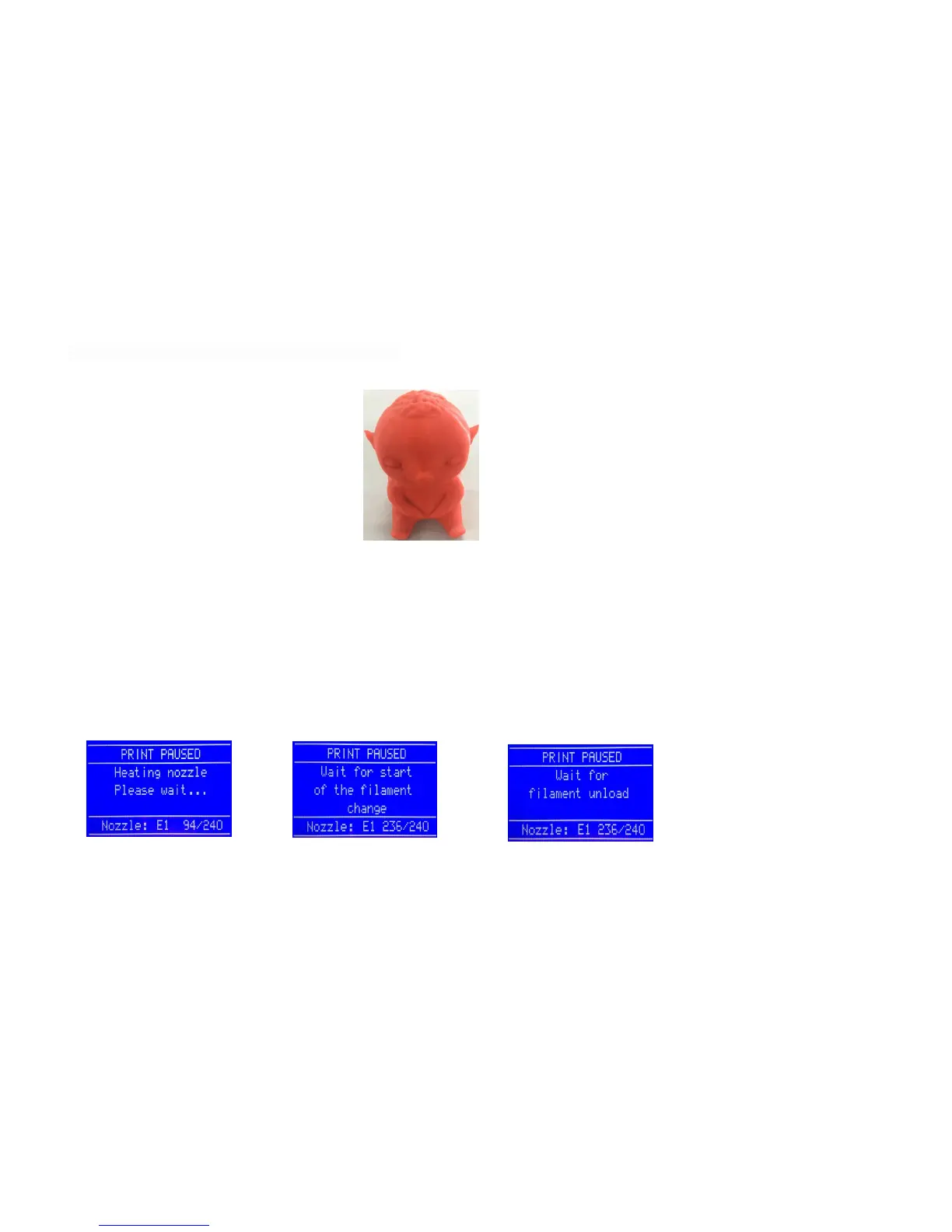
Please press rotary button →“ Prepare”→“ Change filament”, the main interface will display “Heating nozzle Please wait……”,wait
for 1-2 mins ,the interface will display“Wait for start of the filament change”after the nozzle temperature rises to the target
temperature →“Wait for filament unload ” ,the machine automatically unload filament ,then pulls out the filament in the vertical
direction and unload the filament.



 To Next Page