3 Printing
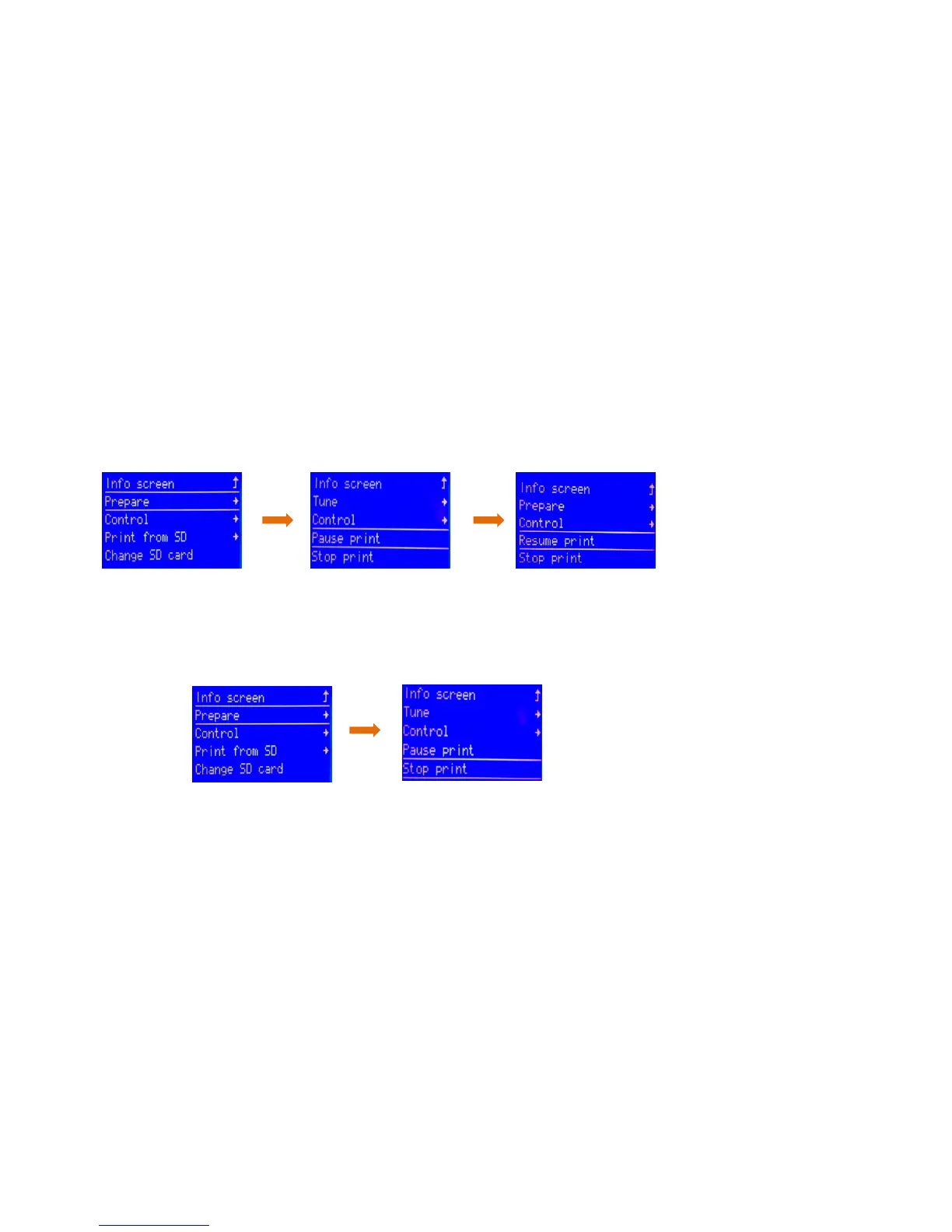
1. After leveling is completed and the filament is installed successfully, press the rotary button to enter the main menu, press
" Print from SD" → " Main" and select the file under " Main" to start first printing.
2. In the process of printing, if you want to pause printing, press the rotary button to enter the main menu, press " Prepare"
→ " Pause print" to pause printing, and press " Resume print" to resume printing.
3. If you want to stop printing during printing, press the rotary button to enter the main menu, press " Prepare" → " Stop print"
to stop printing, press the reset button to resume normal operation of the machine and select to reprint the model.



 To Next Page