7.2 First Printing
7.2.1 Install TF Card
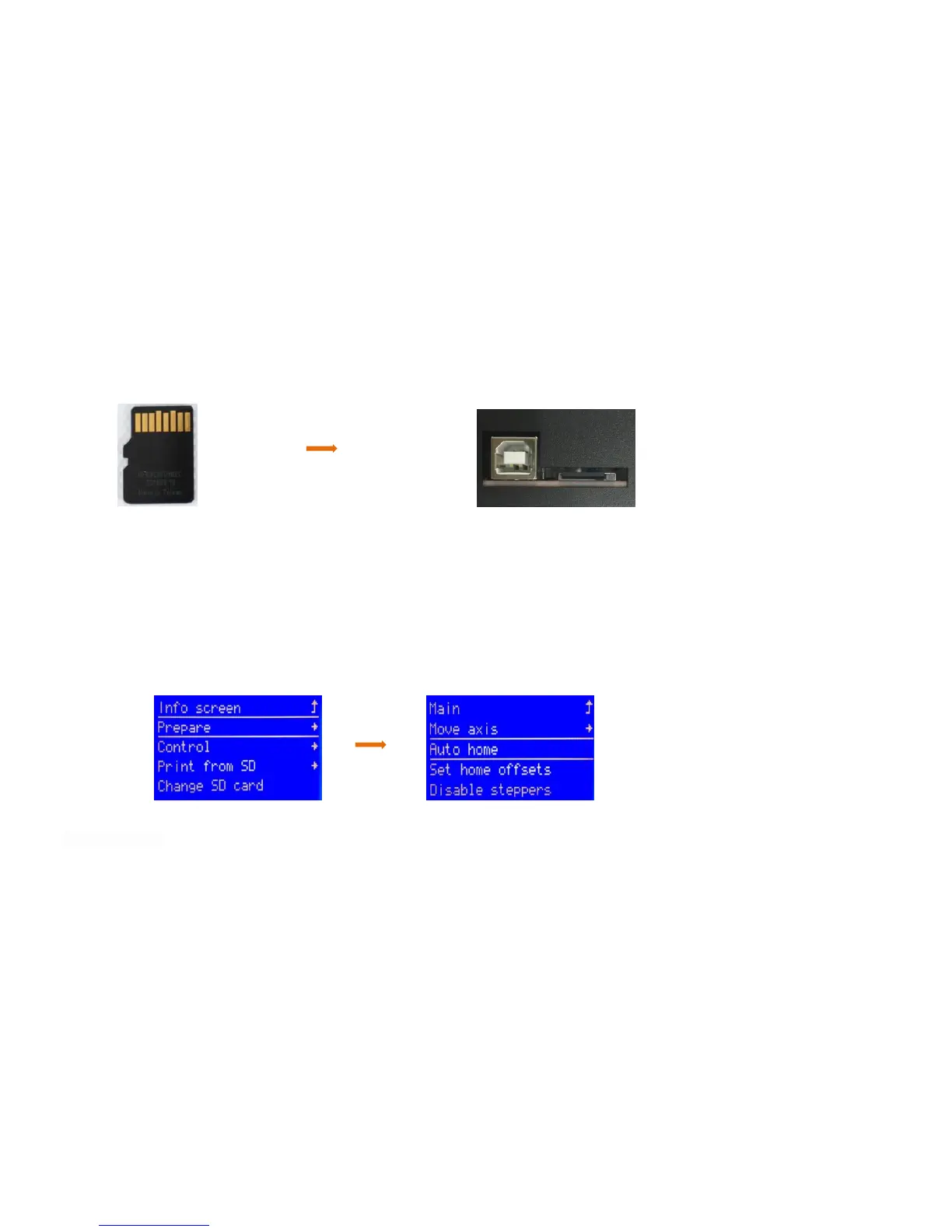
Insert TF as shown in picture 2
7.2.2 Machine leveling
1. Auto home operation: Adjust the spring around the heating bed to the tightest ( counterclockwise ), press the rotary button
to enter the main menu, select“Prepare”→“Auto home”, the machine begins to move toward the position of the limit switch until
it stops moving after touching the limit switch.
2.Disable steppers operation: Press the rotary button to enter the main menu, select“Prepare”→“Disable steppers”.
3.Manual leveling:Move the nozzle to the heating bed, and observe the distance between the nozzle and the heating bed from the
front of the machine. If the distance between the nozzle and the four corners of the heating bed is 0.1mm (the thickness of a piece
of A4 paper, A4 paper can pass through the gap and feel slight resistance), leveling is not required. If the distance between the



 To Next Page