4200T CNC Programming and Operations Manual
P/N 70000412F - Edit Help
7-8 All rights reserved. Subject to change without notice.
31-July-05
Edit Help Soft Keys
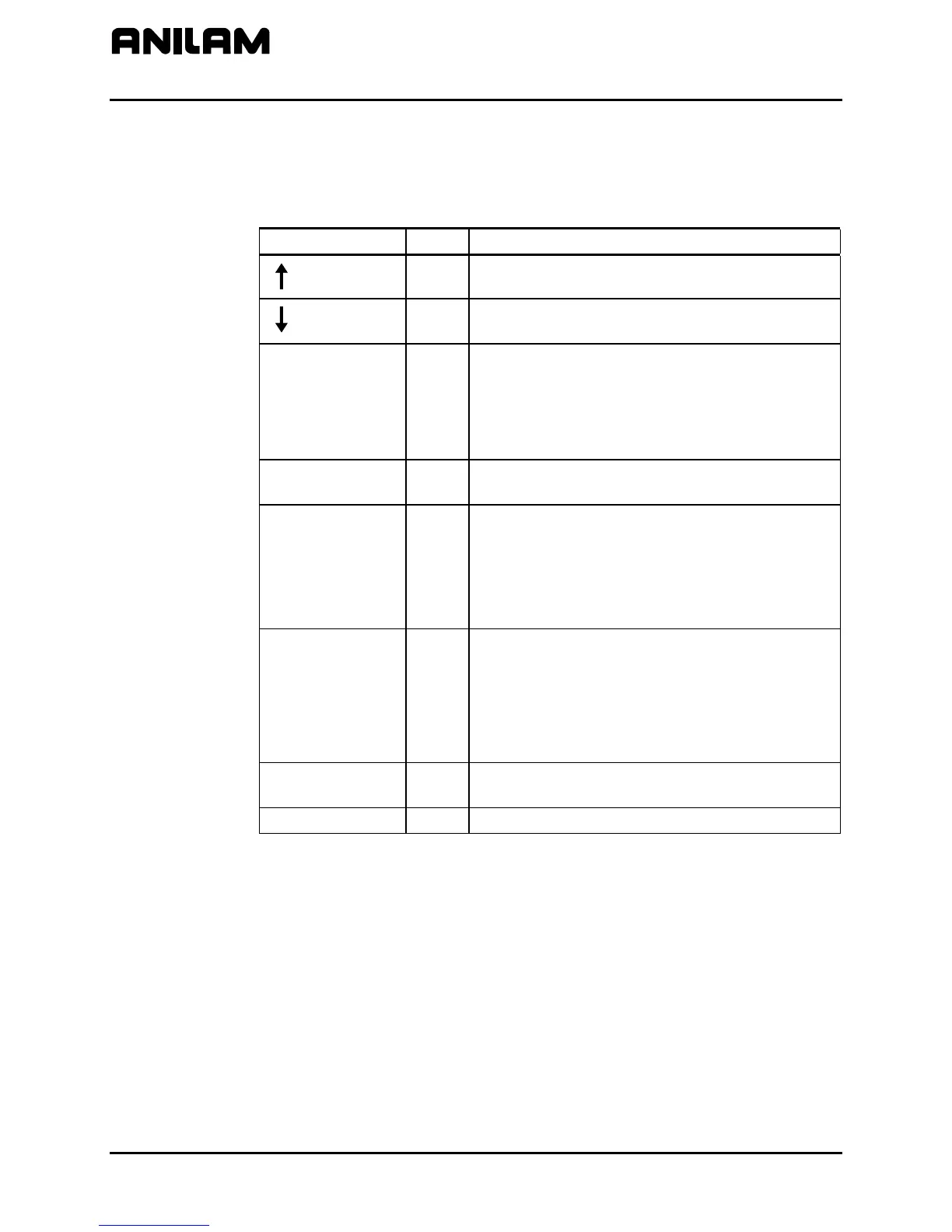
Refer to Table 7-5 for a list of the soft keys available in the Main Edit Help
Menu.
Table 7-5, Edit Help Soft Keys
Soft Key Label No. Description
(UP)
F1
Moves highlight to the next Help Template.
(DOWN)
F2
Moves highlight to the previous Help
Template.
Text F4
Switches the text shown in the center of the
Edit Help Menu between two choices. The
CNC displays either:
− the active program and input box, or
− instructions for using the Edit Help Menu
Select F5
Selects the highlighted Help Template or G
Code choice.
ReEdit F6
When the insertion point is placed on a block
containing a Canned Cycle, pressing ReEdit
(F6) automatically activates the Help Graphic
screen pertaining to the Canned Cycle. Once
all the fields have been edited, press Accept
(F8).
Abort F7
Deactivates the Edit Help Menu and returns
the user to the Program Listing.
NOTE: When the Edit Help Menu is
deactivated, the CNC saves all accepted edits.
The CNC does not save unaccepted edits to
the block displayed in the Input Box.
Accept F8
Inserts the block displayed in the Input Box
into the program.
Exit F10
Returns the CNC to the Program Listing.



 To Next Page