4200T CNC Programming and Operations Manual
P/N 70000412F - Simplified Command Interface (SCI) Mode
All rights reserved. Subject to change without notice. 13-7
31-July-05
In either case, the endpoint must be specified. The centerpoint of the arc
will be either Absolute or Incremental. This parameter is set up in the
Setup Utility by the machine builder. The default Arc Centerpoint is
Incremental.
If no feedrate is set, the CNC uses the currently active feedrate.
To input an arc move:
1. With the SCI soft key menu active, press Arc (F3). The soft key
highlights and the Arc move input labels and entry fields are
displayed.
2. Enter the parameters listed above and press
START. The command is
executed.
Setting Software Limits (G22)
NOTE: This command is similar in execution and function to the G22
Software Limits command.
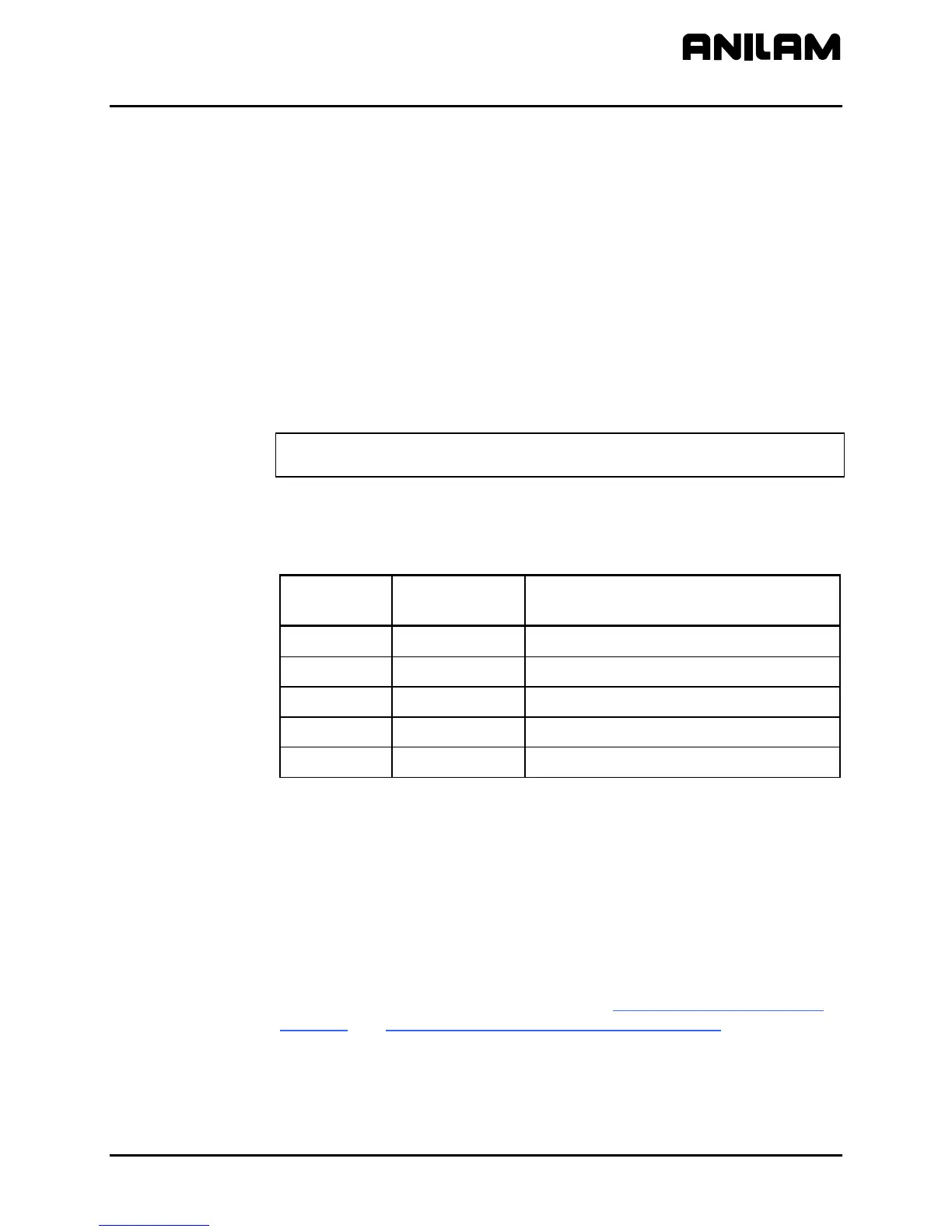
Refer to Table 13-6. Set the CNC software limits by specifying the
following parameters:
Table 13-6, Arc Move Input Labels
Input Label
Entry Field
Input Format
Description
X+ Limit
xxx.xxxx Sets the positive X software limit.
Z+ Limit
xxx.xxxx Sets the positive Z software limit.
X- Limit
xxx.xxxx Sets the negative X software limit.
Z- Limit
xxx.xxx Sets the negative Z software limit.
Event
Enable/Disable Enables or disables the software limits.
The software limits feature creates an envelope limiting the tool’s range of
travel. The positive X and Z limits represent the extreme distance the tool
can travel in a positive X and Z direction. The negative X and Z limits
represent the extreme distance the tool can travel in a negative X and Z
direction.
Software limits are referenced to Absolute Zero (Machine Home). The
values of the positive and negative limits depend on the location of
Machine Home.
The location of the positive and negative software limits (+X, -X, +Z, -Z)
reverses from front to rear tooling. Refer to Figure 13-2, Rear Tool Post
Software and Figure 13-3, Front Tool Post Software Limits for the location
of positive/negative software limits.



 To Next Page