4200T CNC Programming and Operations Manual
P/N 70000412F - Shape Editor
All rights reserved. Subject to change without notice. 14-9
31-July-05
Table 14-4, Arc Segment Tools (Continued)
Arc Template Arc Definition Template Values Required
A
X,Z
R
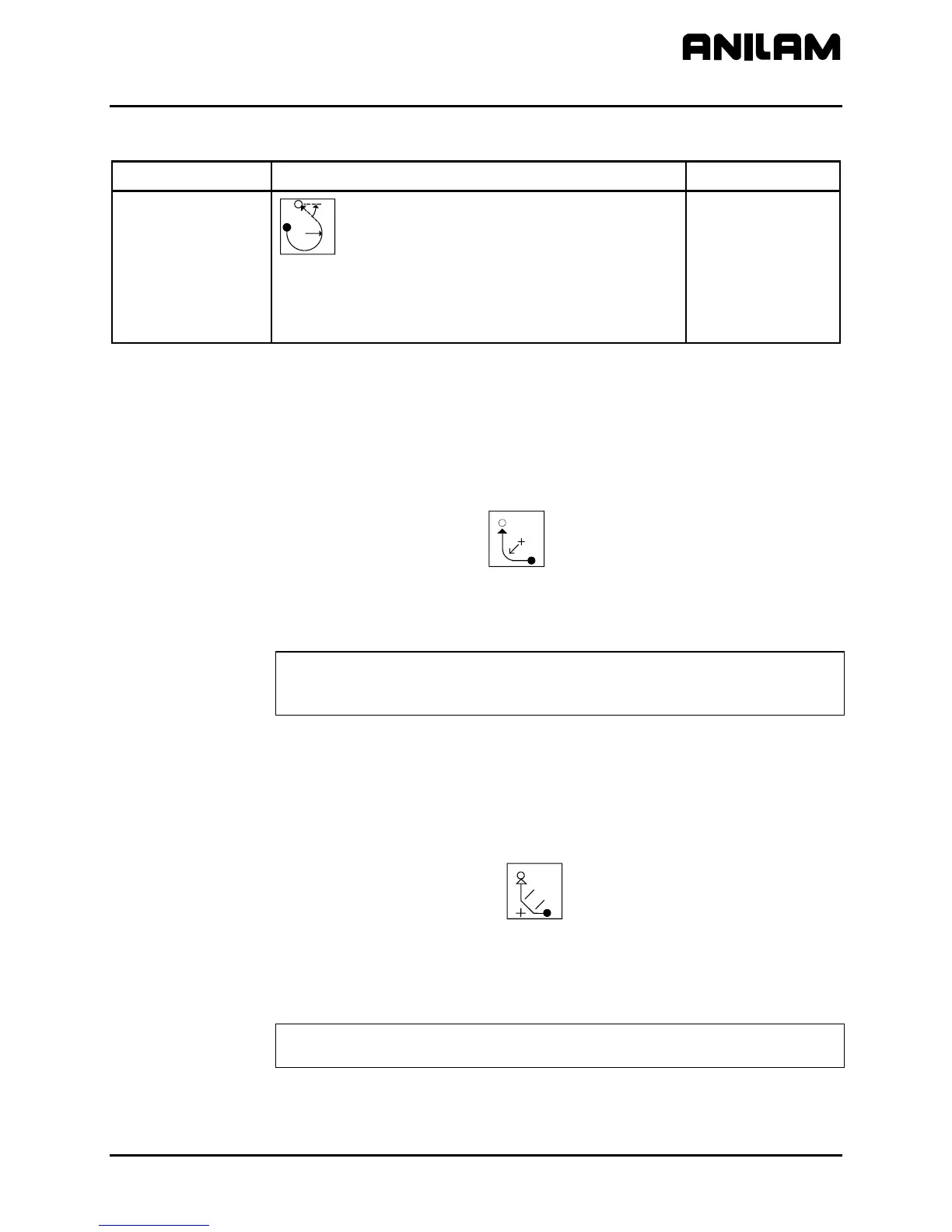
Arc followed by tangent line from pointer to
endpoint. Line is defined from pointer to X, Z
endpoint. Arc from pointer to tangent intersection
with line is defined by radius.
Use radius and
absolute or
incremental X, Z
endpoint.
Use absolute
angle.
Arc Tools
Use the Rounding tool to insert a radius segment in place of the sharp
corner at the node between two line segments.
To round a corner:
1. Move the pointer to the corner being rounded.
2. Highlight the
ROUNDING
Rnd
template, and press ENTER. The CNC
will prompt for the blend radius.
3. Type the blend radius, and press
ENTER. A new radius segment will
be inserted in place of the original corner.
NOTE: Rounding can be performed only on a node located between two
shape segments. The forward end or back end of a shape
cannot be rounded.
Chamfering Corners
Use the Chamfering tool to chamfer selected corners on the shape.
To Chamfer a corner:
1. Move the pointer to the node to be chamfered.
2. Highlight the
CHAMFERING
Ch
template, and press ENTER. The
CNC will prompt for the chamfer distance.
3. Type the desired chamfer distance, and press
ENTER. A new line
segment chamfering the corner will be added to the shape in place of
the original corner.
NOTE: Use chamfering only on a node located between two shape
segments. The start or end of a shape cannot be chamfered.



 To Next Page