CNC Setup Utility Manual
P/N 70000490C - Other Setup Options
All rights reserved. Subject to change without notice.
10-December-04
3-2
Enabling Builder Messages
To enable Builder Messages:
1. See Map 1
, Menu B. Highlight Use Custom Messages.
2. Press
ENTER to toggle the setting to No (disabled) or Yes (enabled)].
[Default: Yes]
3. Save the changes before you exit the Setup Utilities.
The CNC creates the builder messages file MBENG.TXT.
Editing Error Messages
To edit Error messages:
1. See Map1
, Menu B. Highlight Edit Error Messages.
2. Press
ENTER.
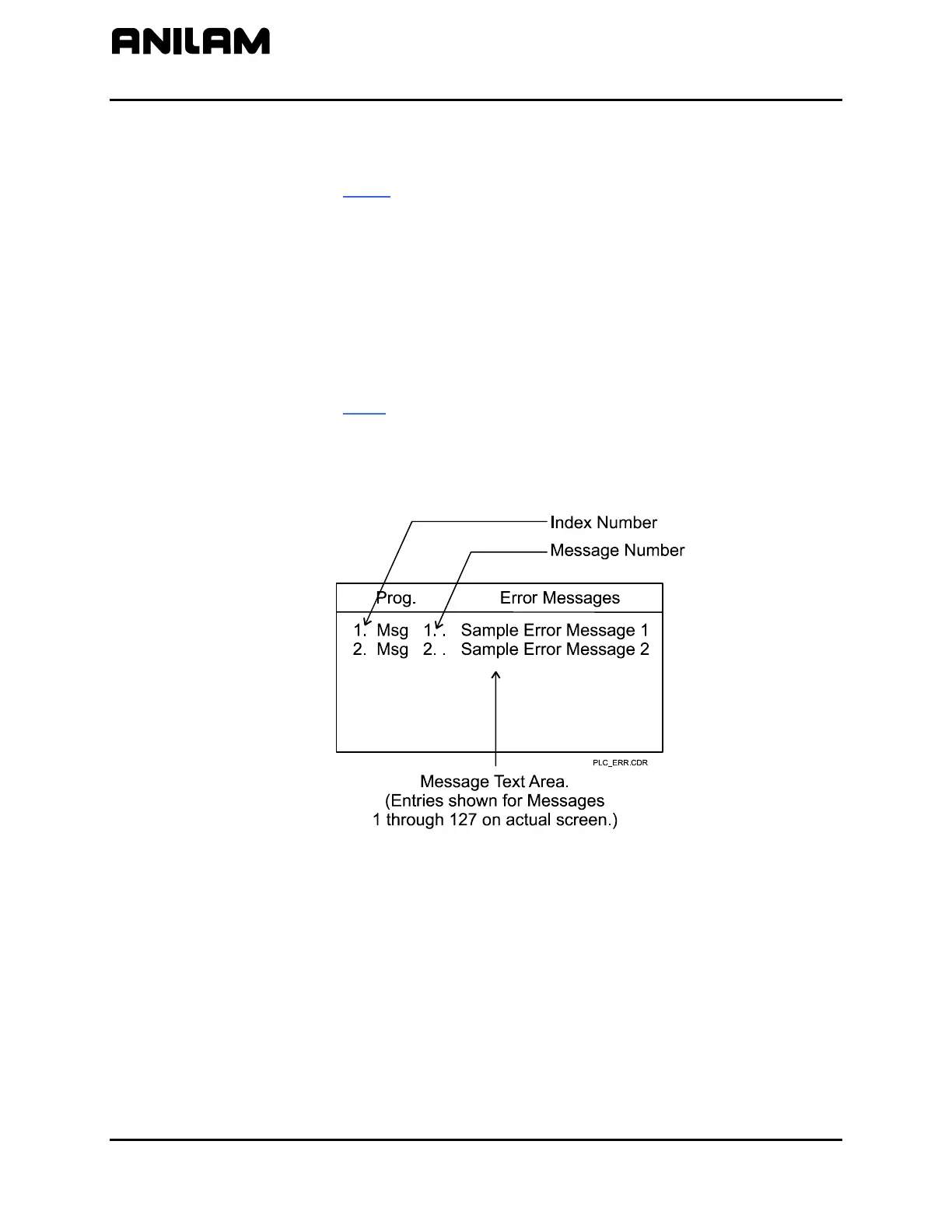
The Prog. Interface Error Messages screen activates. Refer to
Figure 3-1.
Interface
Figure 3-1, Builder Messages - Error Message Window
3. Highlight the message to be entered or edited. Press
ENTER.
The CNC activates the message text box.
4. Type the message text in the box. Press
ENTER.
The CNC assigns an index number and a message number to each
message.



 To Next Page