CNC Setup Utility Manual
P/N 70000490C - Setup Utility Concepts
All rights reserved. Subject to change without notice.
10-December-04
1-4
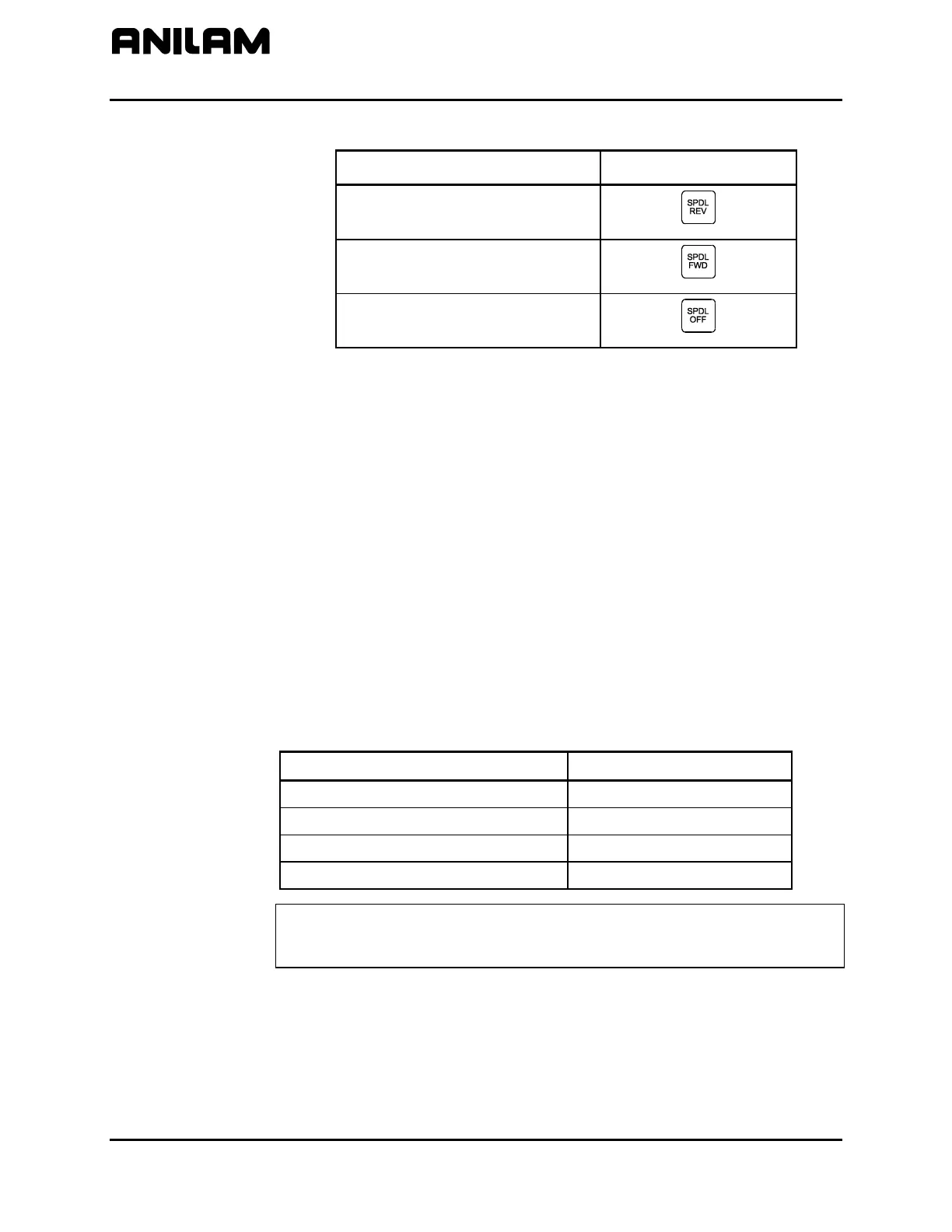
Table 1-3, Console Switches/ Manual Panel Keys (Continued)
Name Switch/Key
Spindle Reverse Key
Spindle Forward Key
Spindle Off Key
ENTER Key
Press
ENTER to enter parameters into the system.
Highlighting Menu Options
Press Up Arrow (F3
) and Down Arrow (F4) to highlight menu selections
in the Setup Utility. The corresponding arrow keys can also be used.
Exiting a Screen
Press Exit (F10) to return to the previous screen.
Password Restricted Parameters
Some machine parameters are protected by passwords. The CNC
provides four access levels of passwords. Operators are assigned limited
access, which allows them to set parameters used in normal machine
operations. Service and factory technicians require a higher level of
access. The Programmable I/O Interface requires a separate password.
See Table 1-4 for default machine passwords.
Table 1-4, Default Machine Passwords
Access Level Password Level
Limited – Operator 159
Service Technician Z48
Factory Technician Reserved for factory use
Programmable Logic Controller IPI
NOTE: Service supersedes Limited. Factory level is the highest and
supersedes all, except IPI, which is independent of the other
passwords.



 To Next Page