CNC Setup Utility Manual
P/N 70000490C - Machine Constants
All rights reserved. Subject to change without notice.
10-December-04
2-75
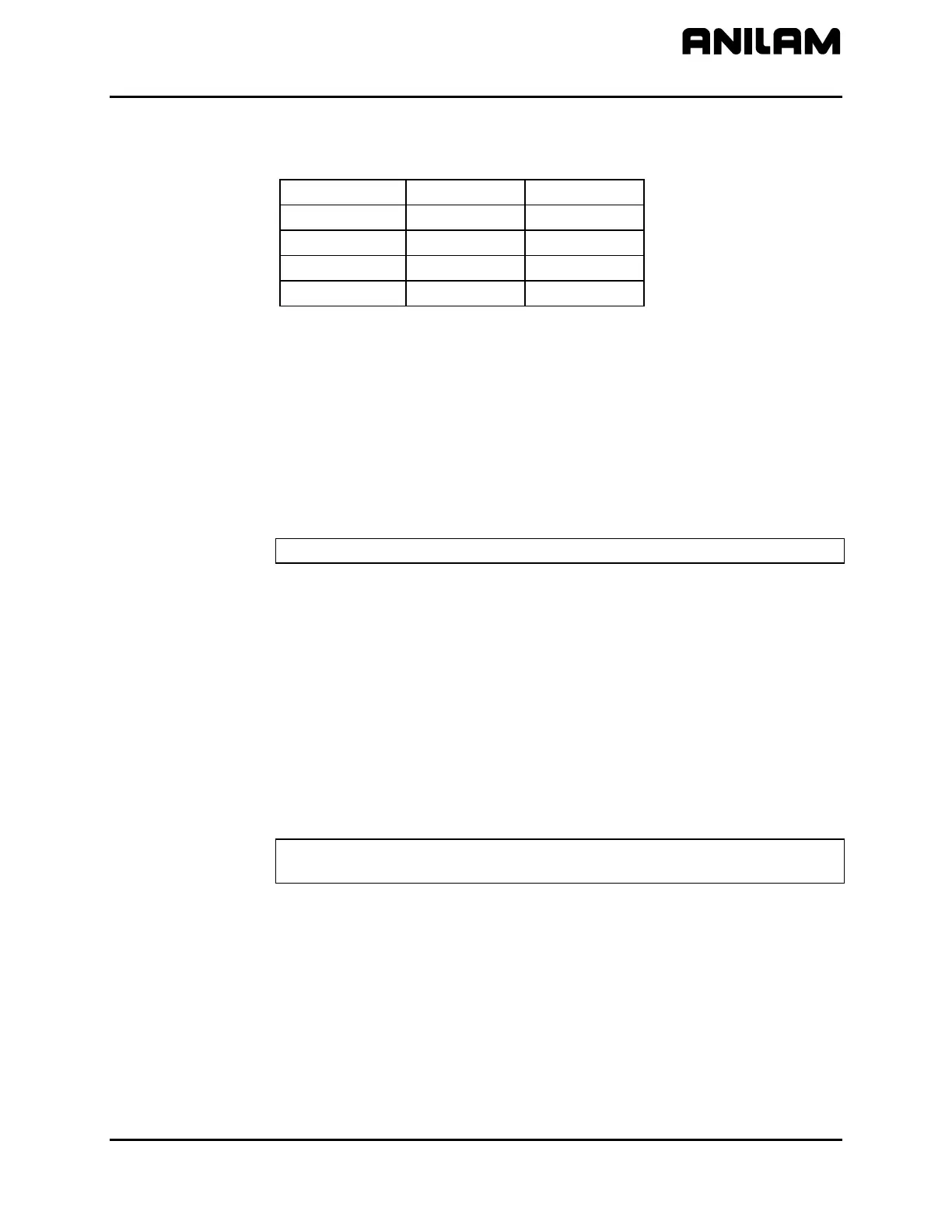
Refer to Table 2-3 for conversion values.
Table 2-3, Micron to Inch Conversion
0.5 Micron 0.0005 mm 0.00002”
1 Micron 0.001mm 0.00005”
2 Microns 0.002mm 0.0001”
5 Microns 0.005mm 0.0002”
10 Microns 0.010mm 0.0005”
Setting In-Position Tolerance
Reference machine constant parameters:
MC_2051: X In-position Tolerance Range
MC_2151: Y In-position Tolerance Range
MC_2251: Z In-position Tolerance Range
MC_2351: U In-position Tolerance Range
NOTE: Rapid moves always execute in In-Position Mode.
When the CNC has positioned the tool within the in-position tolerance of
the target, the CNC processes the next programmed move. At this time,
the CNC displays the in-position indicator. Specify the in-position
tolerance for each enabled axis in the Setup Utility.
[Default: 0.0100 mm]
When determining in-position tolerance:
For rotary encoders, tolerance is usually four times the machine
resolution (e.g., If machine resolution is 0.0002 in., the in-position
tolerance is 0.0008 in.). Use this as a benchmark from which to adjust
this value.
For linear encoders, tolerance equals the resolution of the linear encoder.
NOTE: In-position tolerance must be smaller than Continuous path
tolerance.



 To Next Page