CNC Setup Utility Manual
P/N 70000490C - Tuning the Current, Velocity, and Position Controller
All rights reserved. Subject to change without notice. 5-15
10-December-04
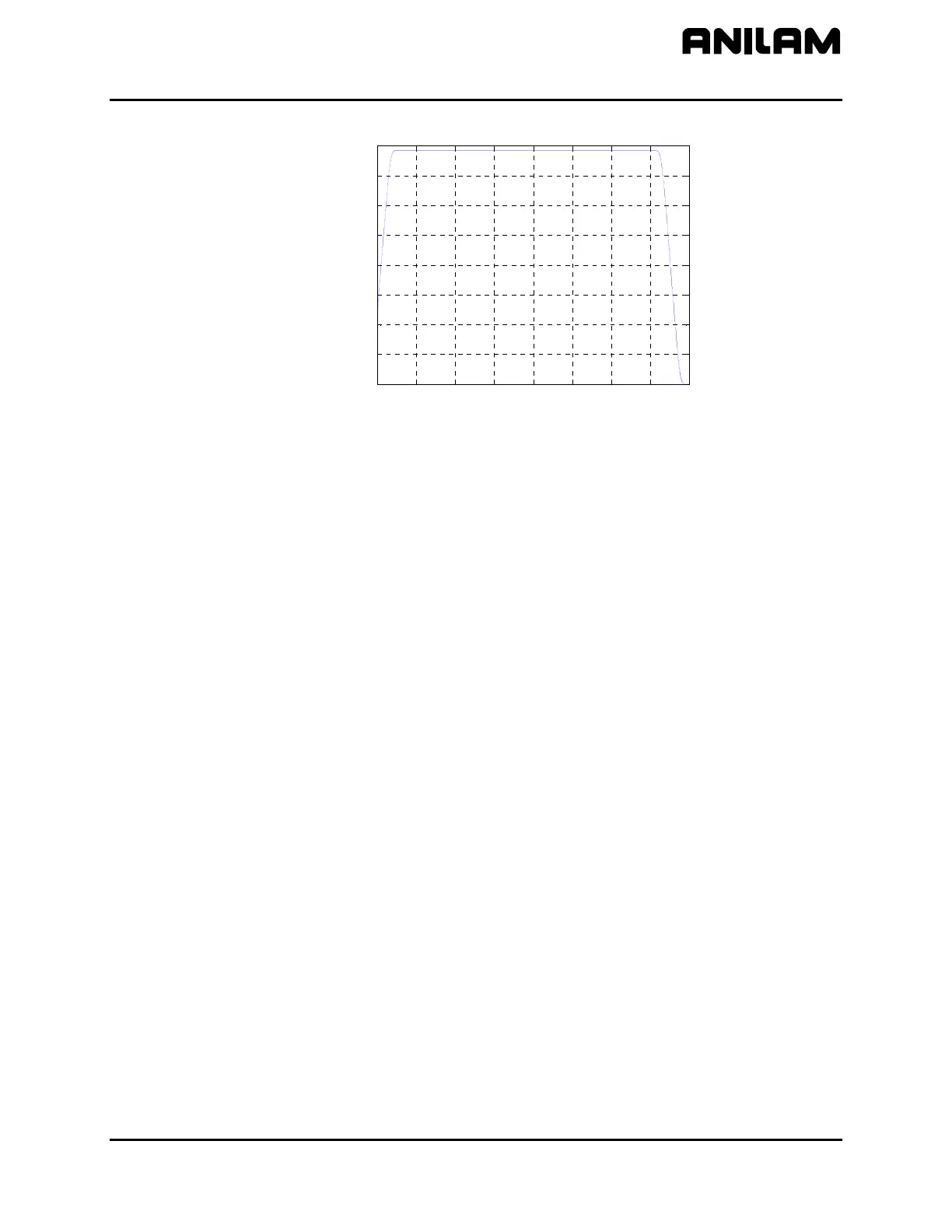
Figure 5-7, Overall System Performance Plot
Use an initial value for MC_4314 and MC_4315 of 200 ms. Decrease
MC_4314 by 10 ms. until an overshoot is displayed when a rapid move is
commanded. When this occurs, increase MC_4314 by 10 ms. until the
overshoot disappears. Repeat this for MC_4315 when a feed move is
commanded. After the test has been run for all axes, use the highest
value obtained from all of the axes tested for the MC_4314 and MC_4315
values.
Use MDI (F5) to command moves. The step response and the resulting
overshoot percentage are displayed after the move ends. After MC_4314
and MC_4315 are adjusted, use Save (F10) to store the result.
I/O Monitor
This test displays manual panel inputs and PLC inputs and outputs to be
monitored while they are actually changed. PLC I/O is divided in
modules:
Module 0 is always present and represents the internal I/O (32 inputs
and 32 outputs).
Module 1 and so on represent external I/O modules (64 input, 32
outputs per module). They are automatically detected.
0 0.5 1 1.5 2 2.5 3 3.5 4
0
500
1000
1500
2000
2500
3000
3500
4000
Time in s
V
e
l
o
c
i
t
y
i
n
m
m
/
m
i
n



 To Next Page