Antelope Audio Zen Quadro Synergy Core User Manual
Page 17
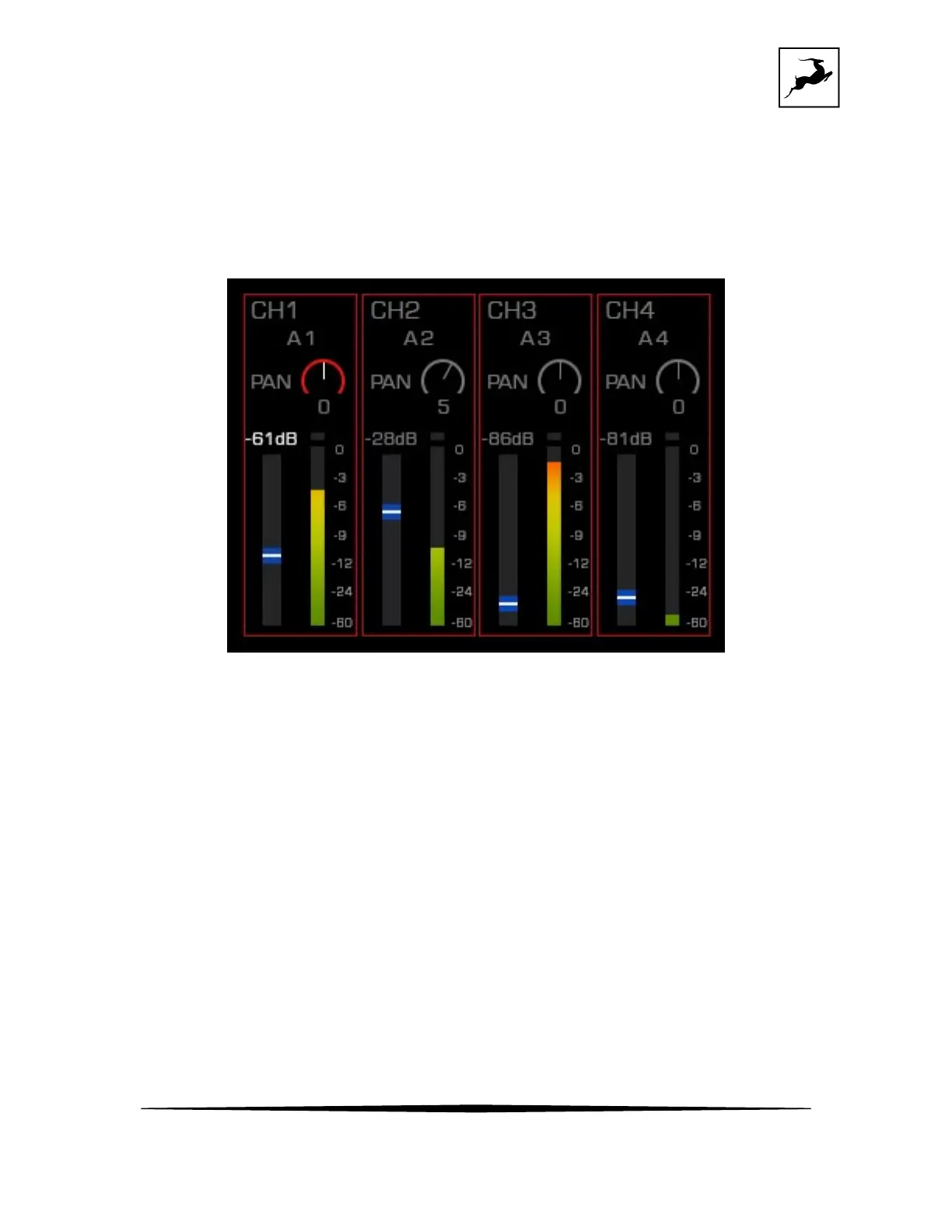
• MON/HP1; HP2 ; LINE OUT- customize and mix the signals going out of the
Monitor and Headphone outputs. There are 3 independent mixers for Monitor out +
Headphones 1; Headphones 2 and Line outs. Navigate through 8 channels, route
signals, control volume and panning of each channel.
MON/HP mixer menu
- Choose the channel you want to manage (CH 1-8) by scrolling with the rotary knob and push to
select.
- Choose between Routing, PAN or Volume control by scrolling with the rotary knob and push to
select.
- Scroll to the volume level adjustment and double press the volume knob quickly to link
the volume level control of a pair of channels.
- Adjust the setting with the Rotary knob and push to confirm the change.
- Use the Antelope button to go one step back.
- There are 3 mixer menus for the Monitor/Headphone 1, Headphone 2 and Line output, each one
with independent controls.
• Routing – Route signals you want to record to your DAW (USB-1 Rec) using the
primary USB 1 port, your mobile device/computer (USB-2 Rec), using the



 To Next Page