Antelope Audio Zen Quadro Synergy Core User Manual
Page 39
control panel, all settings will be the same, so you can safely select “Don’t save”. If you want to
have a session file with the current settings, choose “Save”.
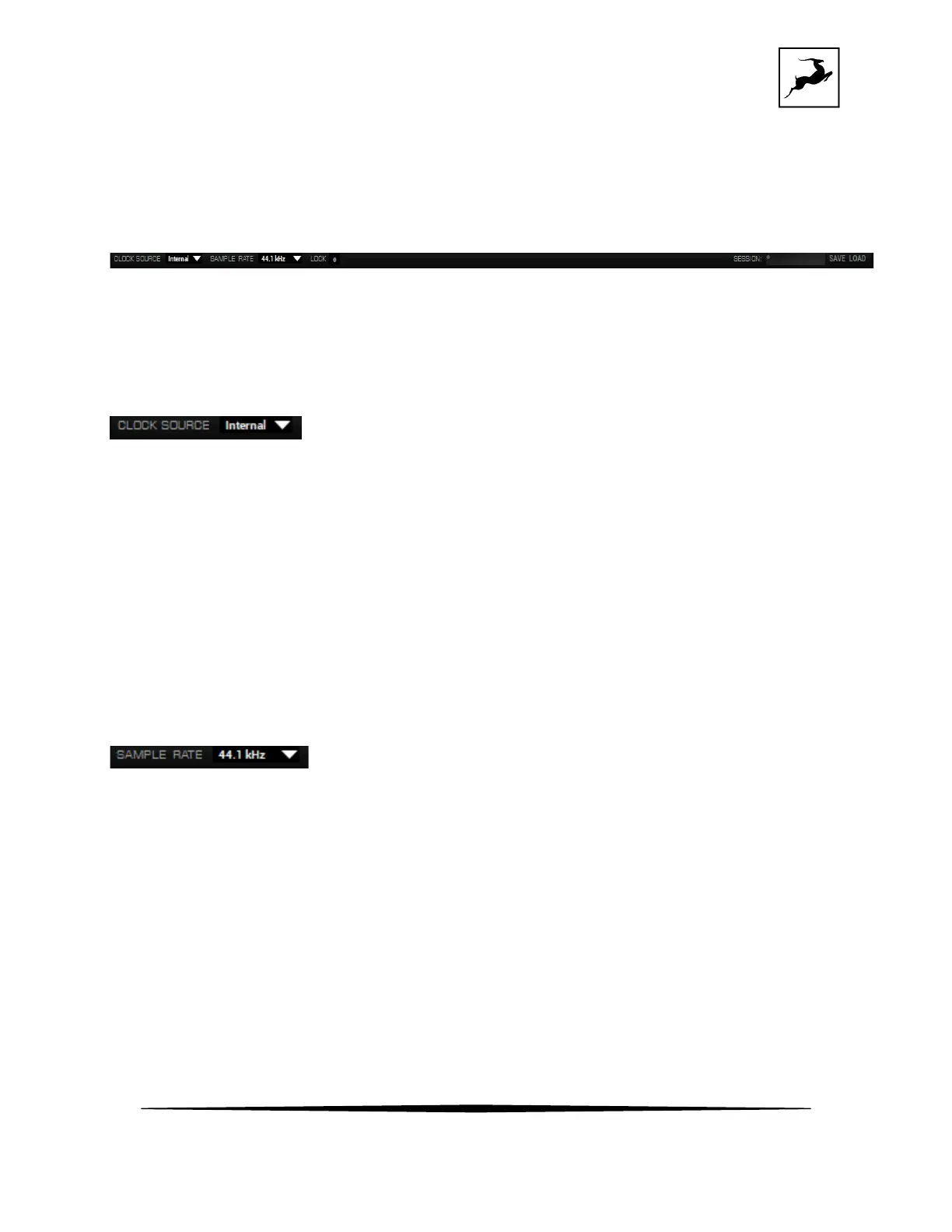
Function strip 2
Contains the following:
Clock Source selector
Click to choose the clock source (Internal, S/PDIF, ADAT) from the drop-down menu. The
playing audio through your computer or mobile device through the USB-C ports, the clock
source should be set to INTERNAL.
Sample Rate selector
Click to choose the device sample rate (32kHz - 192kHz) from the drop-down menu. Make
sure your choice always matches the DAW and operating system sample rates, Tipically, the
Zen Quadro SC will automatically follow the sample rate which is used by the computer
without the need of manually changing it.



 To Next Page