Antelope Audio Zen Quadro Synergy Core User Manual
Page 40
Lock indicator
Lights up when the unit is 'locked' to a digital audio and clock source.
Session controls
Sessions are 'snapshots' of Control Panel configurations. Think of them as Control Panel
presets that you can save, load, and share with other computers and Zen Q Synergy Core
users.
The field to the left of the 'Save' button shows the currently loaded Session file. Click the
'Save' and 'Load' buttons to save and load Session files (*.as).
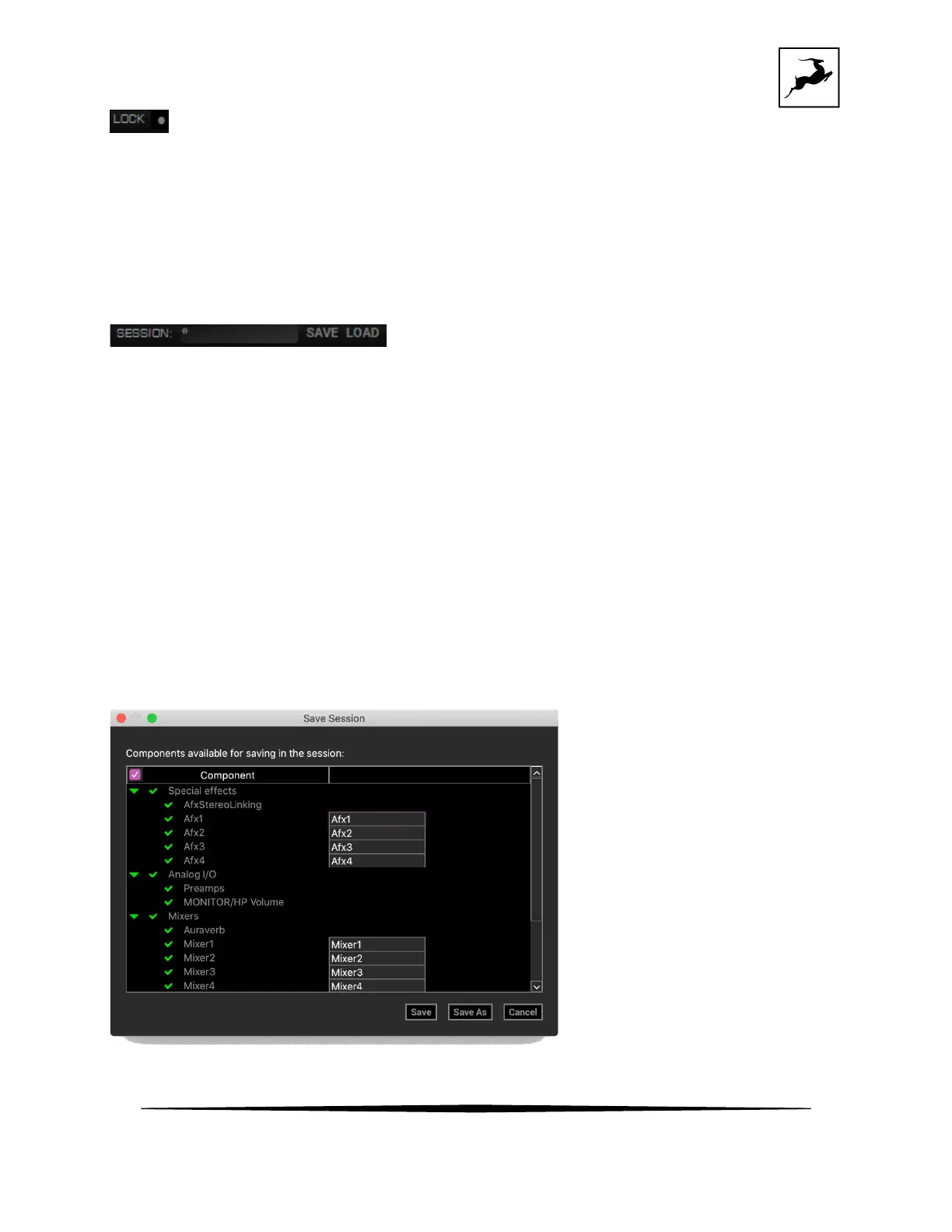
In the Save Session window, you can choose the exact components you want stored and
export Session files (*.as) from the ‘Save As’ button. When your Session is already saved in
*.as file format, click the 'Save' button to save any changes you have made to it.



 To Next Page