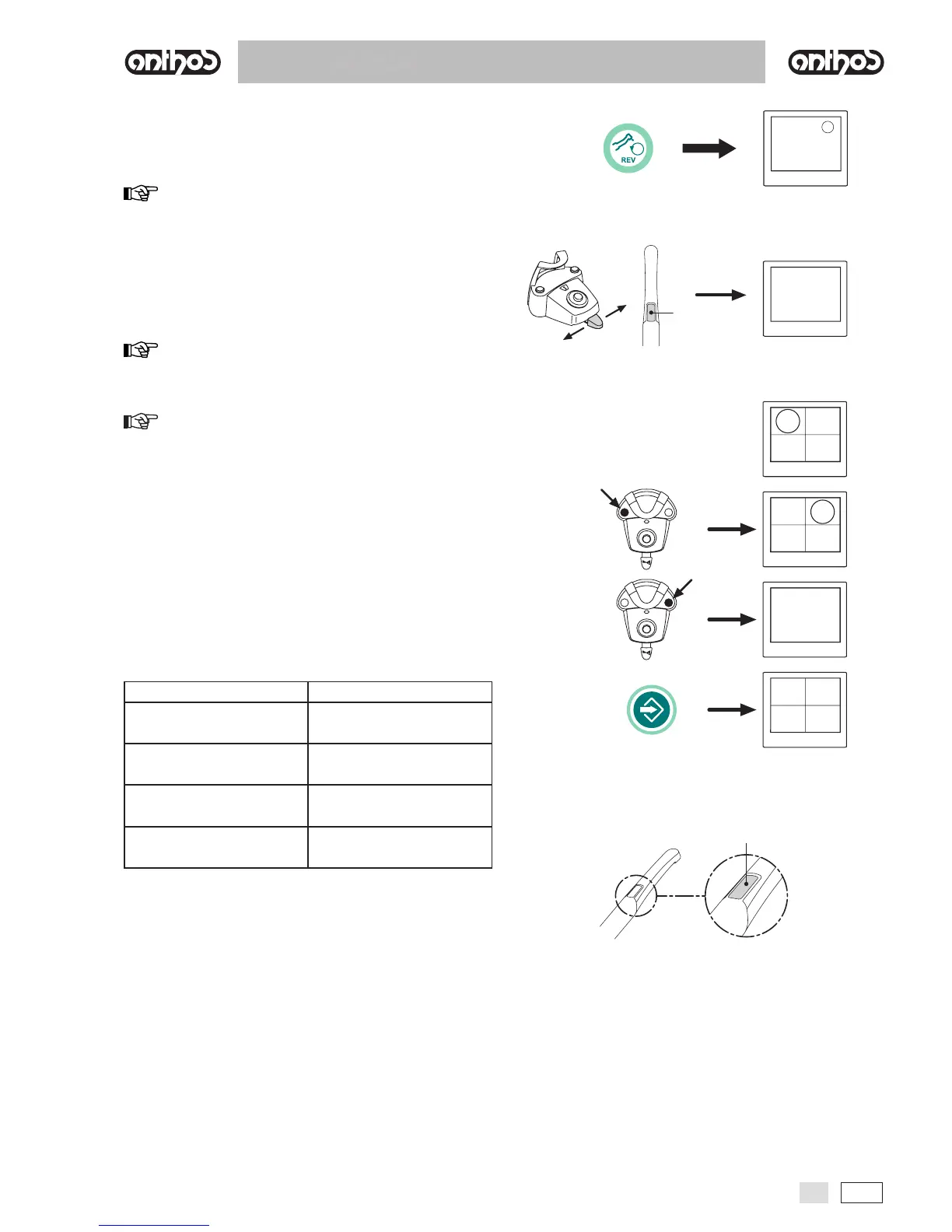
• Operation in single image mode
g
NOTE: the last image frozen remains on the monitor even if the camera
is put back in place.
• Operation in multi- image mode
NOTE: the frozen image appears directly on the monitor in the rst
box available (e.g. 1) on the page currently displayed. Each subsequent
frozen image is placed in the next box, turning clockwise.Once the 4 boxes
available are full, the next frozen images will replace the existing ones,
going clockwise.
NOTE: press the MEMORY button for 3 seconds to delete all 4
images on the page displayed.
• VIEW function.
• Handpiece status.
g
Color Situation



 To Next Page