USER GUIDE | 9
4.4
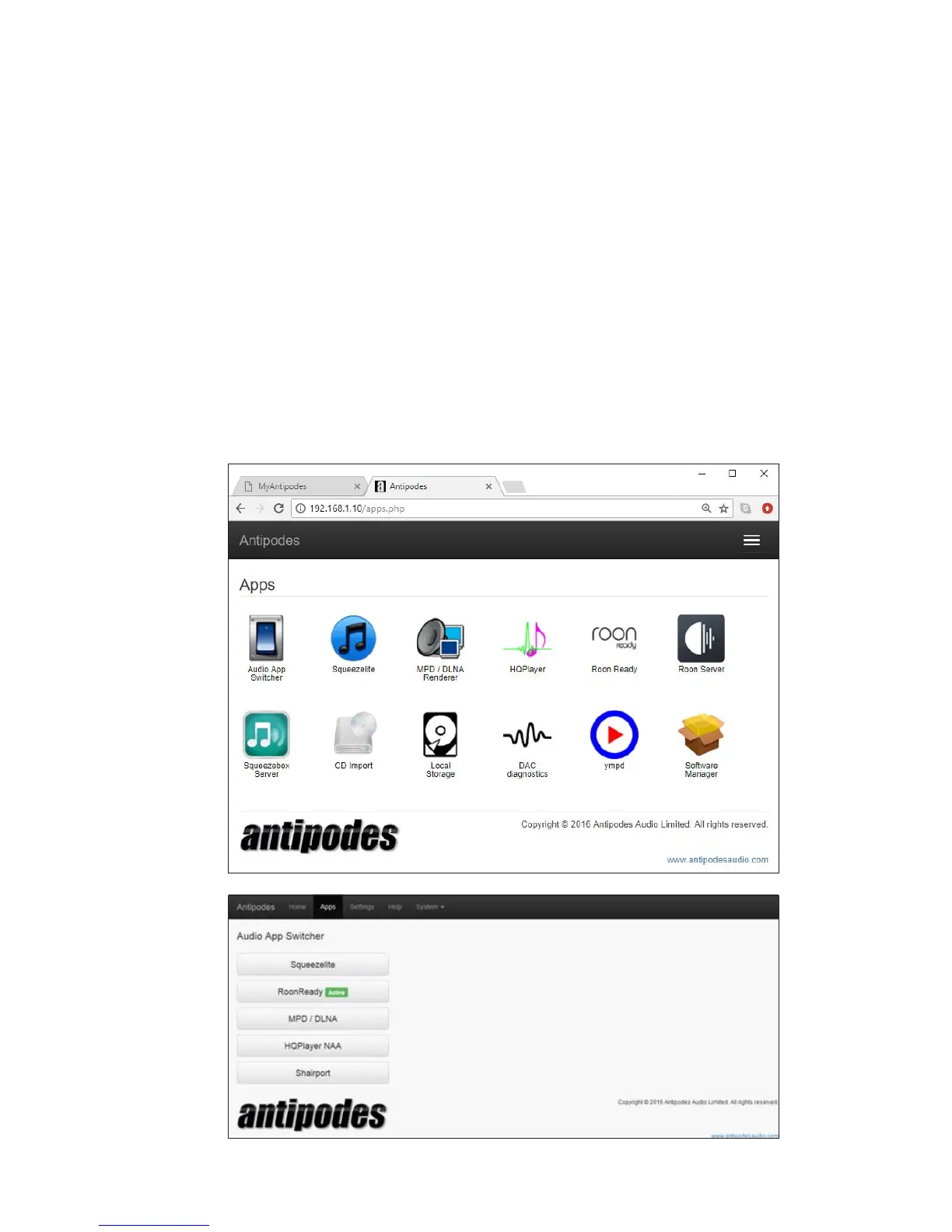
Switch Between Apps
You can setup several renderer applications at the
same time. The last one you setup will be the ‘active’
application.
You can also easily switch between them.
At the Antipodes GUI:
• Select the menu item ‘Apps’
• Click on the ‘Audio App Switcher’ Icon.
• Click on any renderer app to make it ‘active’.



 To Next Page