USER GUIDE | 3
You never need to connect a mouse, keyboard or
screen to an Antipodes music server. To setup an
Antipodes music server, make the connections
described in the previous section, then turn your
Antipodes on and wait 2 minutes.
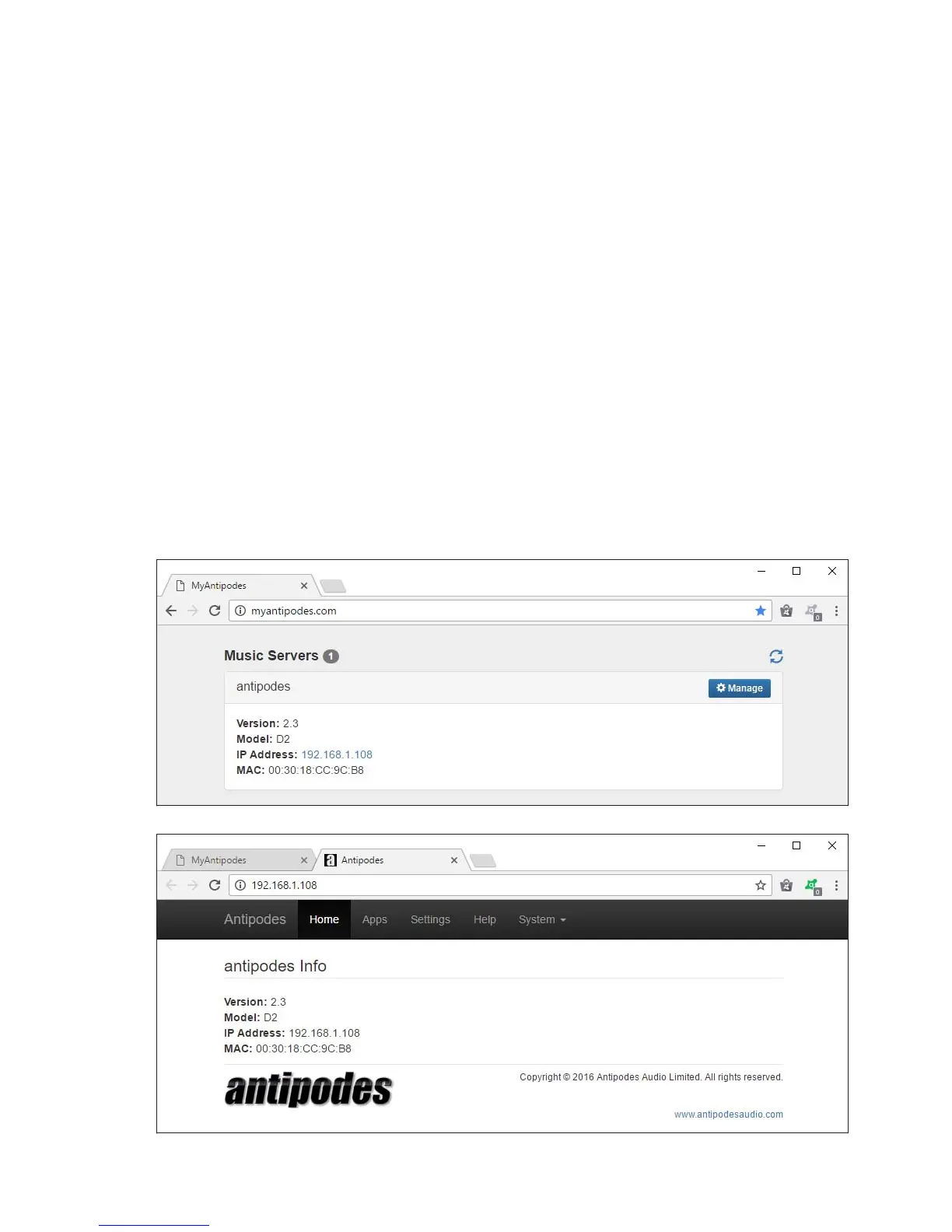
Open a browser (eg. IE, Chrome, Firefox Safari etc)
on a computing device (eg. desktop, laptop, tablet or
smartphone) and browse to this address:
myantipodes.com
Click on the ‘Manage’ button to open the Antipodes
GUI for that music server.
The GUI is intuitive and you can just look around and
try things.
The next sections show you some basics for getting
started with playing music. If you cannot open the
GUI for any reason or are confused about how to
accomplish something in the GUI, please contact
Antipodes Support for assistance rst.
2
Opening The Antipodes GUI



 To Next Page