30 | Antipodes Audio Music Server
7.2
BubbleUPnP
BubbleUPnP Server is a UPnP server application
enabling you to:
• Have secure Internet access to your UPnP/DLNA
server content, with BubbleUPnP on a tablet and
foobar2000 on a Windows device.
• Create OpenHome media renderers from any
UPnP AV renderer (provides on-device playlist,
and multiple Control Point access to the same
renderer)
• Address some common issues with UPnP/DLNA
servers (discovery issues, broken data, add
some audio DLNA compliance) by creating a
proxy Media Server
• Access your UPnP/DLNA servers across dierent
networks
BubbleUPnP Server is not installed on Antipodes
servers by default. Therefore you need to install it
before you can use it. Go to Section 8 for a guide to
installing and uninstalling apps in the Antipodes GUI.
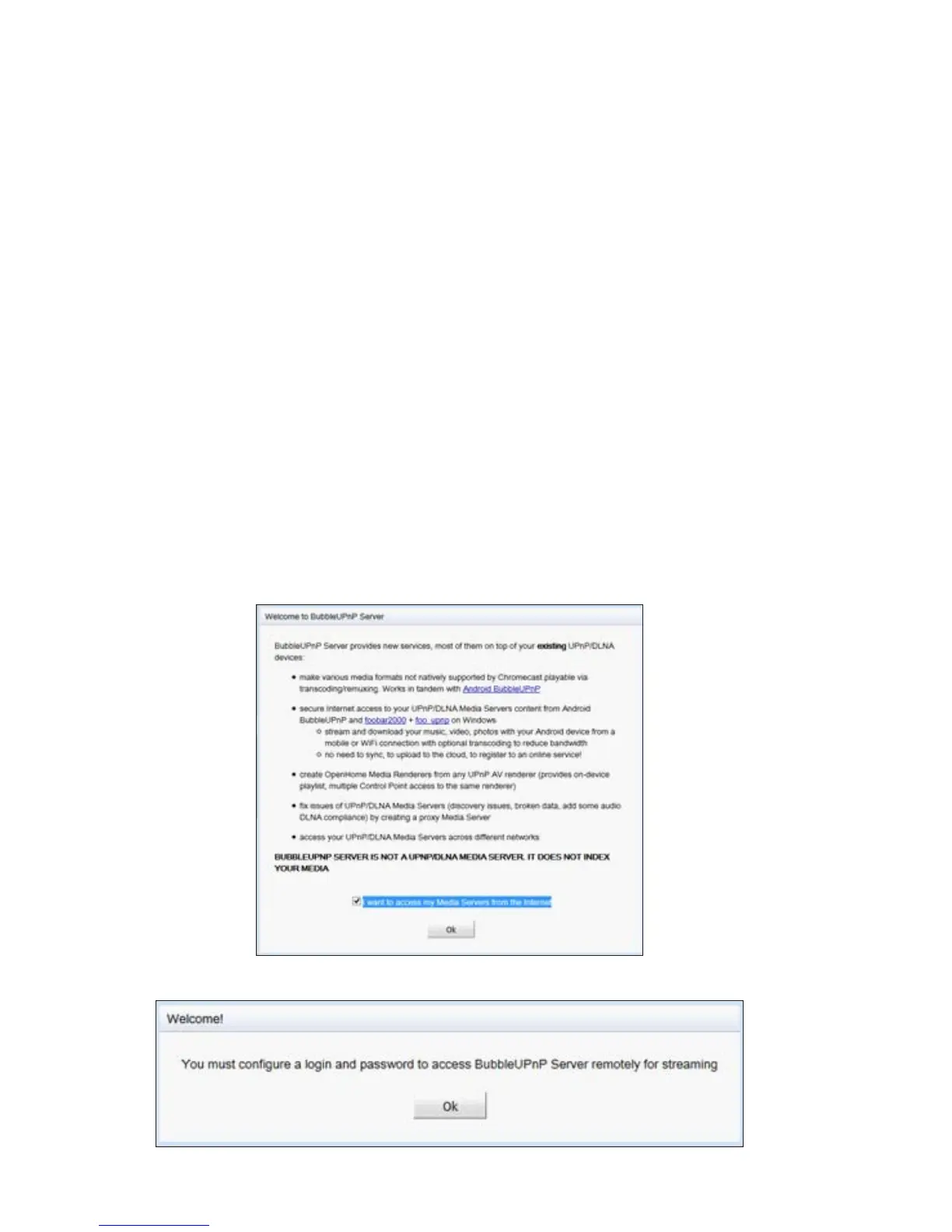
After installing it, set up BubbleUPnP Server by
selecting the ’Apps’ menu item in the Antipodes GUI,
and then click on the BubbleUPnP icon.
Click ‘OK’ at the welcome screen.
You will be prompted to supply login details for remote access.



 To Next Page