USER GUIDE | 41
7.5
HQPlayer NAA
Signalyst HQPlayer is an upsampling multichannel
audio player for Windows, Linux and OS X. A light
version can be optionally installed on the Antipodes
server and then controlled by a copy of HQPlayer
Desktop running on a PC or Max. HQPlayer provides
high levels of digital manipulation on the les,
including room correction, digital volume, dierent
digital lters, up-sampling, trans-coding etc.
HQPlayer NAA is not installed on your Antipodes
server by default, so you will need to install it at the
Antipodes GUI rst. Go to Section 8 for a guide to
installing and uninstalling apps in the Antipodes GUI.
HQPlayer NAA is only a renderer application so you
need to also install the HQPlayer main application on
a desktop computer. Go to:
http://www.signalyst.com/consumer.html
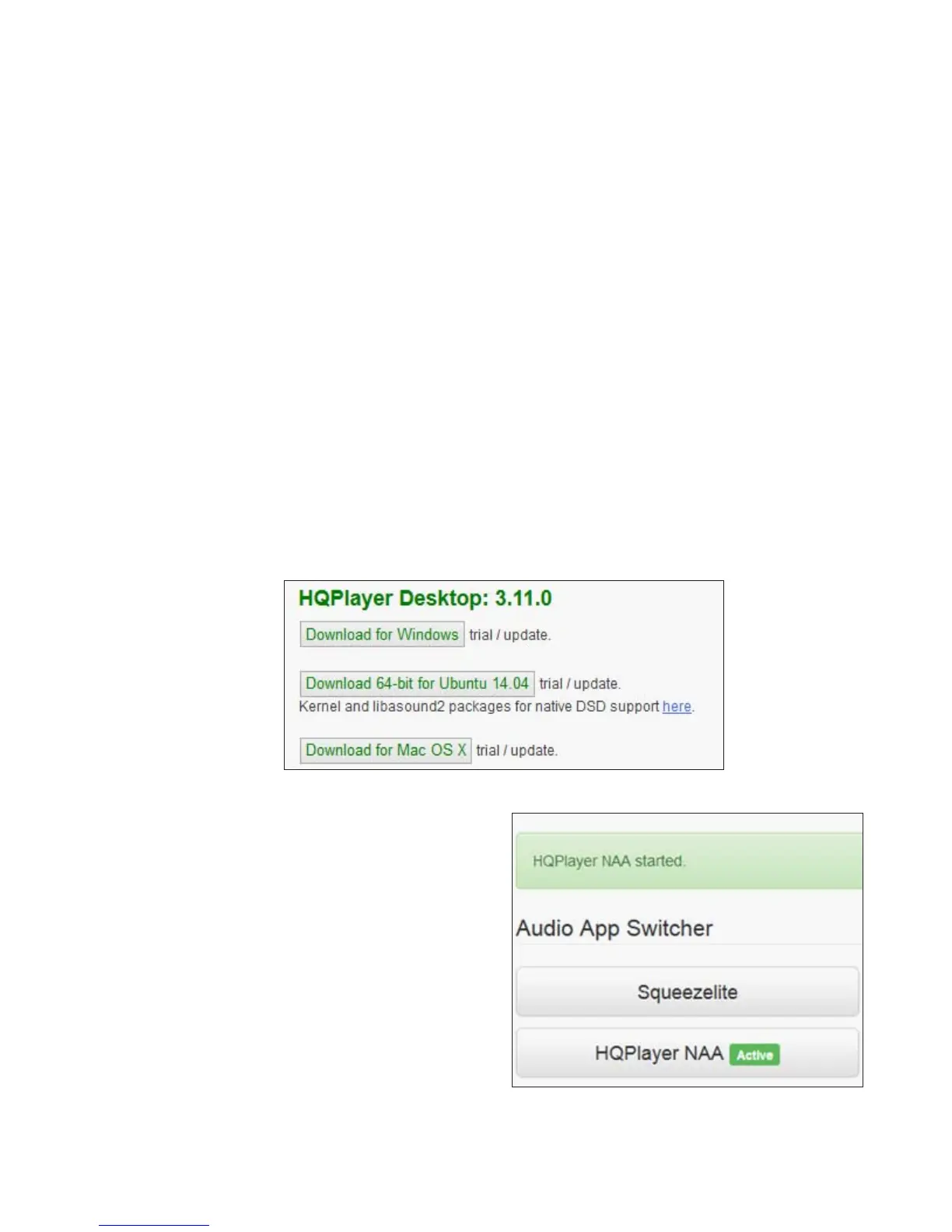
and download and install the appropriate version of
HQPlayer Desktop. HQPLayer Desktop requires a
licence to be purchased. You can use the product for
30 days at no charge for evaluation.
How to Run HQPlayer
To get the best performance from HQPlayer we
recommend that your Antipodes server and PC or
Mac are both Ethernet cable-connected to your
network router. This however is not mandatory and
you may nd it works satisfactorily with wireless PC
connection.
Once HQPlayer NAA is installed on your Antipodes
there is no more to do in the Antipodes GUI than
select HQPlayer NAA at the ‘Audio App Switcher’
(see section 4.4 of this guide).
But you need to complete the necessary setup in the
HQPlayer desktop application - see the next pages
for a guide to doing this.



 To Next Page