USER GUIDE | 13
Squeezebox Server is already installed on your
Antipodes and is free to use. However the remote
control applications for download to tablet and
smartphone have a small charge. As with Roon, visit
the relevant App Store for your tablet/smartphone
and search on Squeezebox. We recommend iPeng
for iPads and Orange Squeeze for Androids.
DESKTOP/LAPTOP
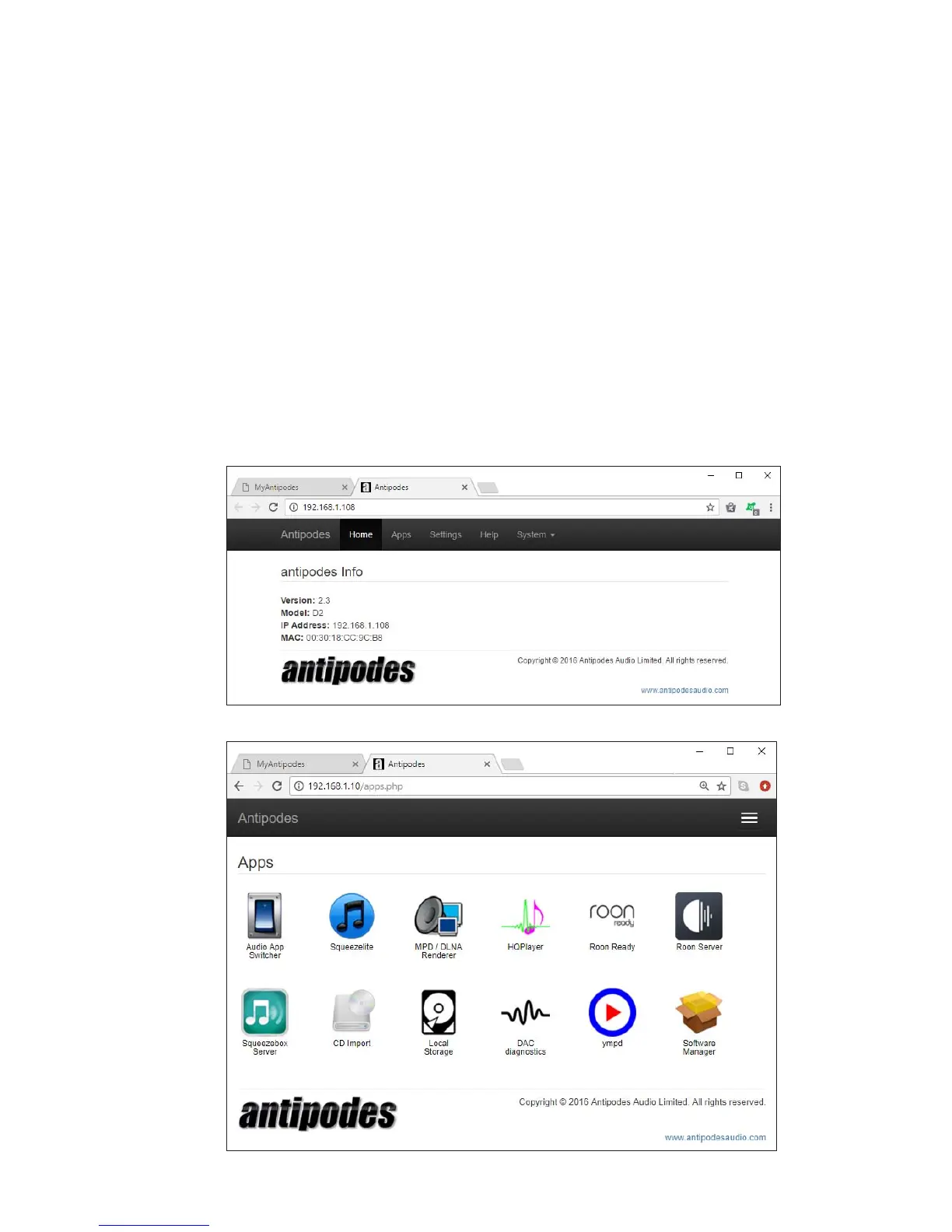
You can use your Desktop or Laptop computer to
control what plays. To do this, open the Antipodes
GUI and click on the ‘Apps’ menu item.
5.2
Setup Control Of SqueezeBox
Click on the Squeezebox Server icon.



 To Next Page