52 | Antipodes Audio Music Server
9.1
FLAC Mirror
This application provides you with a very simple
way to make compressed copies of your music les,
which can be more suitable for your mobile devices
or for streaming over a low-speed network.
With a couple of mouse-clicks you can make copies
of your entire collection to mp3 format. The original
les are not changed in any way. A handy feature of
this app is that if you add new music the FLAC Mirror
app will only need to mirror the new les.
The mp3 les are located at \\antipodes\storage\
music\mp3. You can set this location as a music
source in a network player, or copy from this location
to your mobile device.
If you need a wider range of functionality for
transcoding les, see the section in this guide
‘Manage Files’ for how to use your preferred third-
party app.
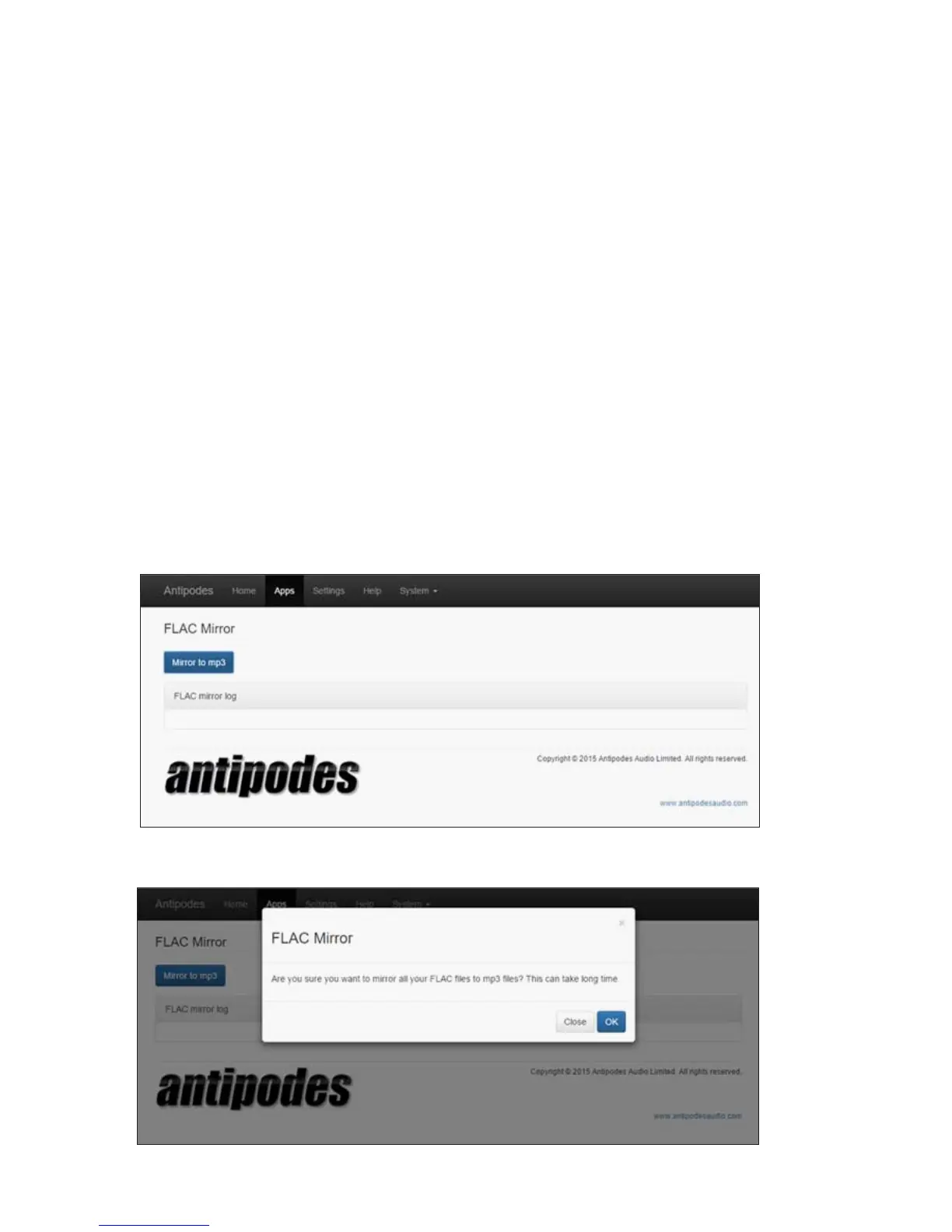
At the Antipodes GUI, select the ‘Apps’ menu item, and then click on the ‘FLAC Mirror’ icon.
Click on the ‘Mirror to mp3’ button and then on ‘OK’. The screen will report progress throughout the process.



 To Next Page