USER GUIDE | 57
3. Network System Name
When you have more than one Antipodes in your network you will want to give them dierent names,
so that you can more easily recognise which is which when setting things up.
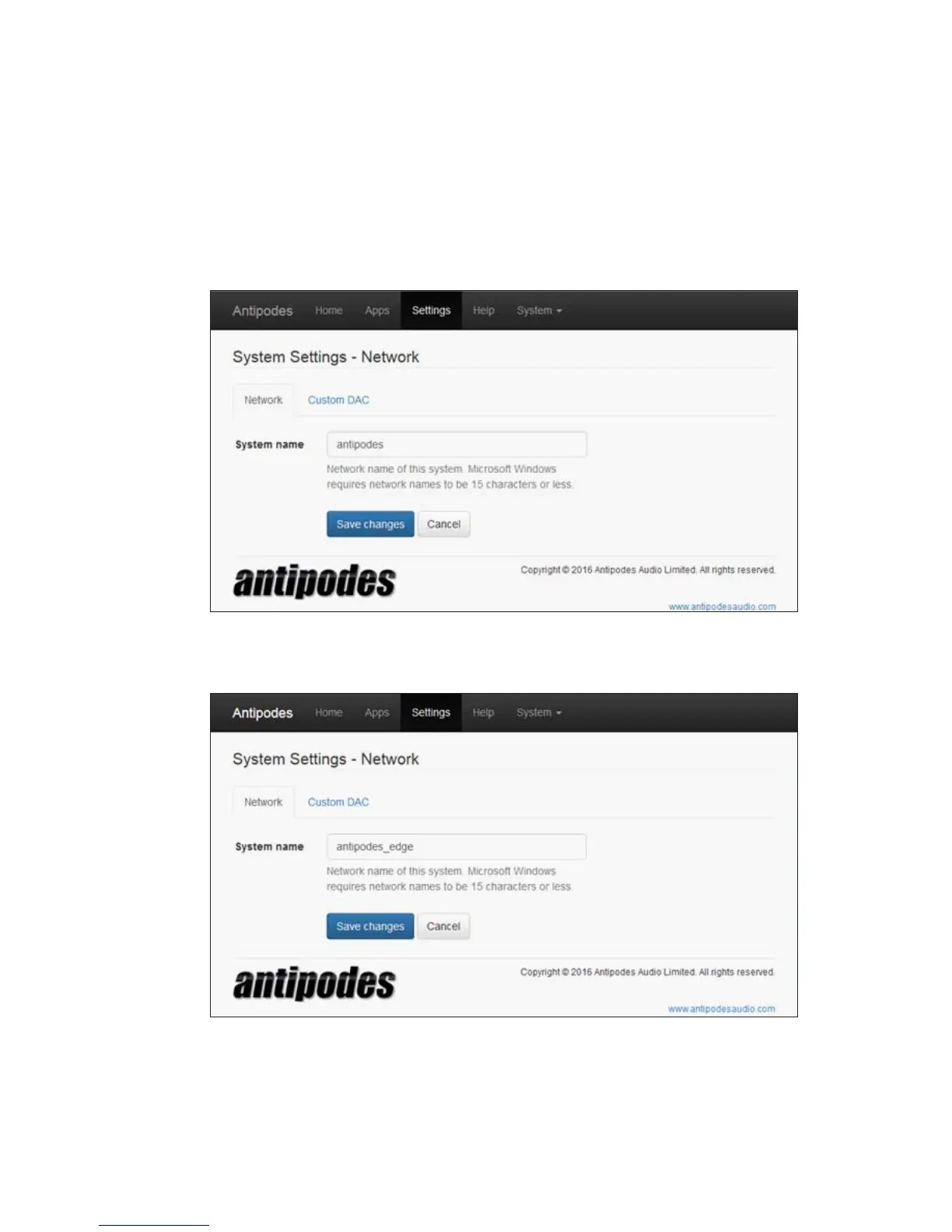
At the Antipodes GUI, select the ‘Settings’ menu item, and click on the ‘System Settings’ icon.
In the ‘Network’ tab type in the new System Name (max. 20 characters). It is advisable to use only lower-case
letters and numbers without spaces; you can use hyphens or underscore symbols.
Click ‘Save Changes’ and then reboot your Antipodes for the change to take place and for your router to
recognise the new name.



 To Next Page