USER GUIDE | 53
9.2
Storage Backup
We strongly recommend that you make backups of
your music library.
This application provides you with a very simple way
to make incremental backup copies of your music
les. ‘Incremental’ means that if you add new music
the Storage Backup app will only copy the new les.
The backup is unencrypted, so you can remove the
drive from the Antipodes, attach it to another device,
and copy from it.
For this reason there is no need for a Restore
application. The les on your backup drive are easily
and simply copied back onto the Antipodes. See
section 6.2 of this guide for a description of how to do
this.
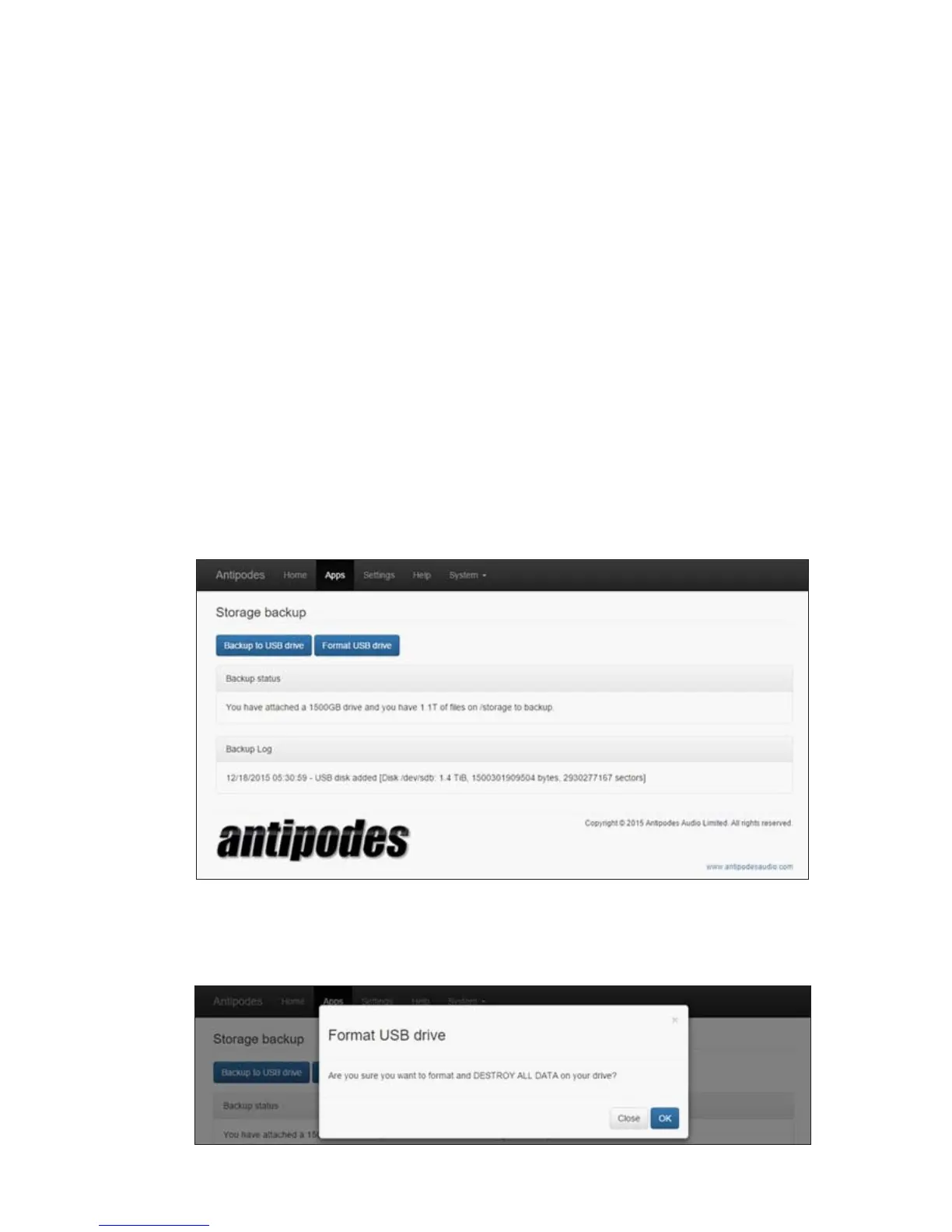
Connect an external USB drive to a spare USB port (but not a USB Audio port) at the back of your Antipodes.
At the Antipodes GUI, select the ‘Apps’ menu item, and then click on the ‘Storage Backup’ icon.
If this is the rst time you have connected the USB
drive to the Antipodes for backup, make sure you do
not need any les that are currently on the drive, and
click on the ‘Format USB drive’ button.
If you have backed up to this USB drive before do not
format it and go straight to the step below to click on
the ‘Backup to USB drive’ button, and the process will
only add new and changed les to the USB drive.



 To Next Page