USER GUIDE | 25
6.4
Mount External Storage
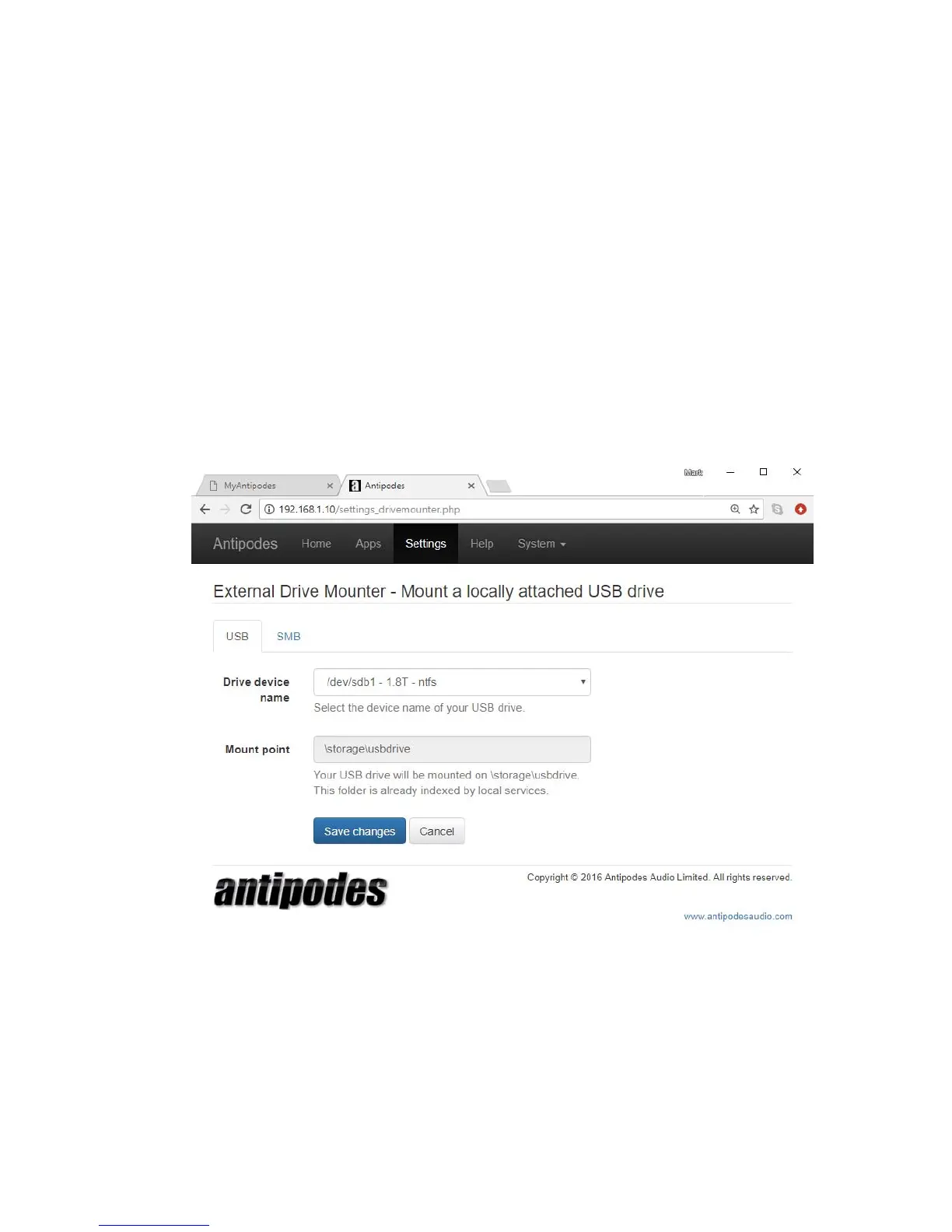
The Drive Mounter app lets you ‘mount’ an external
USB drive or a folder on your home network that is
on PC or NAS and play music tracks stored on them.
To be able to play music from a USB drive:
1. Connect the drive to a spare USB port on the
back of the Antipodes
2. At the Antipodes GUI, select the ‘Settings’ menu
3. In ‘Settings’, click on the ‘Drive Mounter’ icon.
Select the USB drive from the drop down list and
click on ‘Save Changes’.
The USB drive selected is now mounted on
\storage\usbdrive on your Antipodes.



 To Next Page