56 | Antipodes Audio Music Server
9.3
System Information
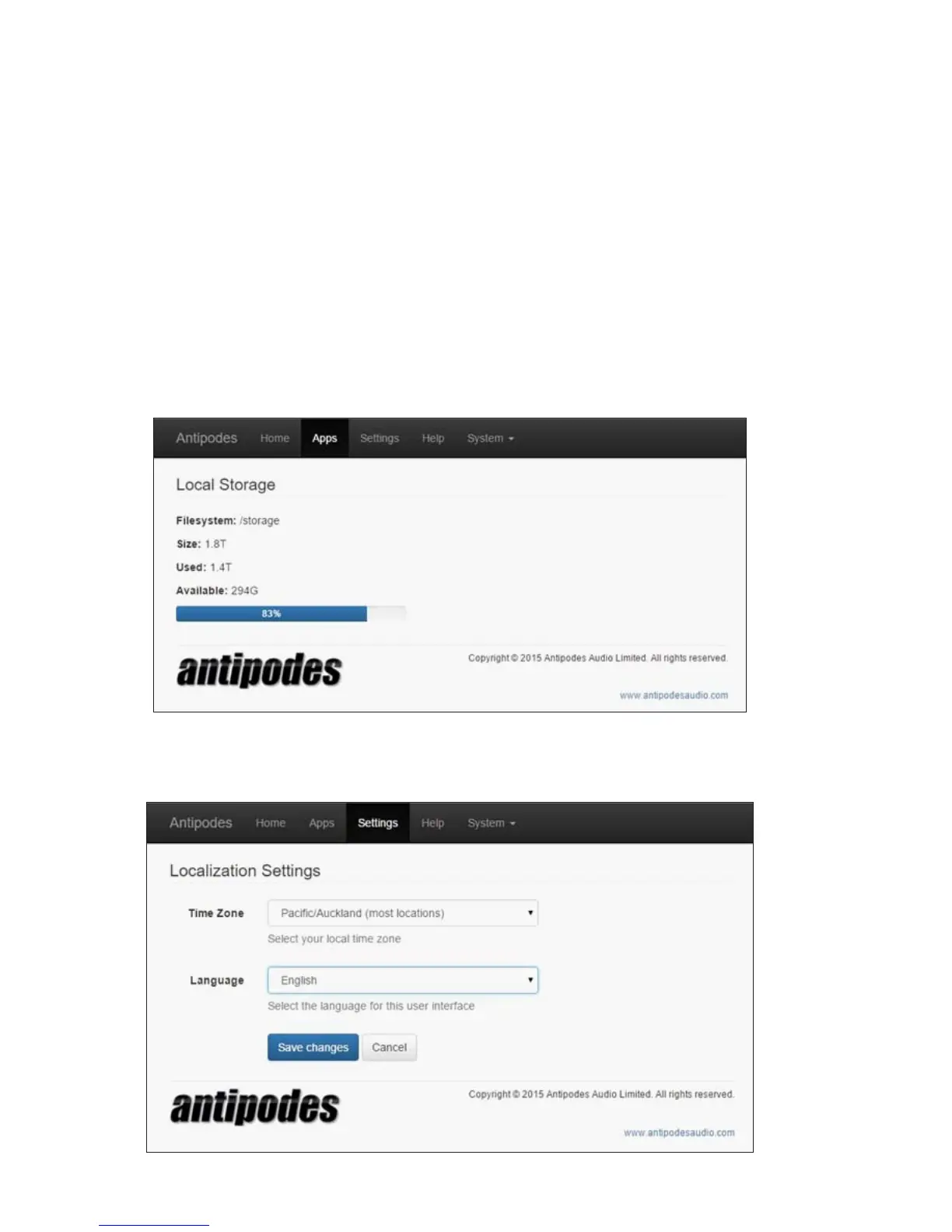
1. Local Storage
At the Antipodes GUI, select the ‘Apps’ tab and click on the ‘Local Storage’ icon. Note that 1TB (one
trillion bytes) of space is reported by computers as 0.9TB due to the binary number system used.
2. Localisation
At the Antipodes GUI, select the ‘Settings’ tab and click on the ‘Localization’ icon. You can set the time
zone you live in and your preferred language. Click on ‘Save Changes’ when you have nished.



 To Next Page