USER GUIDE | 37
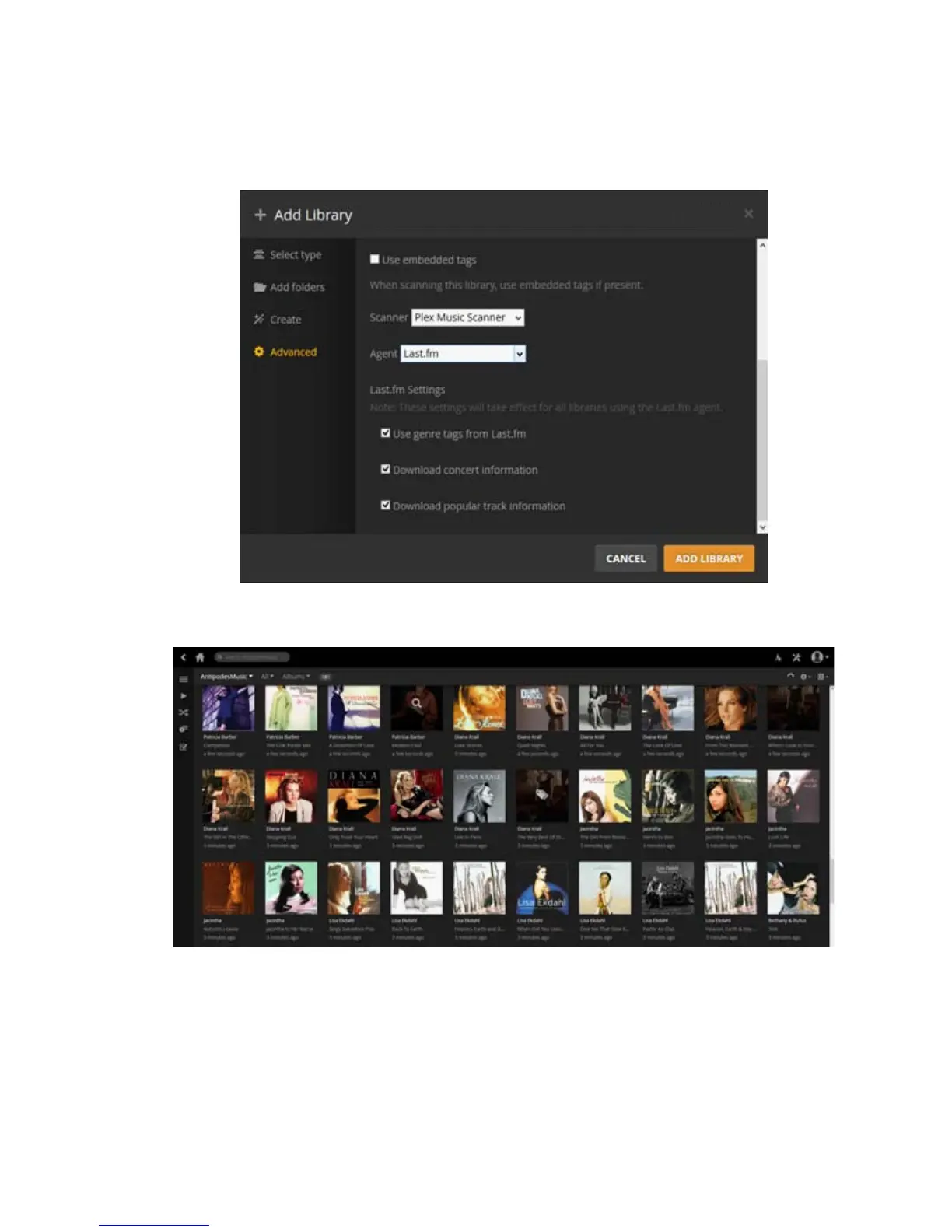
Plex Media Server will then create the library on your Antipodes.
How to run Plex using a DLNA Remote App
While you can use the Plex Media Server application
on the Antipodes to set up your Plex library you
cannot use the application to play music through the
Antipodes (although you can use it to play music on
the Windows PC or Mac on which you are running
the application). To play music from your Plex library
through the Antipodes you must use a DLNA remote
app; several apps are available for Android or for iOS
devices. You use the remote app to select a DLNA
renderer (player) such as MPD or Squeezelite on the
Antipodes, and a DLNA server, in this case Plex.
The examples shown below use BubbleUPnP on an
Android tablet.
Using BubbleUPnP with Plex
BubbleUPnP for Android can be downloaded from
Google Play.



 To Next Page