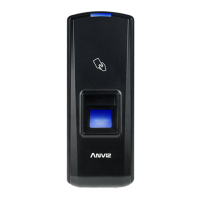
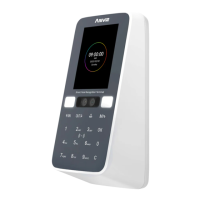
W3 is a facial attendance and access control device in the W series, targeted towards the
mid-to-low-end market applications.
• Its main customer base includes office environments and various scenarios.
• The device is primarily used for attendance purposes, accounting for 70% of its application,
while access control constitutes the remaining 30%.
• The W3 features a 2.8-inch screen and supports up to 200 facial users.
• It offers multiple verification methods, including password, card, and facial recognition.
• Furthermore, the device has been optimized for easyinstallation and use, with a focus on
improving access control functionality. Its exquisite design and appearance seamlessly blend
into modern office environments, making it simpler and faster to manage your workplace.
Observe the following instructions to use the product safely and prevent any risk of injury or
property damage.
• Do not use oily water or sharp objects to stain or damage the display screen.
• Fragile parts are used in the equipment, please avoid operations such as falling, crashing,
bending or heavily pressing.
• The optimal working environment of W3 is indoor. The device function fully undertemperatur:
-10°C~50C(14~122F), humidity.20- 90%. The best performance is between: 15°C~ 32C(59~ 89.6).
The device will beless effective excess these ranges.
• Please gently wipe the screen and panel with soft materials. Avoid scrubbing with water
ordetergent.
• The recommended power of W3 terminal is DC 12V 2A. The device will functioness
effective in case the power supply cable extended too long.
• If there is no ambient light, it will affect the face recognition distance of W3. Please use it
under normal indoor lighting conditions
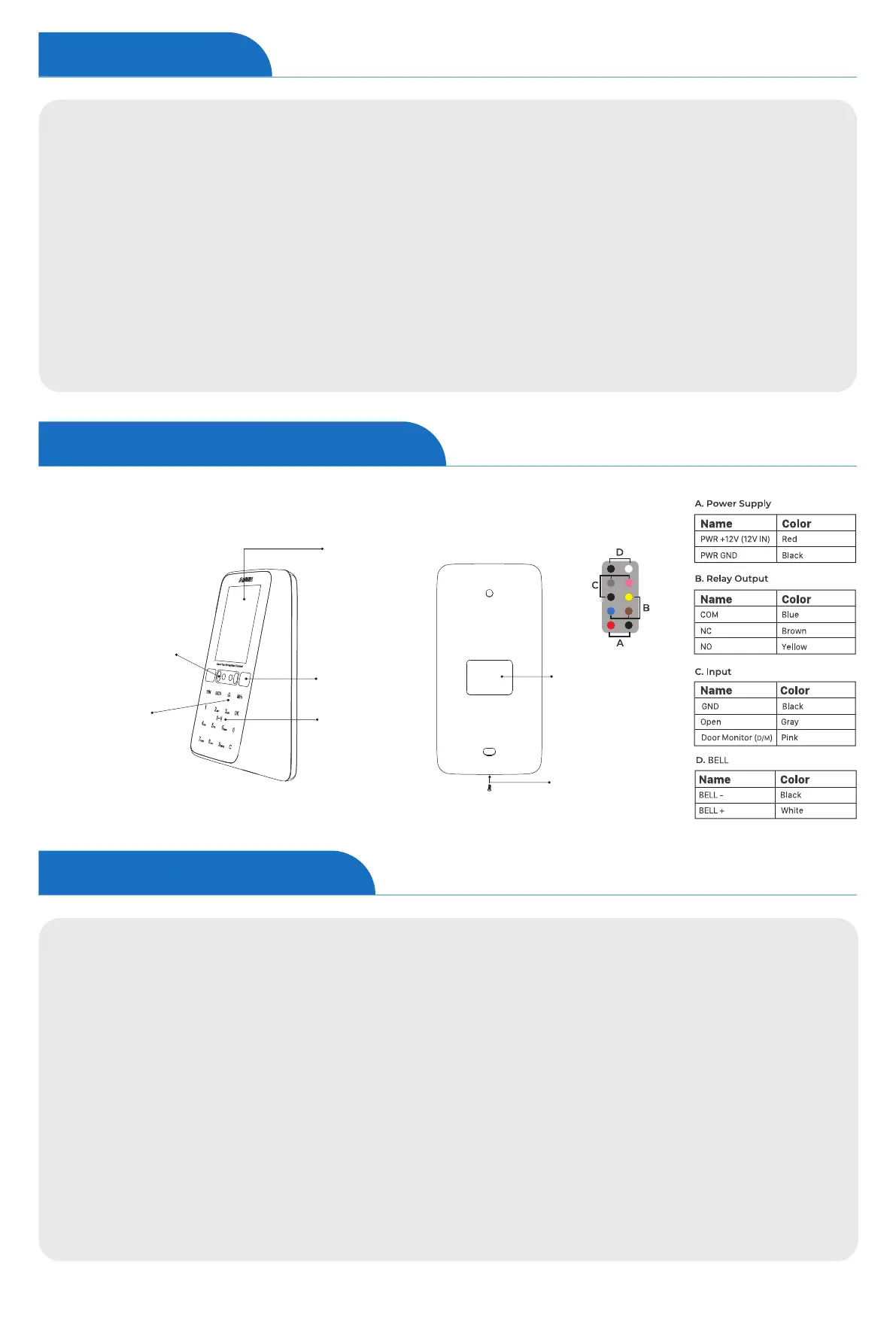
LCD 2.8”
White LEDS
RFID Read Area
Touch Keypad
Dual Cameras
&Infrared Filling Light
Network & I/O
I/O
Screw
Introduction
Appearance Description
Safety Instructions


 To Next Page