AR5000 OPERATING MANUAL PAGE 41
8-9
Cyber Scan
in SCAN mode
A special facility has been provided to speed up the
scanning process (which is capable of scanning about 25
memory channels per second), typically the speed
increases to about 45 channels per second.
When
Cyber Scan
has been selected the frequency and
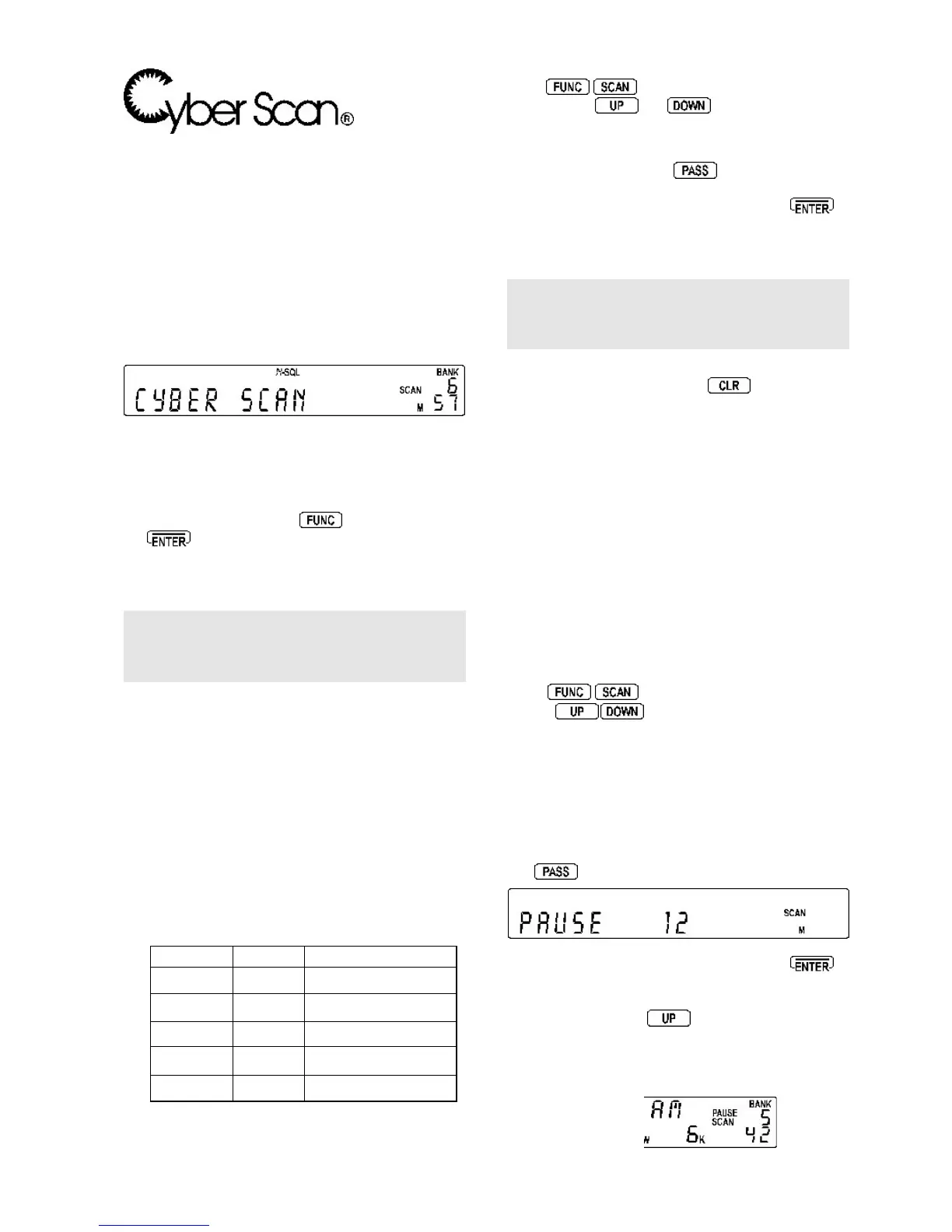
text are blanked out from the display while scanning, the
words “CYBER SCAN” are displayed in their place.
While scanning the legend “SCAN” flashes to indicate that
SCAN is in progress.
When a busy channel is located, the FREQUENCY or
TEXT will be displayed (taking the place of the
Cyber Scan
legend), the “SCAN” legend stops flashing when a busy
channel has been located.
To enable
Cyber Scan
press then press and hold
the
key for more than one second... a bleep will
then sound and the “FUNC” legend will be removed from
the LCD to confirm operation. This key sequence acts as
a toggle to switch
Cyber Scan
on and off.
Note: If no text has been saved in memory and TEXT
mode has been selected rather than FREQUENCY, the
display will be void of information when Cyber Scan
locates a busy channel !!
(9) Additional SCAN facilities
It is possible to alter the sequence of scanning events
when in SCAN mode
depending upon the SCAN CONFIGURATION as defined
in the
BANK LINK / SETUP
sub menu. As with BANK
LINK, 10 PROFILES of the additional facilities may be
used along side BANK LINK.
There are 5 parameters (in addition to BANK LINK and
PASS) which may be changed to suit your preferences
and requirements. The list of scanning defaults is shown
below:
Scan type Default Comment
PAUSE OFF OFF and 1 ~ 60 seconds
DELAY 2.0s OFF and 0.1 ~ 9.9 seconds
L-SQ OFF OFF and 1 ~ 255
VOICE OFF OFF and 1 ~ 255 (*)
MODE ALL ALL/FM/AM/LSB/USB/CW
It is possible to mix combinations of all five
parameters.
To access the additional facilities of
BANK LINK / SETUP
press
.
Initially the BANK LINK menu is
displayed, the
and
keys allow selection of
the additional facilities operating as a carousel.
The MAIN DIAL and SUB DIAL may be rotated to change
values on each menu. The
key selects OFF (and
sometimes default such as 2.0s as in the DELAY menu).
When you are happy with the changes press
to
accept the entry and the AR5000 will revert to SCAN,
SEARCH or VFO mode depending upon which was
previously in use.
Note: Make
small
changes and assess the effect as
incorrect setting may degrade the effectiveness of SCAN
capabilities. If things appear to go wrong, return the
settings to their defaults as listed earlier in this section.
In extreme cases, reset the microprocessor (by switching
the receiver on while holding the
key), this action
will revert the scan options back to defaults (by deleting
all bank link / setup programming).
9-1 SCAN - PAUSE
The scan PAUSE parameter determines how long the
receiver will remain on an
active
channel before resuming
scanning channels even if the channel is still busy.
This is useful if you wish to gain a picture of what is
happening on the memory channels without the AR5000
being tied to a busy channel for long periods (such as
active amateur band repeaters etc). PAUSE scan saves
you having to manually intervene to force the scan to
continue or use channel PASS (lockout). The limits are
OFF and 01 to 60 seconds (default OFF).
Press
to access the BANK LINK menu.
Use the
keys to locate the “PAUSE OFF”
selection.
PAUSE OFF <<<
DELAY 2.0
L-SQ OFF
VOICE OFF
MODE ALL
Either use the MAIN DIAL or SUB DIAL to change the value.
The
key may be used as a short cut to OFF.
To accept the changes to PAUSE scan press to
return to normal display (SCAN, SEARCH or VFO mode).
Alternatively you may move to the next option (DELAY
SCAN) by pressing the
key. While in SCAN mode
the legend “PAUSE” will be displayed toward the right
hand side of the LCD to indicate that PAUSE is in
operation.



 To Next Page