93
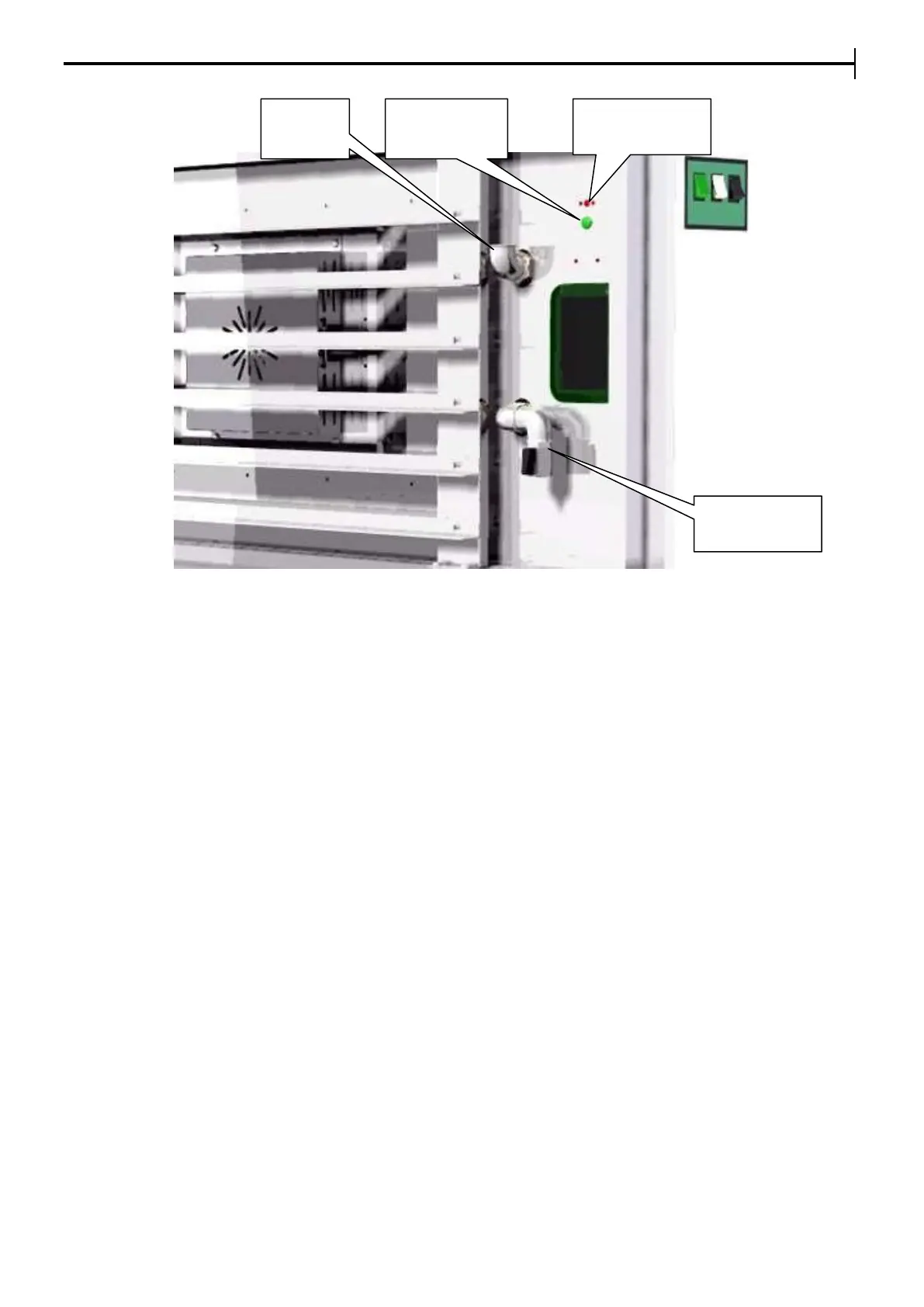
INSIDE WALL OF THE PROVER
Repairs that must be effected only by authorized personnel from the
company Equip Group
REPLACING THE DIGITAL PANEL
To replace the digital panel effect the following operations:
• Remove the right side panel and unscrew the digital panel fixing screws.
• Disconnect the digital panel connectors.
• Replace the digital panel.
• For refitting carry out the operations in reverse order making sure the connections are correct.
REPLACING THE THERMOCOUPLE FOR DIGITAL PANEL
To replace the thermocouple, do the following operations:
• Remove the right side panel.
• Unscrew the fixing screws of the thermocouple and take it out from its housing.
• Disconnect the two thermocouple power cables and replace the thermocouple with a similar one(J L=2000
type).
• Carry out the operations in reverse order for the refitting making sure the polarity is correct.
REPLACEMENT OF THE ELECTRICAL SYSTEM PARTS
Do the following to replace the parts:
• Remove the right side panel.
• Disconnect the faulty part from its electrical source.
• Replace the part that is faulty with one of the same kind..
• Carry out the operations in reverse order to re-assemble.
REPLACING THE THERMOSTAT OR A SWITCH (electromechanical version optional)
To replace a thermostat or a switch do the following operations:
• Remove the right side panel.
• Remove the fixing screws of the control panel.
• Disconnect the thermostat or switch fastons.
• Replace the thermostat with a similar one.
• Push the switch out and replace it.
• Carry out the operations in reverse order to re-assemble.


 To Next Page