PG7 Rev. A2, 07/16
4
Automation Products Group, Inc.
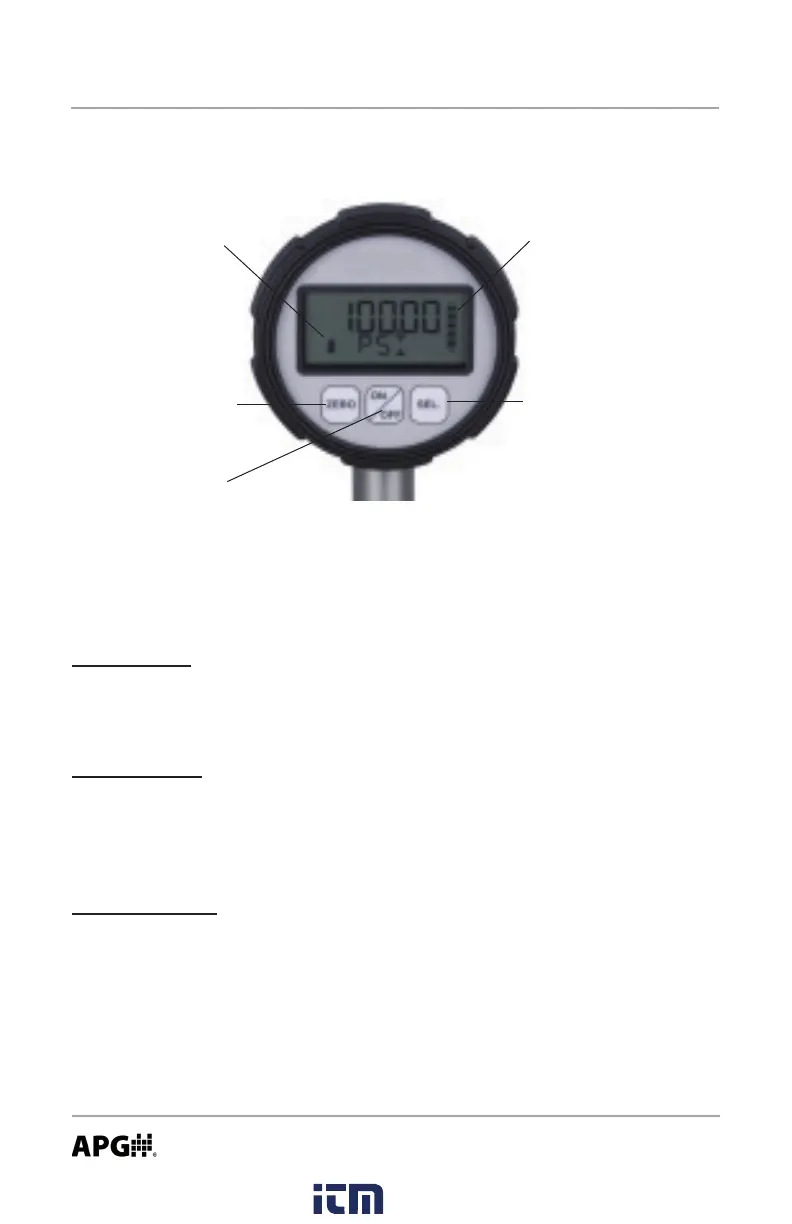
On/Off Button
Primary Function: Press and hold for 1 second to turn on or o the gauge.
Secondary Function: Press once to access the main setup menu.
Zero Button (Z)
Primary Function: Press to “zero” the gauge reading (the reading must be less
than 5% of full-scale in order to zero the gauge).
Secondary Function: Cycles through the options in the setup menus.
Select Button (S)
Primary Function: Cycles between the current, maximum, and minimum
pressure readings.
Secondary Function: Used to accept the displayed option while in the setup
menus.
Secondary Function: Resets the peak-hold reading when the peak-hold
feature is enabled.
Each of the three buttons on the PG7 performs multiple functions. The
primary function applies when in standard operating mode. The secondary
functions are used for programming operations and when special features,
such as Peak-Hold, are enabled.
Programming the PG7
Battery Meter Bar Graph
Zero (Z) Button
Select (S) Button
On/Off Button
www. .com
information@itm.com1.800.561.8187



 To Next Page