Setting Up Boom
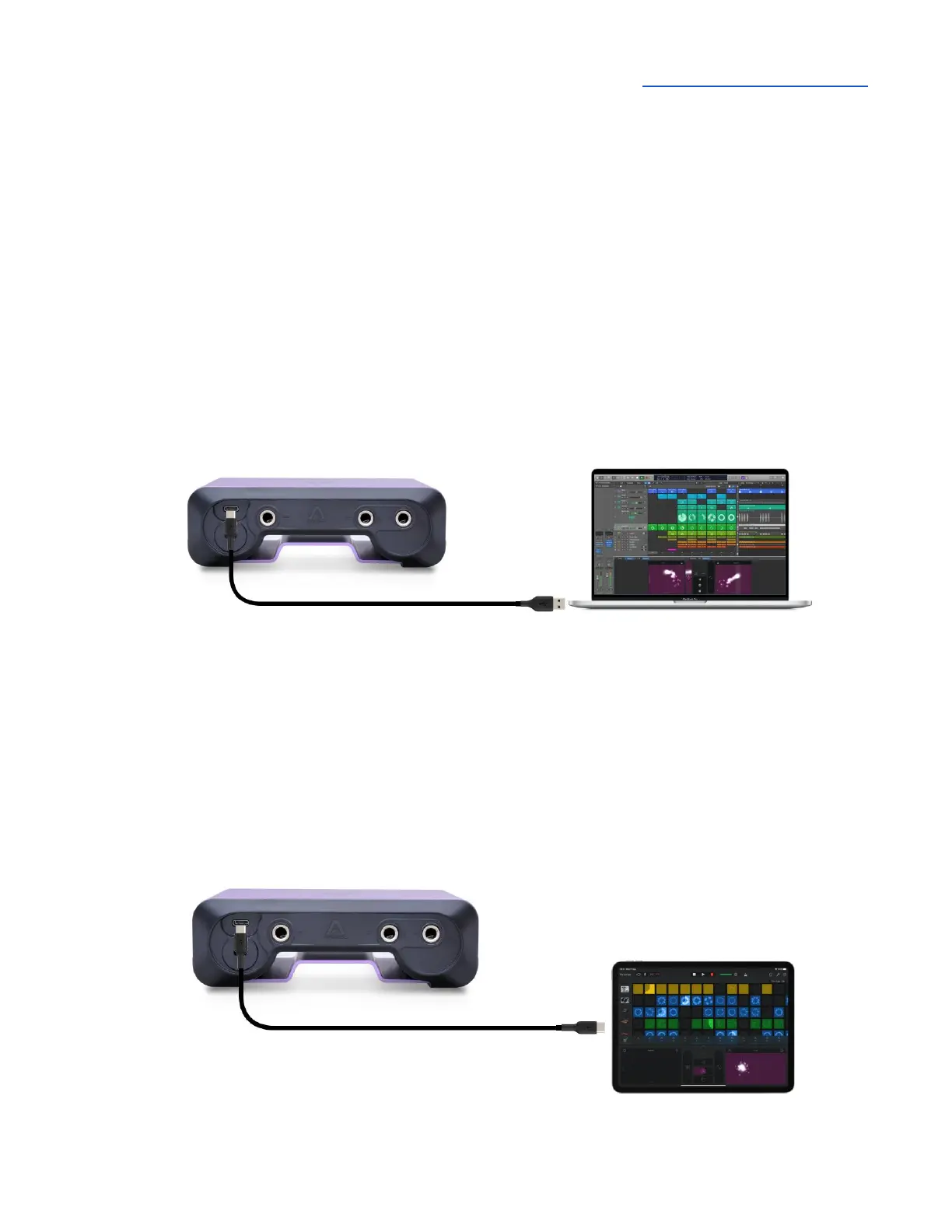
Connecting to a Mac or Windows computer
Note: the supplied USB-C to USB-C/USB-A cable includes an integrated USB-C to USB-A adaptor`.
Remove the USB-A adaptor to connect to USB-C devices.
Using the supplied cable, connect Boom’s USB-C port to a USB port on your Mac or Windows
computer.
Connecting to an iPad Pro (USB-C connector)
Using the supplied USB-C to USB-C/USB-A cable, connect Boom’’s USB-C port to the iPad Pro’s
USB-C connector.



 To Next Page