Connecting Your Studio
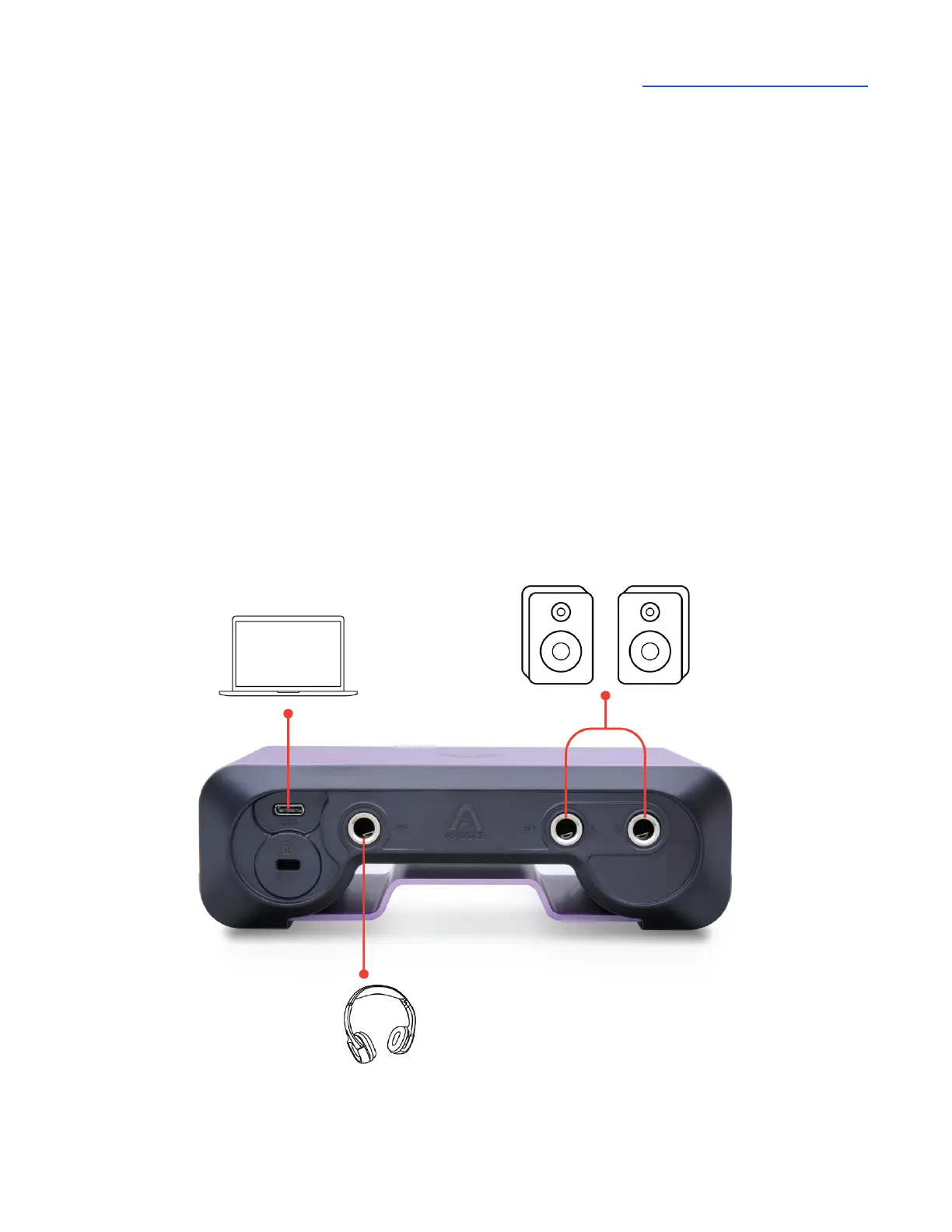
On the Boom back panel, connect your studio monitors to the left and right ¼” SP (Speaker) outputs.
Connect headphones to the ¼” HP (Headphone) output. If your speakers are equipped with XLR
inputs, use a ¼” TRS (tip-ring-sleeve) to XLR male adaptor cable. If using passive speakers, connect
the Speaker outputs to the speaker’s amplifier inputs.
Important - Only one output is active at a time.
● When headphones are connected, the headphone output is active.
● When headphones are not connected, the speaker output is active.



 To Next Page