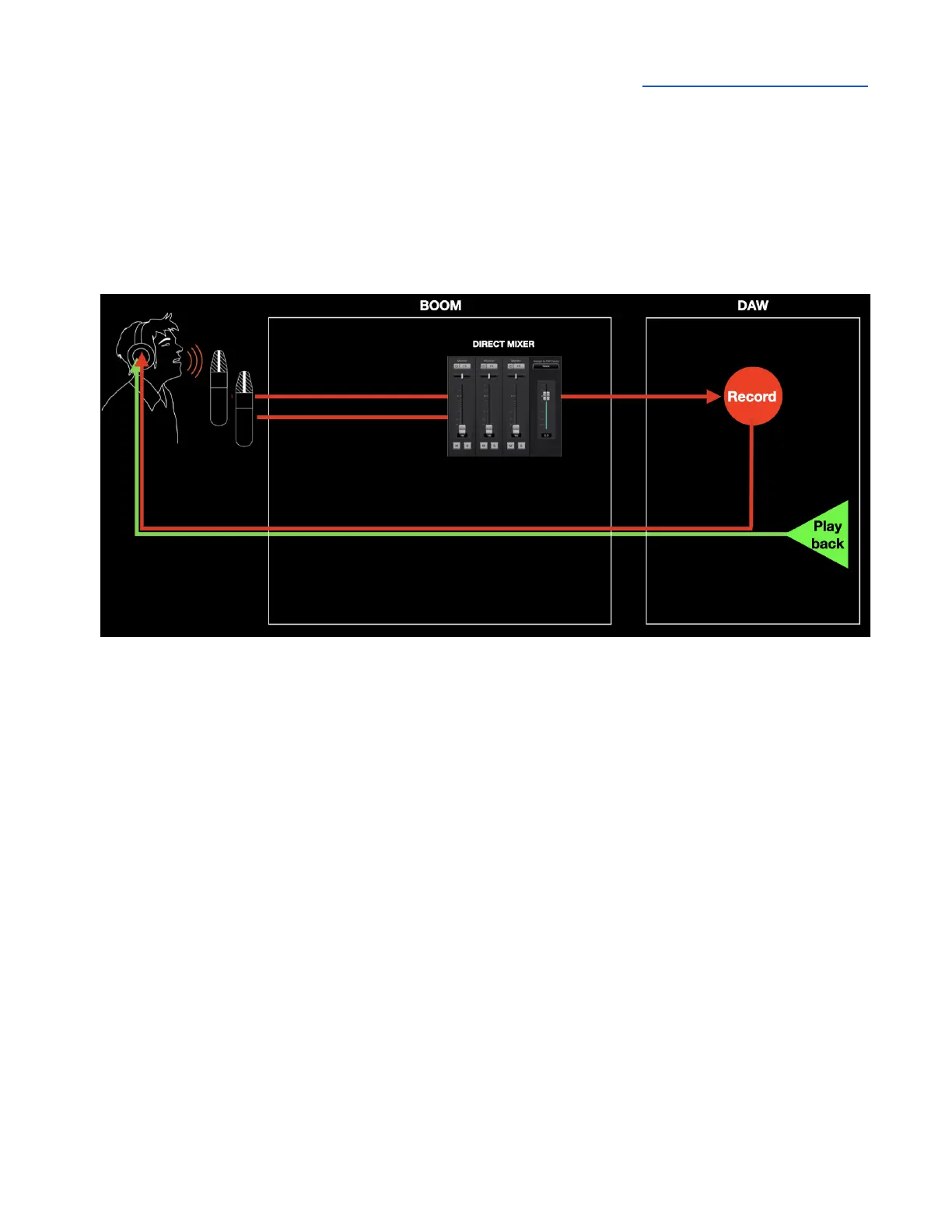
Assign to SW (Software) Inputs
With the Assign to SW Inputs feature, also sometimes known as Loopback, you can route the Mixer’s
stereo output to software inputs 1&2, in the place of the signal from Analog inputs 1&2. This offers the
possibility to use the Analog and Playback inputs, Symphony ECS processing and Mixer features as
a virtual production studio for recording and streaming.



 To Next Page