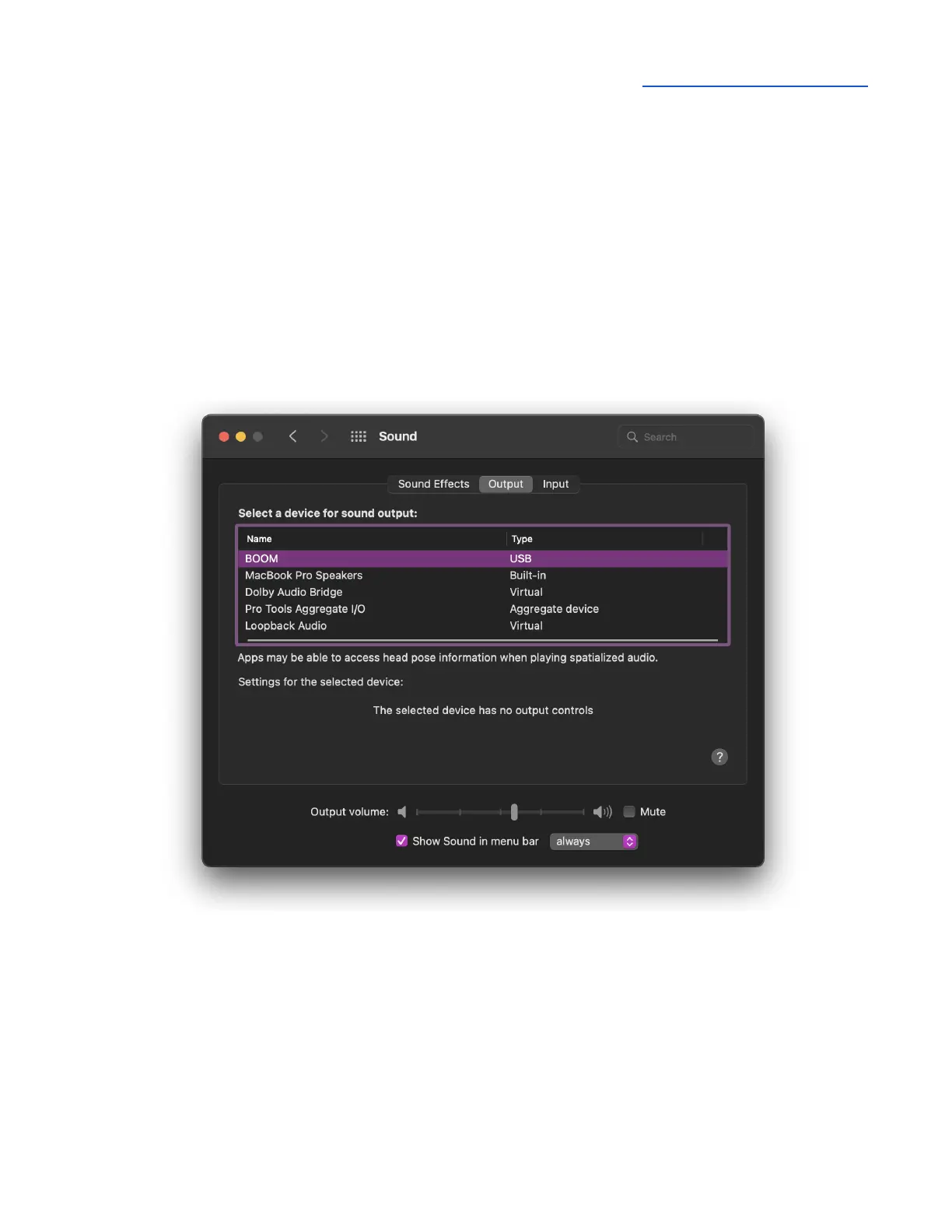
Configure OS to use BOOM for Audio I/O
macOS
To choose Boom as the audio interface for Mac applications that don’t have specific audio hardware
preferences, such as Safari, Spotify, Voice Memos and others:
1. Open System Preferences by choosing Apple menu > System Preferences.
2. Click the Sound icon to open the Sound preferences panel.
3. Click the Output tab, then click BOOM in the devices list.
4. Click the Input tab, then click BOOM in the devices list.



 To Next Page