Getting Started
Installing Apogee Control 2 Software
To register your product and receive the Boom Installer, learn the most up-to-date information on new
releases, and view Interactive tutorials, click the link below.
www.apogeedigital.com/support/boom
Once you’ve registered your Boom, you’ll receive an email with links to Mac and Windows versions of
the Boom Installer download.
macOS Installer
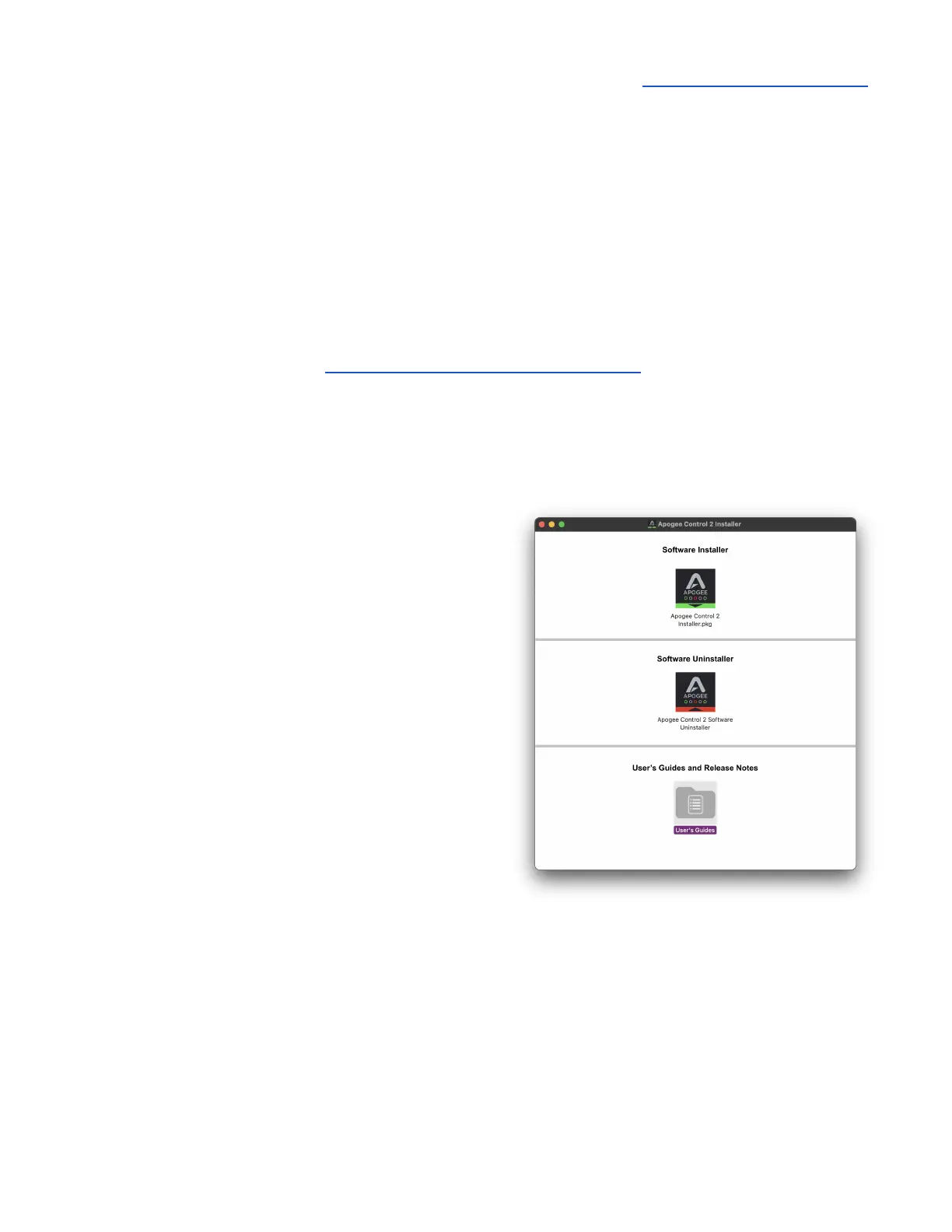
Once downloaded, double-click the .dmg file to
display the contents:
● Apogee Control 2 Software Installer
● User’s Guides
● Apogee Control 2 Uninstaller
To install Apogee Control 2 Software:
1. Double-click the Apogee Control 2 Software
installer.
2. A dialog box will appear with a series of steps to
complete the installation.
3. You will be required to restart your computer.



 To Next Page