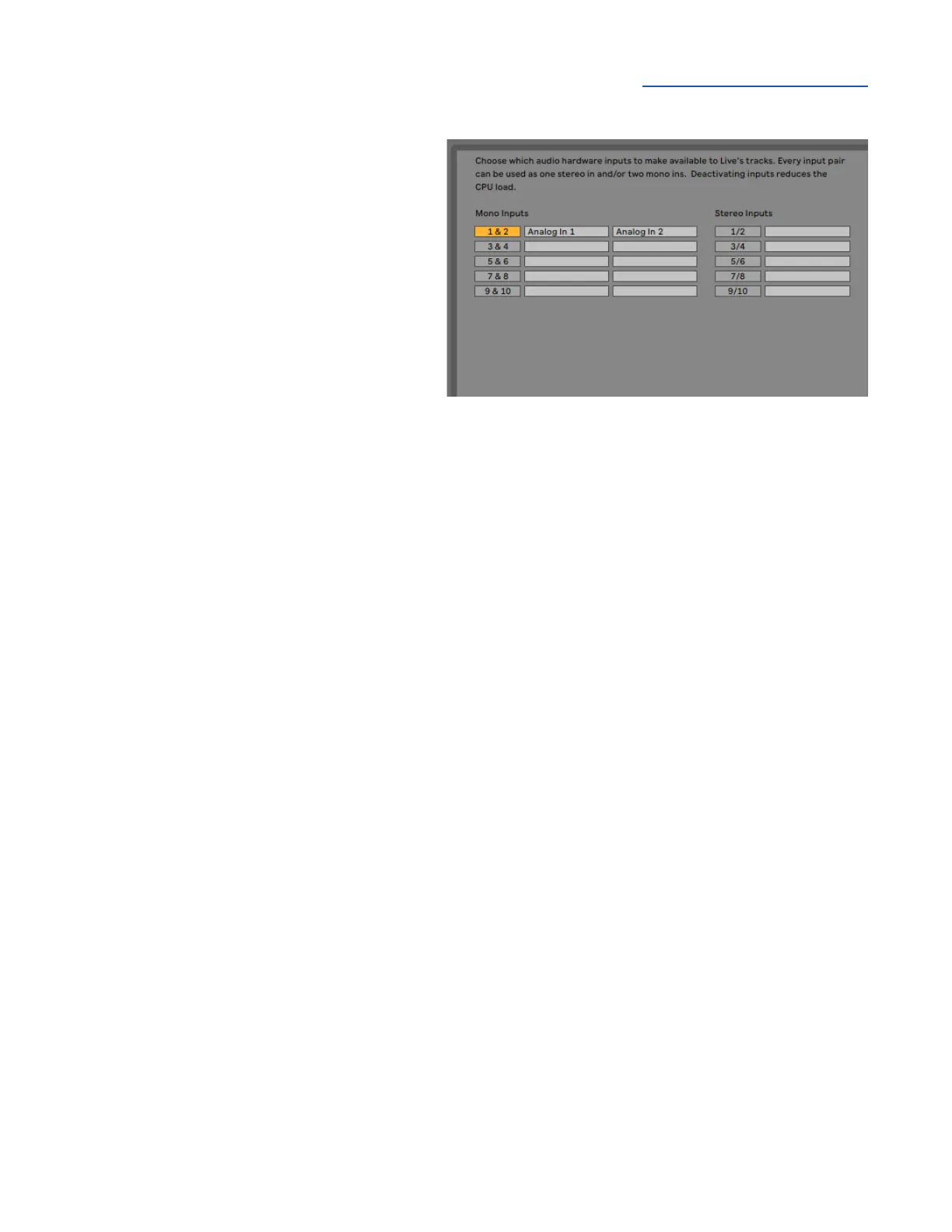
To set channel Input & Output list labels:
● Choose Live > Preferences and click the
Audio tab.
● Under Audio Device, click the Input
Config and Output Config buttons.
● Activate inputs & outputs by clicking the
numbered buttons. Once activated,
enter your preferred label, i.e. Analog IN
1, Playback 1-2.



 To Next Page