174
The following tables illustrate some of the icons found in
the main window of Remote Desktop. The nal table shows
which network port numbers are in use by Apple Remote
Desktop.
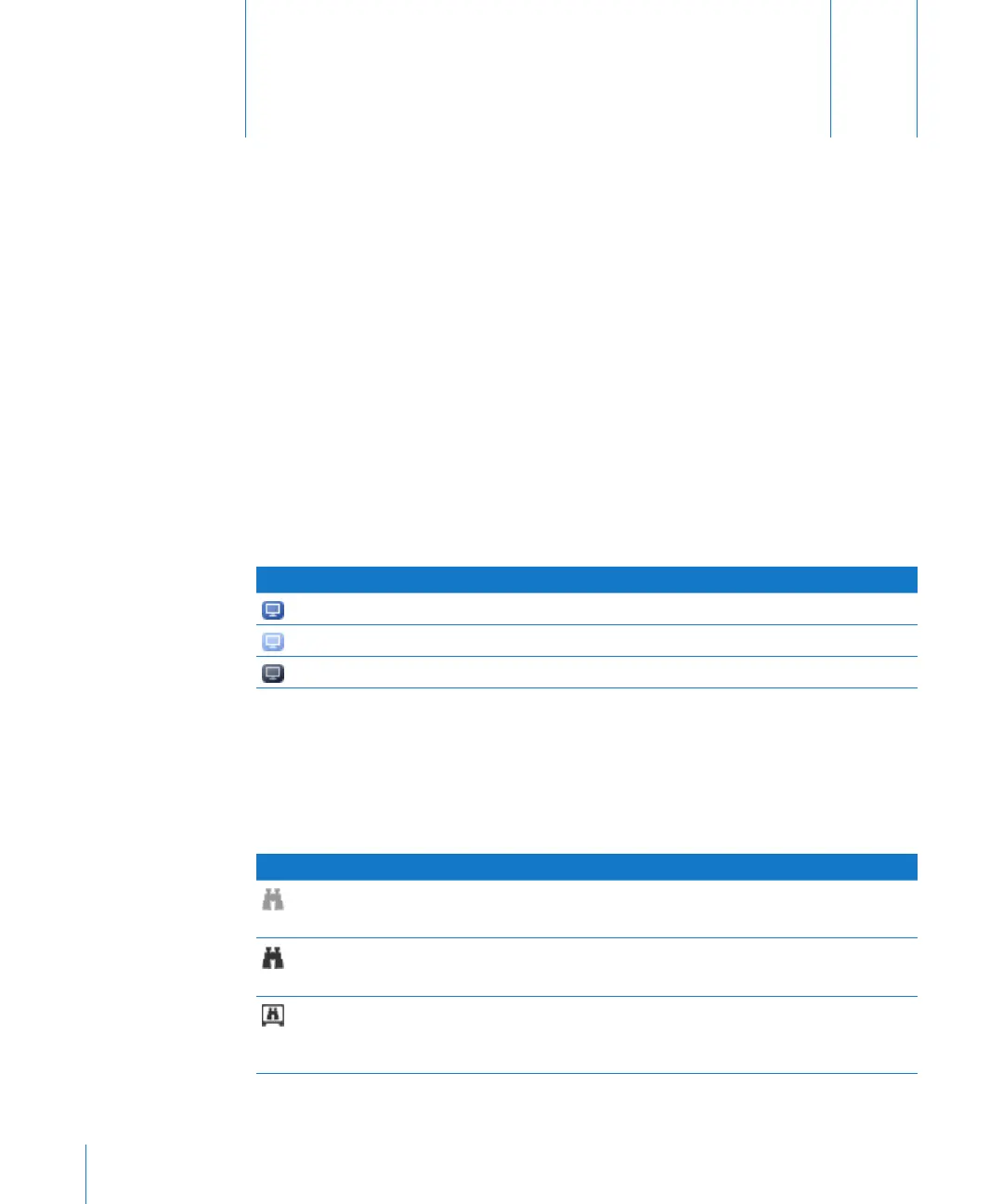
Client Status Icons
The following icons appear next to the names of computers in a scanner search results
list. The icons show the status of each computer in the list.
Icon What it means
Accessible to Apple Remote Desktop
Oine Apple Remote Desktop client
Ping response at IP address, but no Apple Remote Desktop client response
Apple Remote Desktop Status Icons
The Apple Remote Desktop status icon appears in the menu bar of each Apple Remote
Desktop client. The status icon has several states, depending on the status of the client
computer.
Icon What it means
Not Active
Apple Remote Desktop is installed but isn’t currently running on the client computer.
Ready
Apple Remote Desktop is installed and running on the client.
Administered
Apple Remote Desktop is installed and running on the client computer, the administrator is
actively observing or controlling, and the client is set to indicate when it is being observed.
Appendix
A
Icon and Port Reference



 To Next Page