Appendix A Icon and Port Reference 175
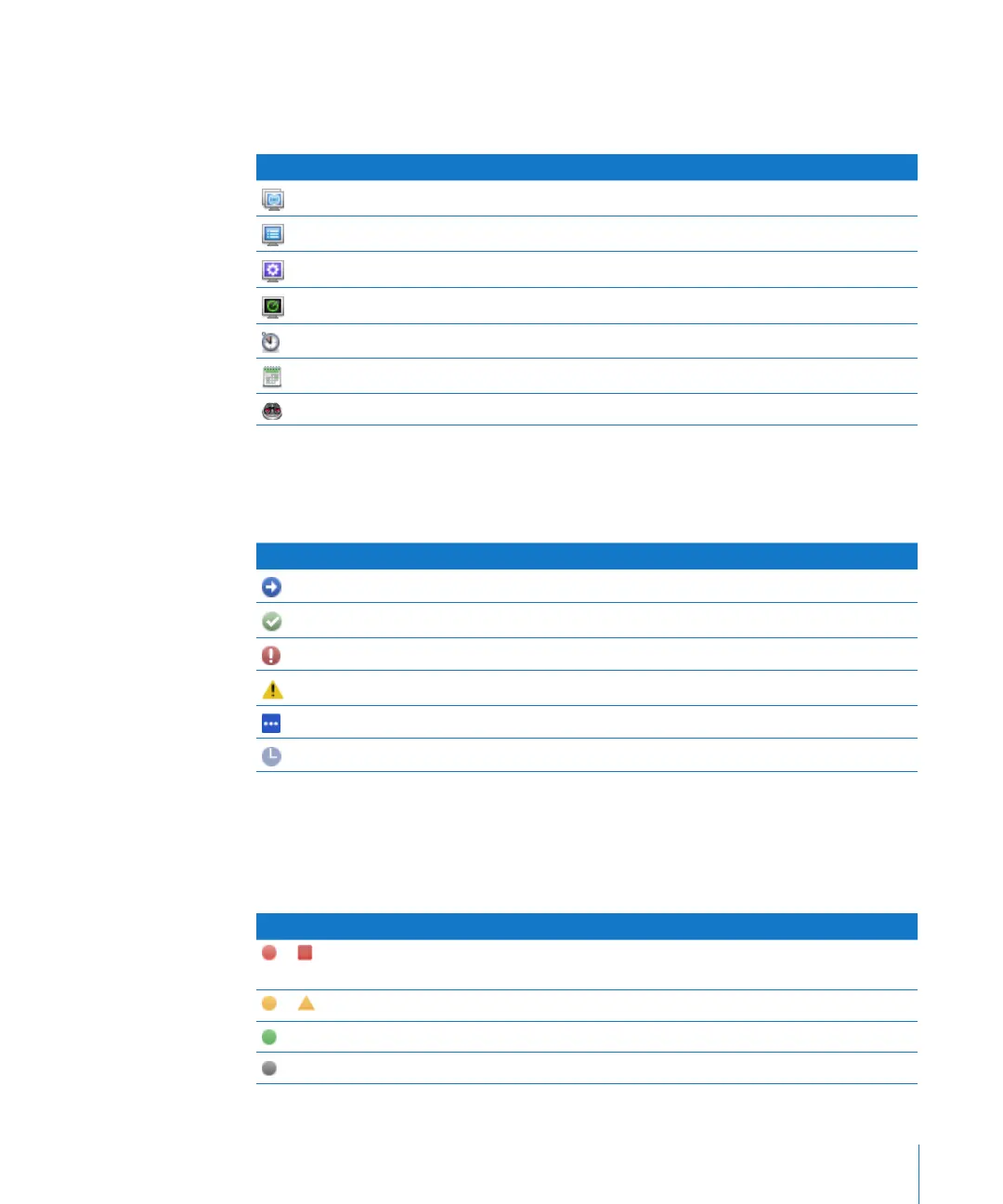
List Menu Icons
The following icons are used in the Apple Remote Desktop list area of the Remote
Desktop main window.
Icon What it means
All Computers list
Apple Remote Desktop list
Smart list
Scanner
Active Task list
Task History list
Task Server queue
Task Status Icons
The following icons are used in task list areas of the Remote Desktop main window.
Icon What it means
Running
Finished successfully
Exited with error
Incomplete
Queued
Scheduled
System Status Icons (Basic)
The following icons are shown as initial high-level status indicators for observed client
computers.
Icon Indicates
or One or more service statistics is red. This takes precedence over any yellow or
green indicator.
or One or more service statistics is yellow. This takes precedence over any green indicator
Service is operating within established parameters.
No service information available.



 To Next Page