Chapter 1 Using Apple Remote Desktop 25
Supporting Users
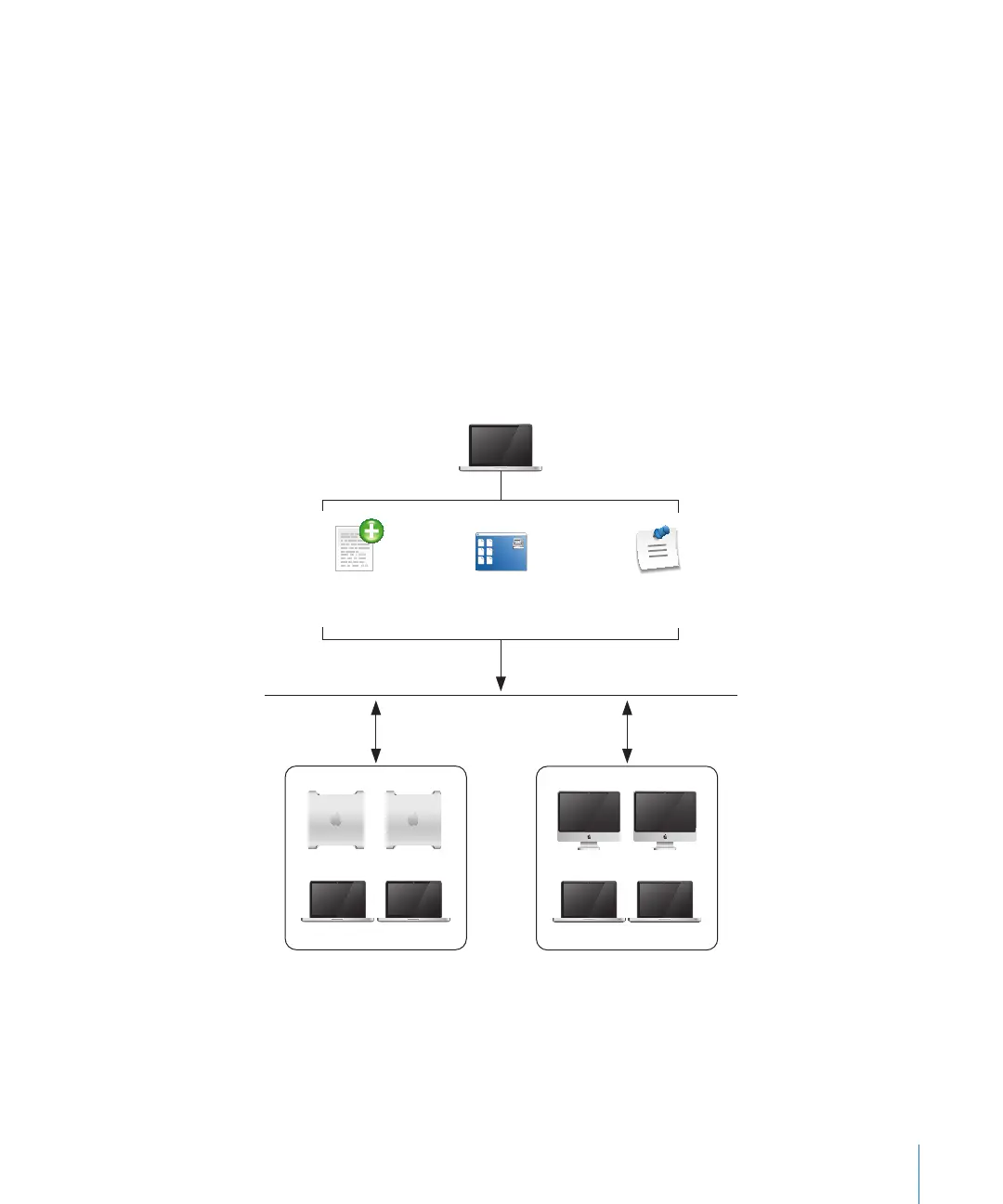
Apple Remote Desktop lets you interact with users from your administrator computer
in these ways:
 Provide help: respond to users who need help by using Apple Remote Desktop to
receive user requests and to remotely diagnose and x problems.
 Interact: conduct instructional interactions with students in a school or corporate
training environment—from controlling or observing student screens to sharing
your screen with all your students in order to perform a demonstration.
Providing Help Desk Support
When a user is having trouble, Apple Remote Desktop provides several ways to
interact with the user and his or her computer to diagnose and x the problem.
Marketing department
Engineering department
Administrator
computer
Use
text chat
Control, observe, and
share screens
Distribute items
electronically



 To Next Page