EasyManua.ls Logo

Applus+ Smog DADdy - User Manual

Default Icon
59 pages
Print Icon
To Next Page IconTo Next Page
Loading...
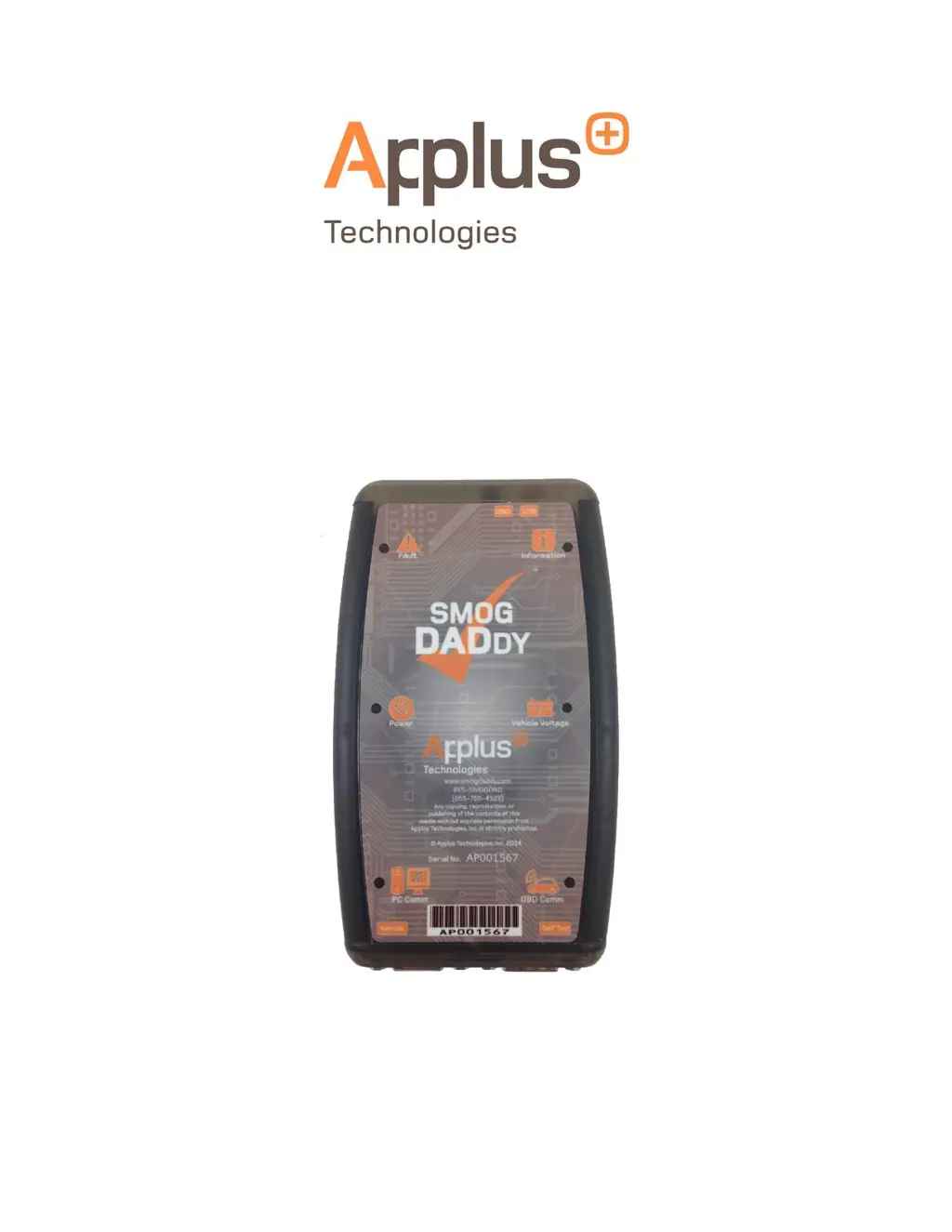
Smog DADdy
User Guide
Version 8.2

Questions and Answers

Summary

Introduction

System Requirements

Lists the necessary computer specifications for BAR-OIS system requirements.

Safety Information

Safety Instructions

Provides critical safety guidelines for operating the Smog DADdy device.

Smog DADdy Overview

Key Features

Fault LED

Indicates a fault condition existed during the previous self-test.

Power LED

Indicates Smog DADdy is on and running; dims in low power mode.

PC Comm LED

Indicates data transfer between Smog DADdy and PC.

Information LED

Indicates normal mode or firmware update status.

Vehicle Voltage LED

Illuminates when battery voltage is present on the vehicle's OBDII port.

OBD Comm LED

Indicates established communication link with the vehicle.

Cable Connections

Wired Smog DADdy

Details the cables and setup for the wired model.

Wireless Smog DADdy

Cables Used

Lists the cables required for the wireless Smog DADdy setup.

Smog DADdy Manager Software

Installation

Guides through the process of installing the Smog DADdy Manager software.

Updating Smog DADdy Firmware

Provides steps for manually updating the device's firmware.

Updating Smog DADdy Manager Software

Details the procedure for updating the Smog DADdy Manager software.

Performing a Self-Test

BAR-OIS Software Installation

Installation

Guides through the steps for installing the BAR-OIS software.

COM Port and BAR-OIS Configuration

Wired Smog DADdy (Windows XP;7)

Configuration steps for wired devices on Windows XP/7.

Wireless Smog DADdy (Windows XP;7)

Configuration steps for wireless devices on Windows XP/7.

Wireless Smog DADdy (Windows 8;8.1)

Configuration steps for wireless devices on Windows 8/8.1.

Wired Smog DADdy (Windows 8;8.1)

Configuration steps for wired devices on Windows 8/8.1.

Configuring BAR-OIS

DAD Configuration

Guides setting up the DAD vendor and port configuration.

Updating BAR-OIS Configuration

Self Diagnostics

Confirms BAR-OIS communication with Smog DADdy via diagnostics.

Using the BAR-OIS

Performing a Vehicle; Smog Inspection

Performs an official OIS smog check on a vehicle.

Performing a Self-Test (BAR-OIS)

DAD Diagnostics

Runs the self-test procedure within the BAR-OIS application.

Auxiliary Power and Alternate Ground Operation

Auxiliary Power

Addresses operation with vehicles missing battery voltage.

Alternate Ground

Addresses operation with vehicles missing ground signal.

Appendix

Maintenance

Simple procedures to ensure the longevity of the Smog DADdy.

Troubleshooting

Solutions for common issues encountered with the Smog DADdy.

Power

Troubleshoot power-related issues with the device.

Self-Test

Troubleshoot self-test failures or issues.

Vehicle Communication

Troubleshoot communication problems with the vehicle.

Indicator Lights

Troubleshoot issues related to device indicator lights.

Smog DADdy Manager Software

Troubleshoot software installation and functionality.

BAR-OIS Software

Troubleshoot issues with the BAR-OIS software.

Wireless Tips

Provides tips for using the wireless Smog DADdy device.

Regulatory Information

Declaration of Conformity

States compliance with Part 15 of the FCC Rules.

FCC RF Radiation Exposure Statement

Details FCC RF radiation exposure limits for the device.

Contacting Customer Service

Technical Support

Provides contact information for technical assistance.

Applus+ Smog DADdy Specifications

General IconGeneral
BrandApplus+
ModelSmog DADdy
CategoryPrinter Accessories
LanguageEnglish