Applus Technologies, Inc. Smog DADdy User Manual VER 8.2 Page 28 of 55
Windows 8/8.1
This section reviews the steps to configure a wired or wireless Smog DADdy Communication
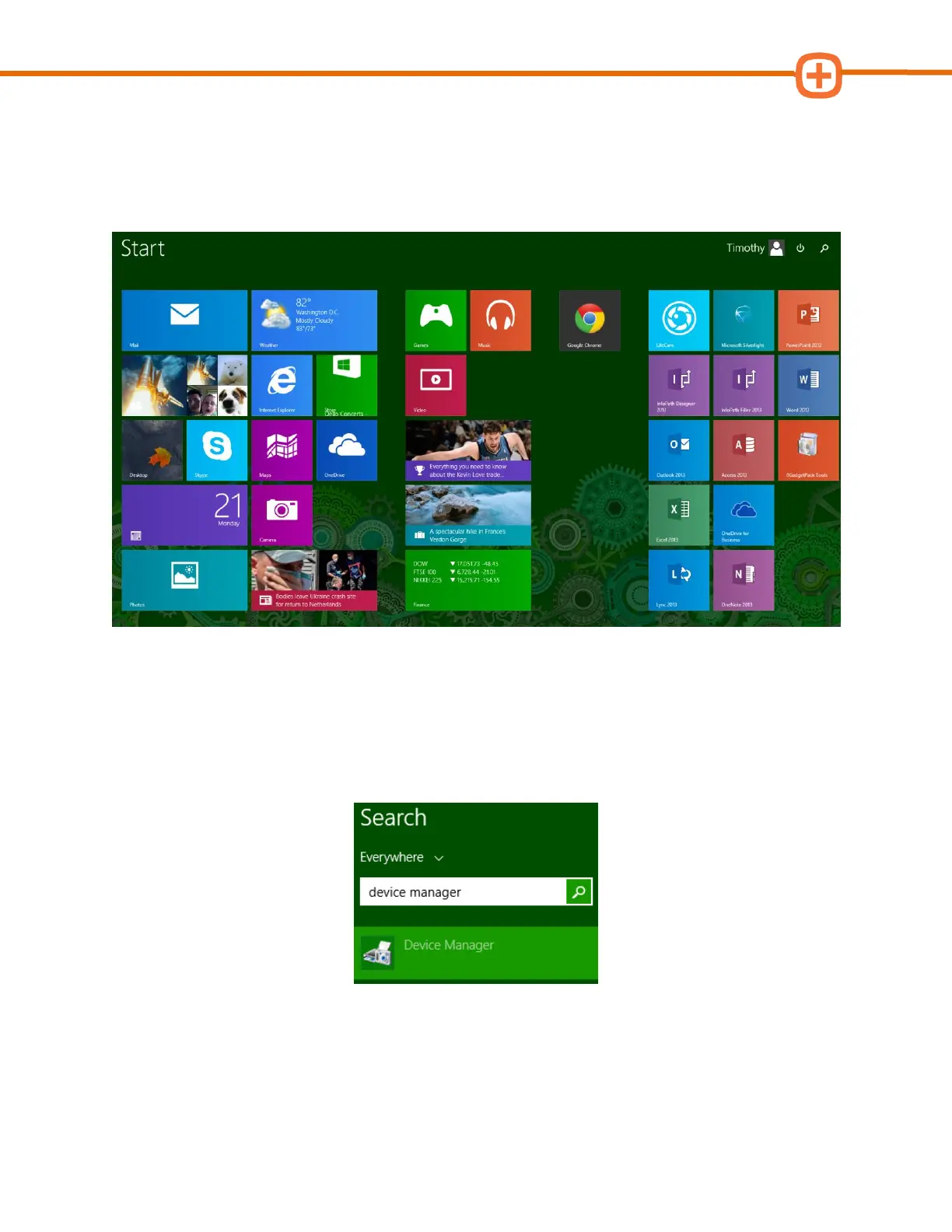
(COM) Port from the native Windows 8/8.1 Start screen, shown below, rather than the
traditional Desktop Start screen.
Wired Smog DADdy
1. Connect Smog DADdy to the computer using the USB cable provided.
2. From the Windows 8 Start screen, type device manager and select Device Manager
from the search results.



 To Next Page