Applus Technologies, Inc. Smog DADdy User Manual VER 8.2 Page 29 of 55
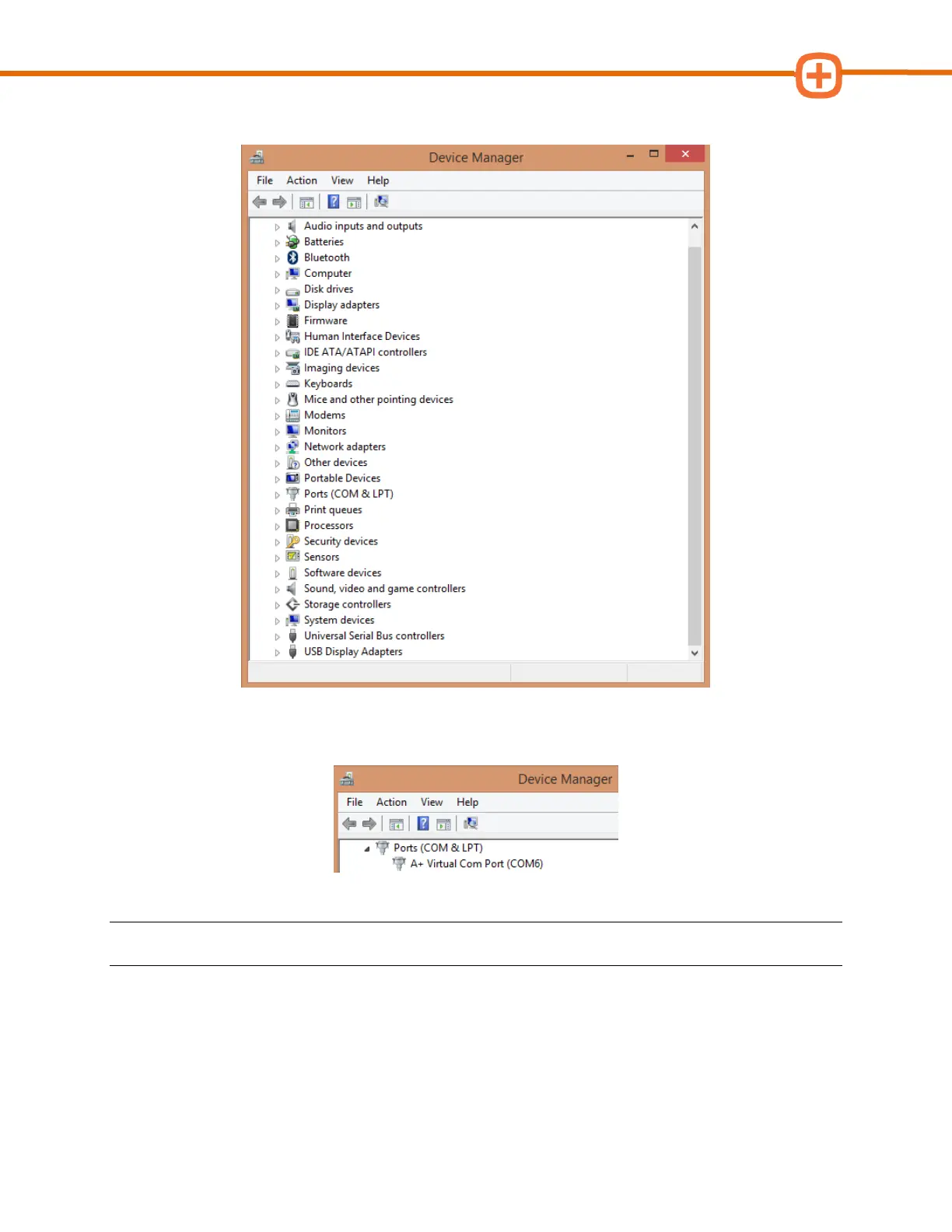
3. Scroll down and find Ports (COM & LPT), click on it to expand.
4. Make note of the COM port number in parenthesis after A+ Virtual Com Port. In the
example below, it is “COM6” (capital letters, no spaces).
NOTE: Your port number will be used in the next step; you may want to write it down.
Please go to the Configuring BAR-OIS section, to complete the configuration process.
Wireless Smog DADdy
1. Connect Smog DADdy to the computer using the USB cable provided.



 To Next Page