Applus Technologies, Inc. Smog DADdy User Manual VER 8.2 Page 24 of 55
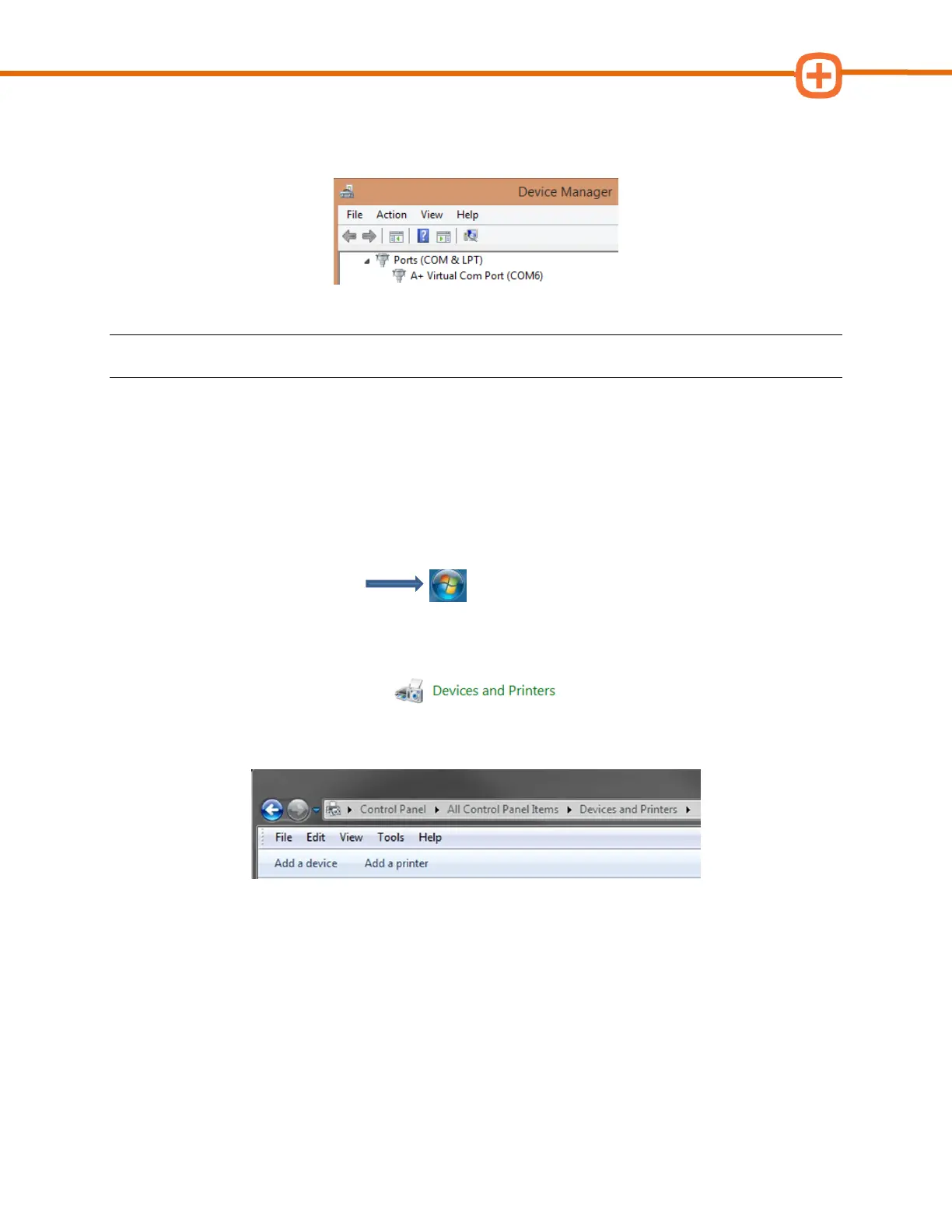
7. Make note of the COM port number in parenthesis after A+ Virtual Com Port. In the
example below, it is “COM6” (capital letters, no spaces).
NOTE: Your port number will be used in the next step; you may want to write it down.
Please go to the Configuring BAR-OIS section, to complete the configuration process.
Wireless Smog DADdy
If you are a supplying your own laptop or PC it must have Bluetooth adapter installed and
enabled.
1. Connect Smog DADdy to the computer using the USB cable provided.
2. Click on the Start Menu.
3. Click on Control Panel.
4. Click on Devices and Printers.
5. Click Add a device from the window toolbar at the upper-left hand side of the screen.



 To Next Page