Applus Technologies, Inc. Smog DADdy User Manual VER 8.2 Page 6 of 55
Key Features
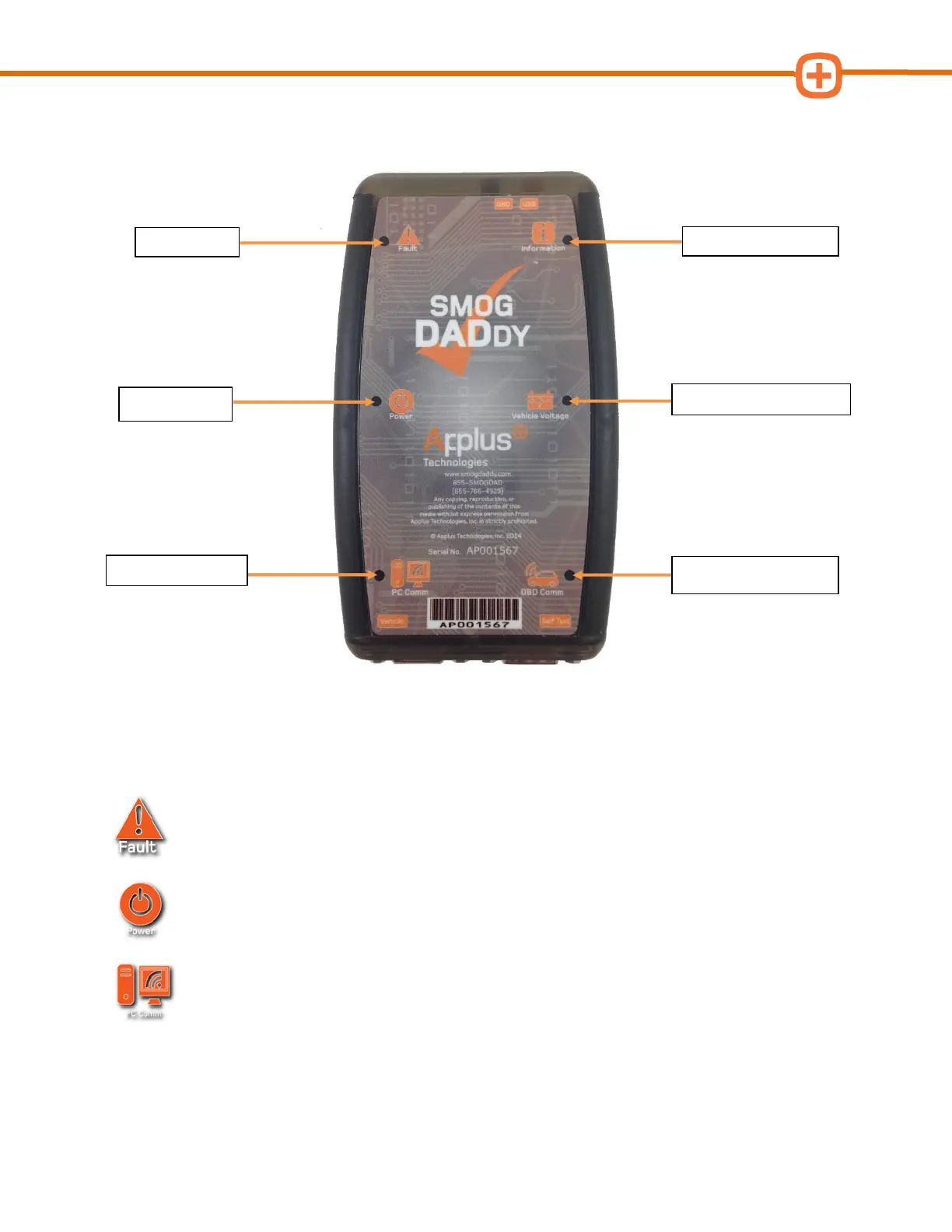
Indicator LEDs
Smog DADdy has 6 indicator LEDs that illuminate when communicating test or device
information to you. For more information on indicators, see Troubleshooting in the Appendix.
Fault
Indicates a fault condition existed during the previous self-test.
Power
Indicates Smog DADdy is on and running. If there has been no activity between the
PC and Smog DADdy, the light will dim to indicate low power mode on wireless units.
PC Comm
Indicates data transfer between Smog DADdy and the PC. Wired devices will show
data transfer with short blinking flashes. Wireless devices will illuminate longer with shorter off
times.



 To Next Page