Applus Technologies, Inc. Smog DADdy User Manual VER 8.2 Page 7 of 55
Information
Light flashes once every 2 seconds to indicate Smog DADdy is running in normal
mode. Light flashes 5 times per second when the DAD firmware is being updated or is
ready to be updated.
Vehicle Voltage
Illuminates when battery voltage is present on the vehicles OBDII port (pin 16).
OBD Comm
Once a vehicle inspection has been initiated, this light indicates a communications
link between the vehicle and Smog DADdy has been established.
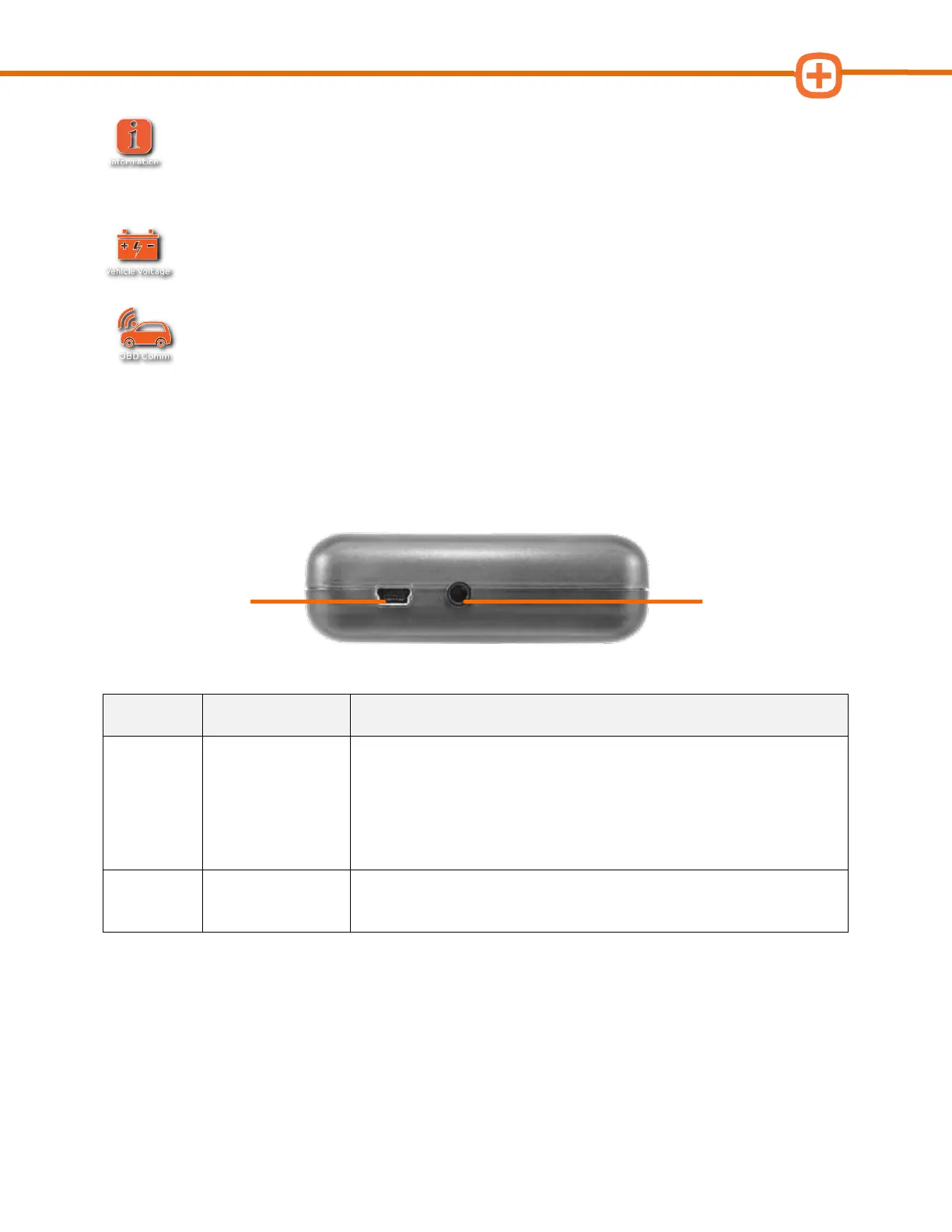
Cable Ports
Connects Smog DADdy to the computer using a USB cable.
Provides power and a communication link between the device
and the computer.
Wireless Version – USB port used to charge the battery in the
device and allows it to operate as a wired device.
Connects Smog DADdy to the Alternate Ground cable.
Top Connections
Alternating Ground
Port



 To Next Page