Applus Technologies, Inc. Smog DADdy User Manual VER 8.2 Page 37 of 55
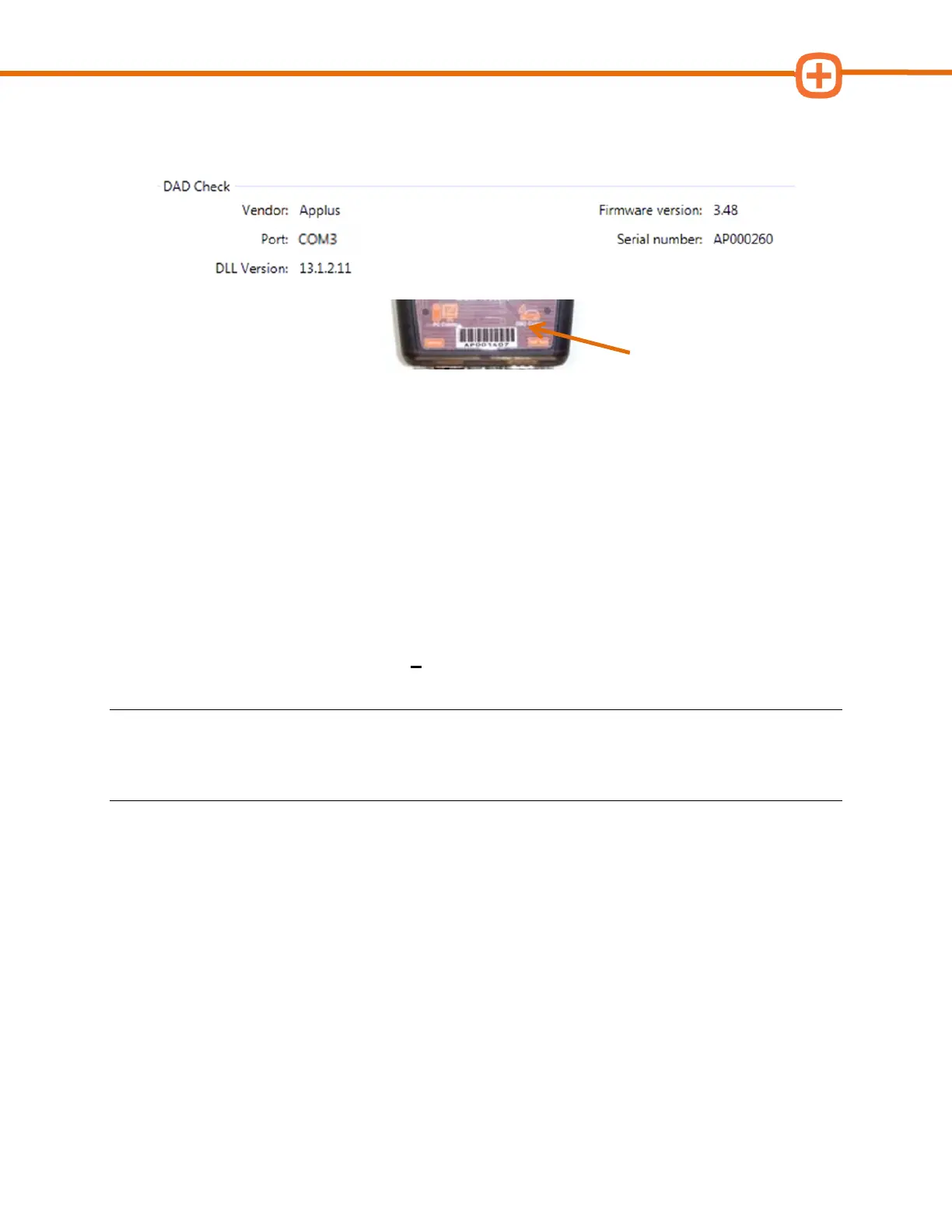
5. Verify the serial number displayed matches the serial number shown on the Smog
DADdy decal.
6. Select Return to BAR-OIS.
Using the BAR-OIS
Performing a Vehicle / Smog Inspection
This option performs an official OIS smog check on a vehicle.
1. If you haven’t done so already, launch the BAR-OIS application.
2. From the home screen, click on 1 Perform Inspection
NOTE: When using a wireless unit, always connect the DLC cable to the test vehicle prior to
selecting Perform Inspection and confirm that the DAD power light is on. Please see Wireless
Tips in the Appendix for additional information.
3. Follow the prompts.



 To Next Page