Applus Technologies, Inc. Smog DADdy User Manual VER 8.2 Page 23 of 55
COM Port and BAR-OIS Configuration
During the BAR OIS software installation process, you will be required to enter your Smog
DADdy communication (COM) port number. This section reviews how to find and submit the
proper information. The steps are different for the wired and wireless versions of Smog DADdy
and vary by Windows Operating System (OS). Instructions for each type of device are listed
separately.
Windows XP and Windows 7
Wired Smog DADdy
1. Connect Smog DADdy to the computer using the USB cable provided.
2. Click on the Start Menu.
3. Click on Control Panel.
4. Click on System.
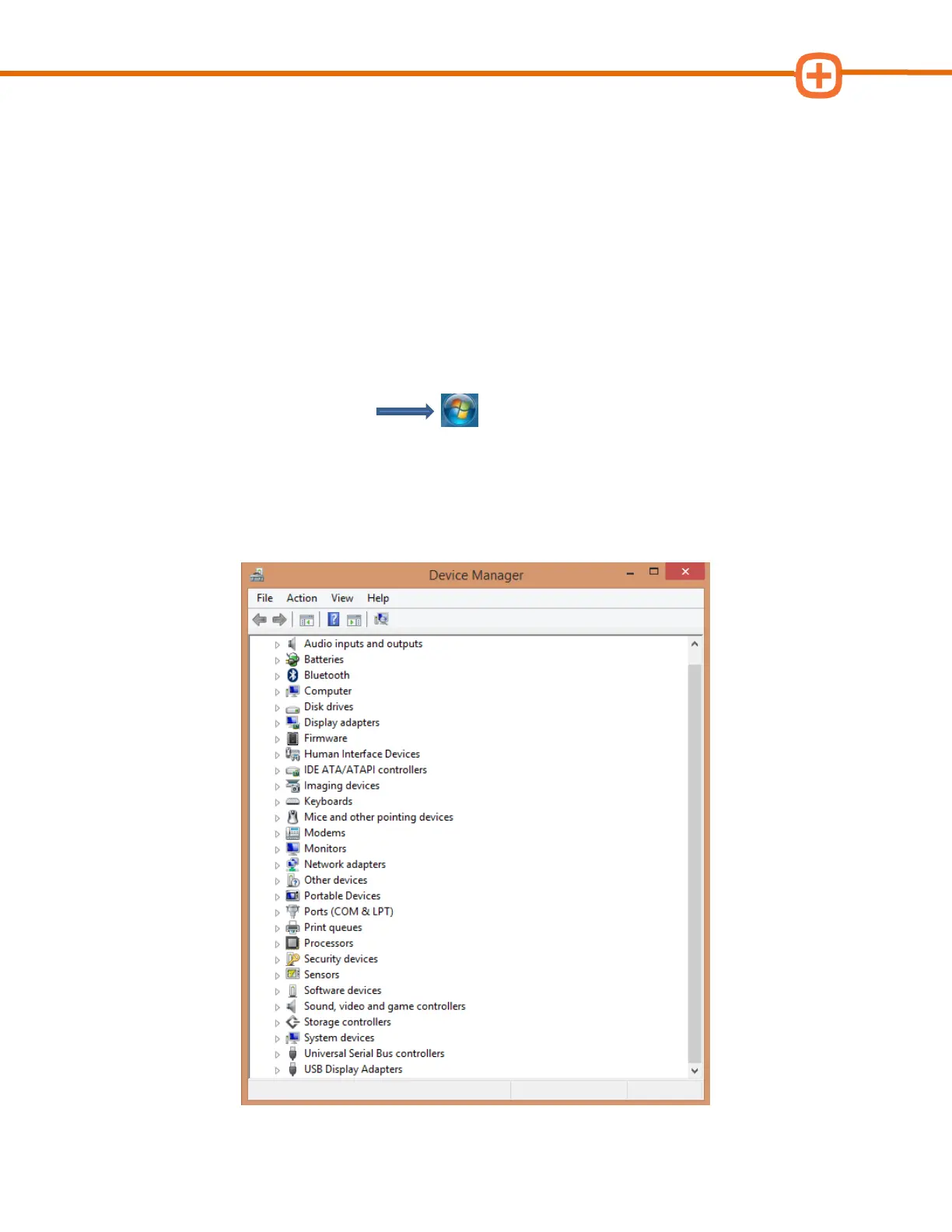
5. Click on Device Manager.
6. Scroll down and find Ports (COM & LPT), click on it to expand.



 To Next Page